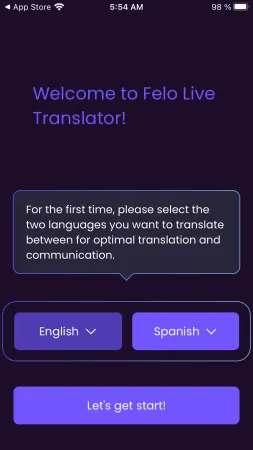
Free Real Time Translation app for iPhone for Travelers
Felo is a free iPhone app that offers you real time translation and is powered by latest version of the GPT AI.
Read more: Free Real Time Translation app for iPhone for Travelers »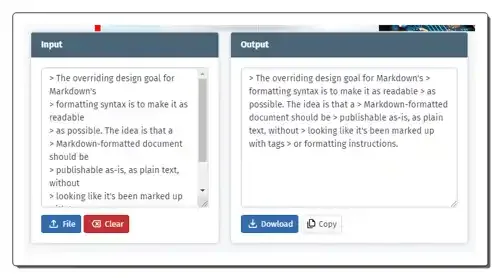
Use these online multiline to single line converter websites to quickly convert multiline text with line breaks into a single line text.
Here is a list of best free multiline to single line converter websites. Multiline to single line converter is a tool that helps users convert their multiline text data with linebreaks into a single line text without any line breaks. This conversion is mainly performed to format text for a specific program or to make text easier to read. This process is also performed with XML, JSON, and other text-based languages for formatting purposes. If you also want to convert multiline text to a single line, check out these online multiline to single line converter websites.
I have tested more than 25 online tools and services and come up with these 9 best free multiline to single line converter websites. These websites help me quickly convert all my unformatted multiline text and text-based languages to single-line format. Some converters can even remove all the extra spaces from multiline text. In some tools, users get the ability to fetch text data from a file. Plus, users can edit the text data within the interfaces of these tools. To help new users, I have included conversion steps in the description of each converter. Go through the list to learn more about these websites.
ovdss.com is my favorite website as it can remove both line breaks and extra spaces between the words. It can also fetch multiline data from a file, unlike other websites.
You can also check out lists of best free Online ASCII to Text Converter, Online Text to Octal Converter, and Online Text Separator websites.
| Features/Website Names | Can remove extra spaces from the text | Works with JSON and XML data | Shows use cases of this tool |
|---|---|---|---|
| ovdss.com | ✓ | x | ✓ |
| coderstea.in | x | x | ✓ |
| knowledgewalls.com | x | x | x |
| w3percentagecalculator.com | x | ✓ | ✓ |
| onecompiler.com | x | ✓ | x |
| techcybo.com | x | ✓ | x |
| a2z.tools | x | x | ✓ |
| textfixer.com | ✓ | x | ✓ |
| lingojam.com | x | ✓ | ✓ |
ovdss.com is a free online multiline to single line converter website. With the help of this website, I can convert multiline text with irregular spacing between words to streamlined single-line text without any extra space between words. Unlike similar websites, it can fetch text data from a file. After performing the conversion, users can save the output text in TXT file format.
This website describes this multiline to single line converter and shows steps to use this tool. Besides this, it also describes its advantages. Now, follow the below steps.
It is one of the best free online multiline to single line converter websites that can remove all line breaks and extra spaces from a multiline text.
| Pros |
|---|
| Can remove extra spaces and all line breaks |
| Can fetch text from a file |
| Describes this tool and its advantages |
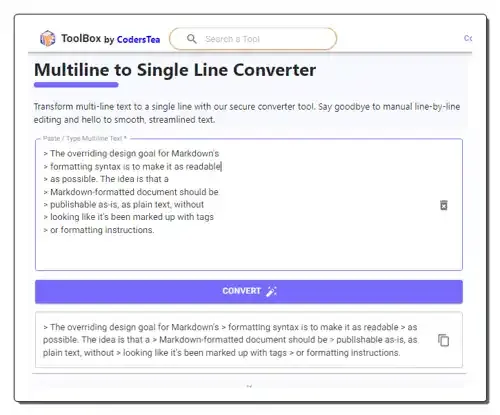
coderstea.in is a free online multiline to single-line converter website. With the help of this tool, I can easily streamline all my fragmented text. To do that, it converts multi-line text and line breaks into a single streamlined text line. I can also edit the multiline data within the interface of this tool.
To help out users, it explains multiline to single-line conversion and how it works. It also lists the use cases where users need to convert multiline to a single line. Now follow the below steps.
It is a simple online multiline to single line converter website that helps users streamline all their unformatted text data.
| Pros |
|---|
| Lists use cases of this tool |
| Answers FAQs related to this topic |
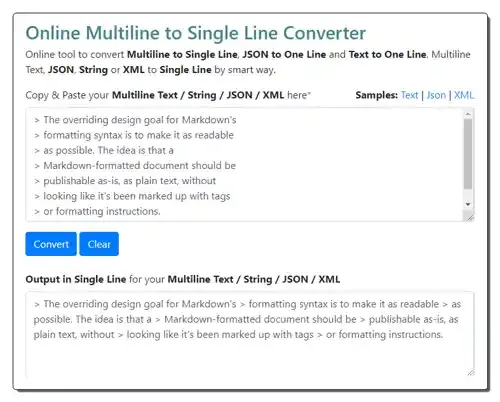
knowledgewalls.com is another free online multiline to single-line converter website. Through this website, I can convert multiline text, string, JSON, and XML data to a streamlined single line. Plus, I can edit the data before and after performing the conversion. A sample multiline text is also available that users can use to test this tool. However, it doesn’t offer information related to this topic. Now, follow the below steps.
It is another good online multiline to single line text converter website that anyone can use to streamline their existing text data.
| Pros | Cons |
|---|---|
| Easy-to-use | Lacks information related to this topic |
| Lets users edit both the input and output data |
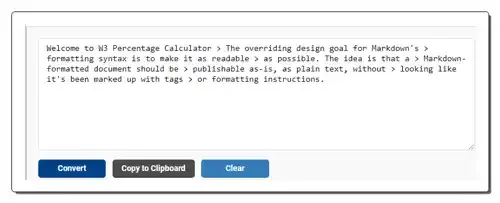
w3percentagecalculator.com is another free online multiline to single line converter website. It is another capable website that can quickly convert text with line breaks to single-line text. It also shows the use cases of this tool and lists the steps to convert multiline text to single-line text. This tool can also be used with JSON, String, and XML data. Now, follow the below steps.
It is another good multiline to single-line converter website that anyone can use without much hassle.
| Pros |
|---|
| Can work with Text, JSON, and XML data |
| Shows conversion steps |
| Lists use cases |
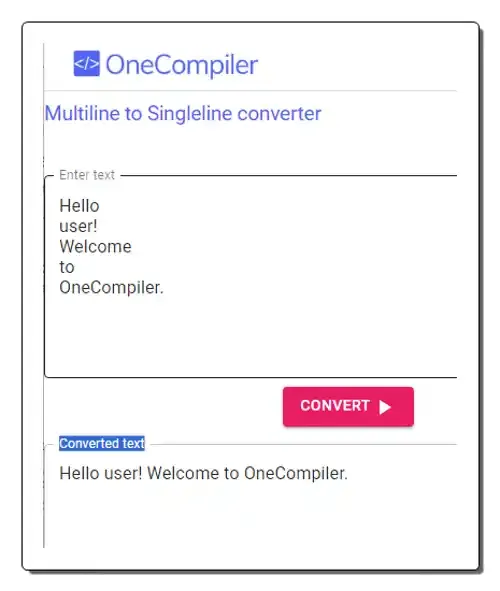
onecompiler.com is another free online multiline to single line converter website. This website allows me to quickly convert a large set of multi-line text into single-line text without any line breaks. It also supports XML and String data. It also shows the steps to use this converter and provides sample multiple-line text that users can use for testing. The process to use this tool is also quite simple. Now, follow the below steps.
It is another straightforward online multiline to single-line converter website that helps me convert multiline text to single-line text.
| Pros | Cons |
|---|---|
| Can work with Text, JSON, and XML data | Lacks information related to this topic |
| Shows conversion steps |
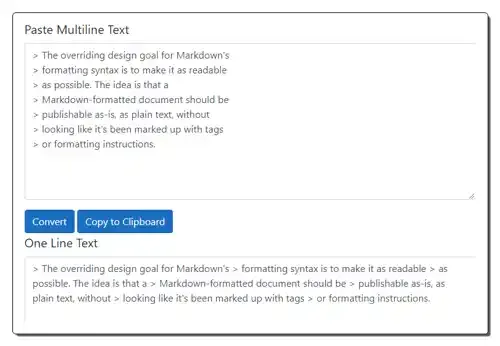
techcybo.com is another free online multiline to single line converter website. This site can convert any type of multiline text data to streamlined single-line data. Some of the text-based data that it supports are JSON and XML. Users can also edit the text data within its interface if they want. After performing the conversion, the output single-line text can be copied to the clipboard. Now, follow the below steps.
It is another good online multiline to single-line text converter that can quickly convert multiline text to a single line without any line breaks.
| Pros |
|---|
| Works with JSON, Text, and XML data |
| Easy to use |
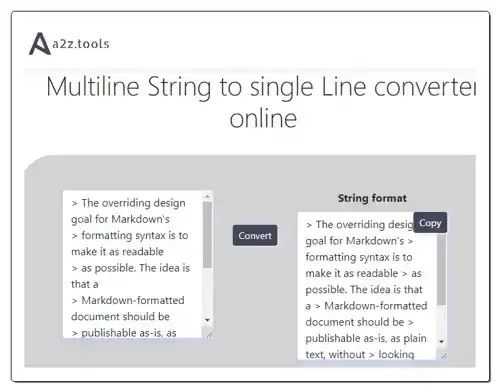
a2z.tools is another free multiline to single line converter website. This website offers a standard multiline to single line converter that converts multiline input text with line breaks into single-line text. However, it maintains the space between words in the output. It also explains this tool and highlights its uses. I also like the multiline text examples provided by it. Overall, it is a simple-to-use tool that anyone can use to get single-line text. Now, follow the below steps.
It is another good online multiline to single line converter website that I like.
| Pros |
|---|
| Shows conversion steps |
| Provides multiline examples |
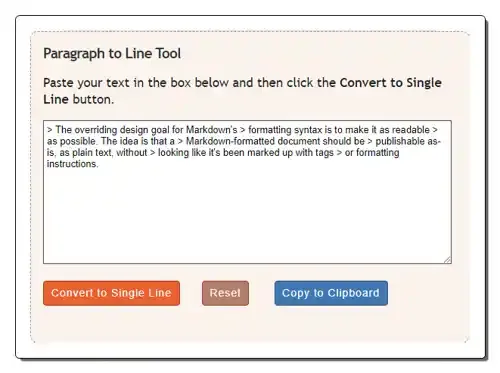
textfixer.com is another free online multiline to single line converter website. Using this website, users can convert multiline paragraphs into a single-line string. It removes all the line breaks from the input text. Unlike other websites, it also removes unnecessary spaces from the input text. This website also highlights the fields where multiline to single-line conversions are used. Now, follow the below steps.
It is another good online multiline to single line converter website that helps me convert multiline text with unnecessary spaces to single-line text.
| Pros |
|---|
| Can also remove unnecessary spaces from the text |
| Highlights the use case of this tool |
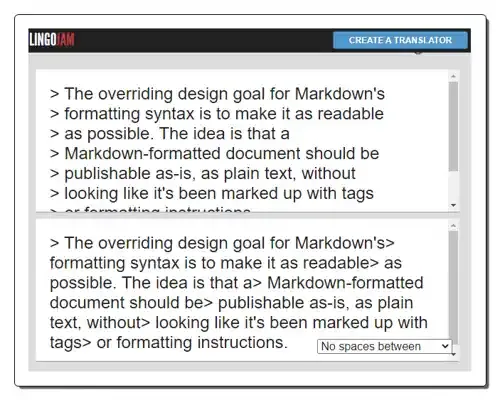
lingojam.com is the next free online multiline to single line converter website. This website offers a text-to-one-line converter that converts multiline text and JSON data to single-line text. It also offers tools to add commas, spaces, or any other custom character between words. However, it cannot remove extra spaces from the text. It also lists possible use cases of this tool. However, it lacks information related to this tool. Now, follow the below steps.
It is another good online multiline to single line converter website that can also add custom characters between words.
| Pros |
|---|
| Can add custom characters to text |
Some programs or systems might not handle multiline text well. By converting the text to a single line, you can make sure that it will be processed correctly. A single line of text takes up less space than multiple lines. This can be useful for things like storing data in a database or file, or for making code easier to read on a small screen.
Felo is a free iPhone app that offers you real time translation and is powered by latest version of the GPT AI.
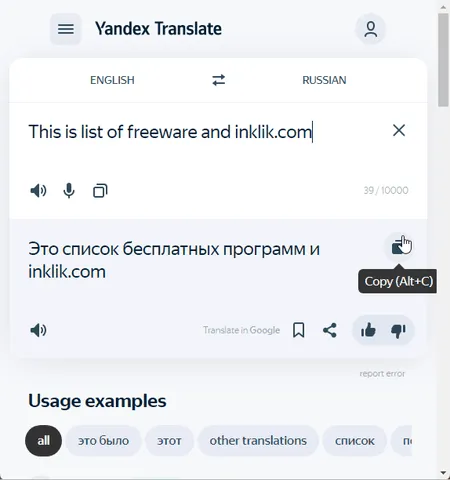
Read more: Free Real Time Translation app for iPhone for Travelers »Check out these free online Google Translate alternatives where you can easily translate between hundreds of different languages.
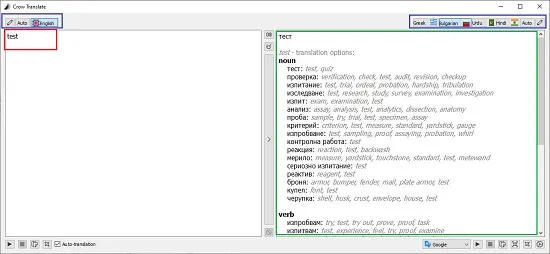
Read more: 13 Best Free Online Google Translate Alternatives »In this article, we will discussing 5 Free Desktop Translation Applications powered by Google Translate Services.
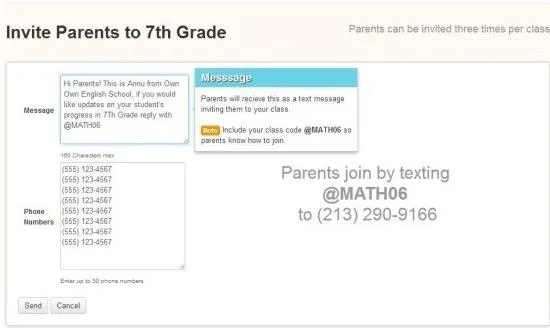
Read more: 5 Free Google Translate Client Apps for Desktop »Here are 3 free texting websites for teachers that let teachers send free text messages to students and parents.
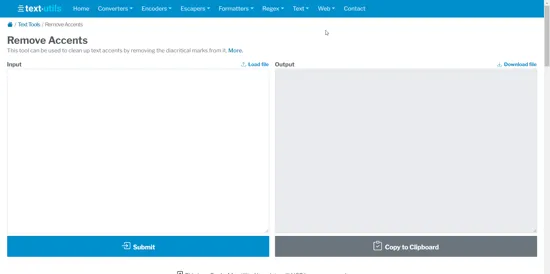
Read more: 3 Free Websites For Teachers To Send Free Text Messages To Students »In this article, you will read about a free online tool that allows you to remove accents from the text by removing Diacritical Marks.
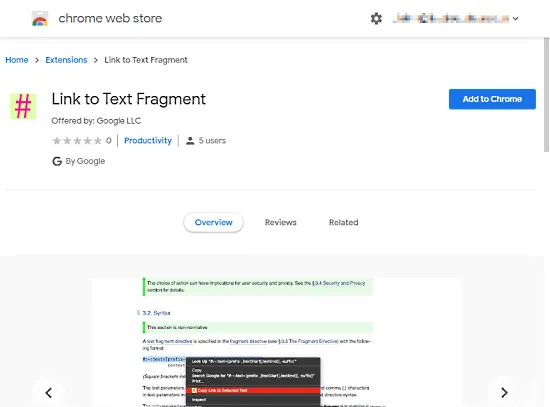
Read more: Remove Accents from Text by Removing Diacritical Marks Online Free »Here is a free browser extension by Google that allows users to copy a link to selected text on a webpage to share that exact fragment with others.
Read more: How to Copy Link to Selected Text on a Webpage? »