5 Tetris Chrome Extensions and 3 Sites to Play Tetris

MiniTetris Tetris extension on the Chrome Web Store

5 free Tetris extensions for Google Chrome plus 3 websites where you can play Tetris in the browser, on Windows, Mac or Chromebook. Updated for 2026.

Contents
  1. Quick Comparison
  2. Tetris Extensions for Chrome
  3. Websites to Play Tetris in Chrome
  4. Which One Should You Pick?

Here’s a list of 5 Tetris extensions for Google Chrome and 3 websites where you can play Tetris right in your browser. An extension puts the game one click away in the Chrome toolbar, and most of them also work offline. A website needs no install at all and, in some cases, lets you play against other people online.

This post first went up in 2014. When I re-checked it in October 2026, all five extensions from the original list had been removed from the Chrome Web Store, so the list below is completely new.

How this list was put together: I couldn’t install and play every extension for this update, so each one is described from its Chrome Web Store page (the developer’s own description, user count, rating and last update date as of October 19, 2026). Most of these are small projects with few or no reviews yet, so check the permissions Chrome shows you before you click “Add to Chrome”. The screenshots of the extensions are taken from their store listings. The three websites were opened in Chrome and checked to be working, and their screenshots are my own from October 2026.

Quick Comparison

Name Type Users / ratings (Oct 2026) Last updated Works offline
MiniTetris Extension 1,000 users, no ratings yet Jan 2026 Not stated
Stacker - Falling Block Extension 2,000 users, 1 rating (5/5) Jun 2026 Yes, per store page
Falling Blocks Extension 20 users, no ratings yet Aug 2025 Not stated
Arcade Zone Extension (9 games) 67 users, no ratings yet Mar 2026 Not stated
Blocky Game Extension 117 users, no ratings yet Oct 2024 Yes, per store page
Tetris.com Website – – No
Jstris Website – – No
TETR.IO Website – – No

Tetris Extensions for Chrome

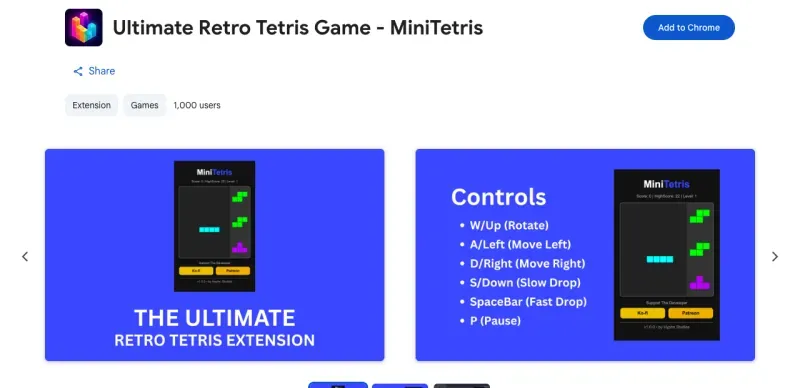
MiniTetris

MiniTetris Tetris extension on the Chrome Web Store

Ultimate Retro Tetris Game - MiniTetris by Hyphn Studios is a classic, retro-styled Tetris that opens with one click from the toolbar. The store page says it runs without ads, tracking or unnecessary permissions, which is the main thing to look for in a small game extension.

Controls listed by the developer: Up/W rotates, Left/A and Right/D move the piece, Down/S drops it slowly, Space does a hard drop and P pauses.

Get MiniTetris.

Stacker - Falling Block

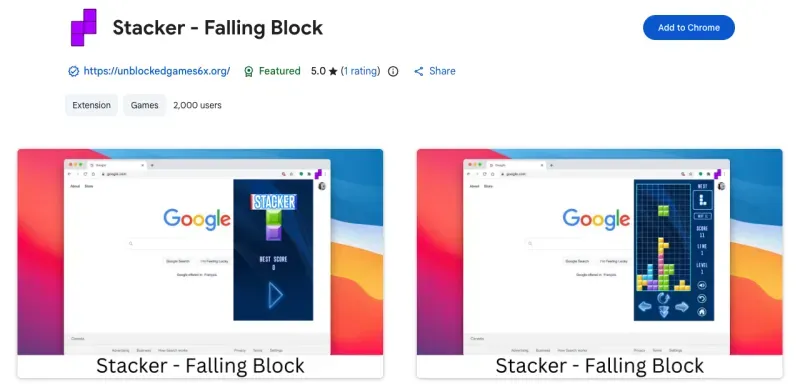
Stacker - Falling Block Chrome extension store listing

Stacker - Falling Block is the most-installed extension on this list. It plays in a popup, and the store page says it works offline without an internet connection. You arrange falling Tetriminos to clear lines and try to beat your own high score.

The store page mentions that the extension includes a link to the developer’s games website, so expect that in the popup.

Get Stacker - Falling Block.

Falling Blocks

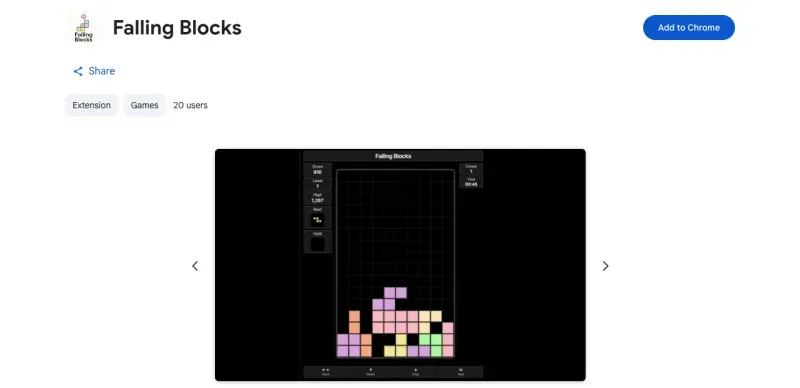
Falling Blocks Chrome extension with hold and next piece preview

Falling Blocks puts a modern twist on the formula. It has pastel blocks on a black background, and the developer says new block shapes unlock as you level up, up to 14 shapes in total. It also has a few features from modern Tetris that the simpler extensions skip: a hold slot (C key), a next piece preview, combo bonuses and locally saved high scores.

It is very new and tiny (about 15 KB), so there are no reviews yet.

Get Falling Blocks.

Arcade Zone

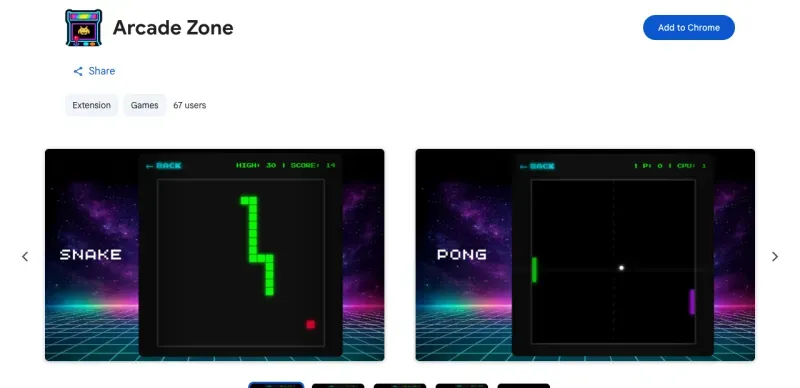
Arcade Zone Chrome extension with Tetris and other retro games

Arcade Zone is a small retro arcade pack rather than a Tetris-only extension. Besides Tetris it has Snake, Space Invaders, Breakout, Asteroids, Pong, Flappy Bird, 2048 and Simon Says. According to the store page, it uses a neon look with CRT scanline effects and saves your high scores automatically. Pick this one if you want a few different games in a single toolbar button.

Get Arcade Zone.

Blocky Game

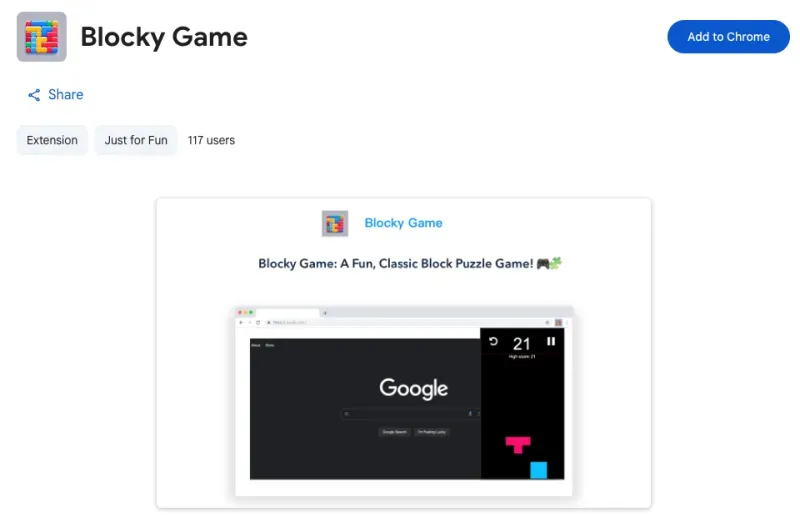
Blocky Game block puzzle Chrome extension playing in a popup

Blocky Game is a lightweight (about 76 KB) block-stacking game that opens in a popup from the Chrome toolbar. The developer describes it as a simple Tetris-inspired puzzle with a minimal design that also works offline. It hasn’t been updated since October 2024, so treat it as a backup pick.

Get Blocky Game.

Websites to Play Tetris in Chrome

If you’d rather not install an extension, these sites run in any Chrome tab, including on a Chromebook.

Tetris.com (Official)

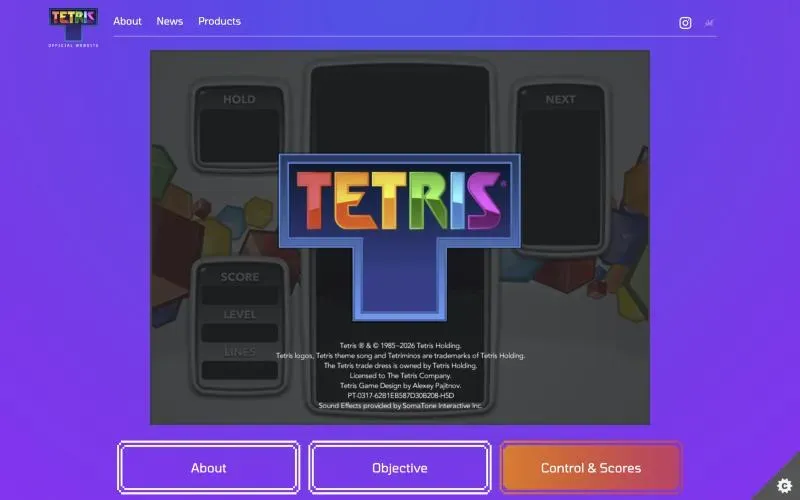
Official Tetris game at play.tetris.com in Chrome

The Tetris Company runs a free official version at play.tetris.com. Open the page and click Play Now to start. It’s the safest choice if you just want the real thing with no installs.

Play at Tetris.com.

Jstris

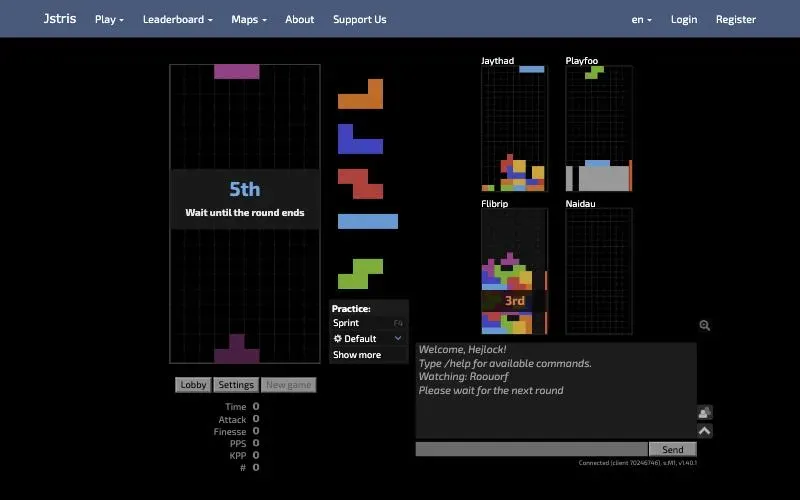
Jstris online Tetris with practice modes and multiplayer

Jstris is a fast, no-frills Tetris site that’s popular with players who want to get better. Besides normal play it has practice modes like Sprint (clear 40 lines as fast as you can), online lobbies to play against others, and stats such as pieces per second.

Play Jstris.

TETR.IO

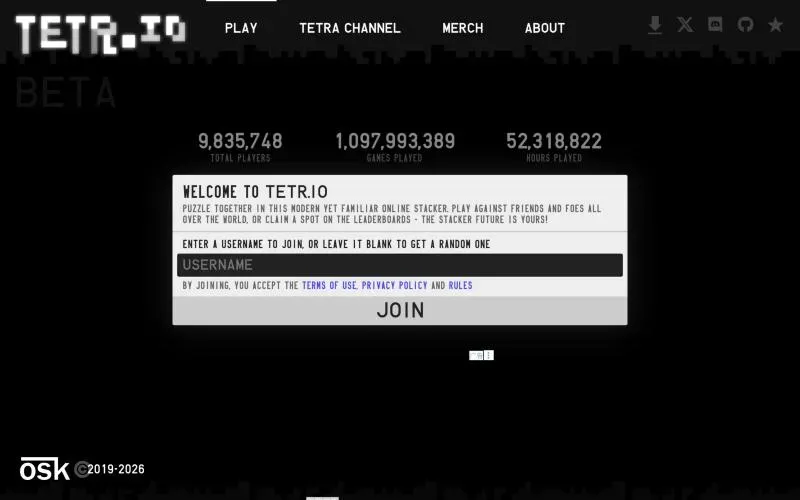
TETR.IO online multiplayer Tetris welcome screen

TETR.IO describes itself as a free-to-win, modern online stacker. You can play multiplayer matches against people around the world, climb the leaderboards, or play solo modes. It also has a desktop app if you end up playing a lot.

Play TETR.IO.

Which One Should You Pick?

For a quick game from the toolbar, start with MiniTetris or Stacker - Falling Block, the two most-installed extensions here. If you want modern features like hold and next-piece preview, try Falling Blocks. If you’d rather not install anything, Tetris.com is the official option, while Jstris and TETR.IO are the best places to play against other people.