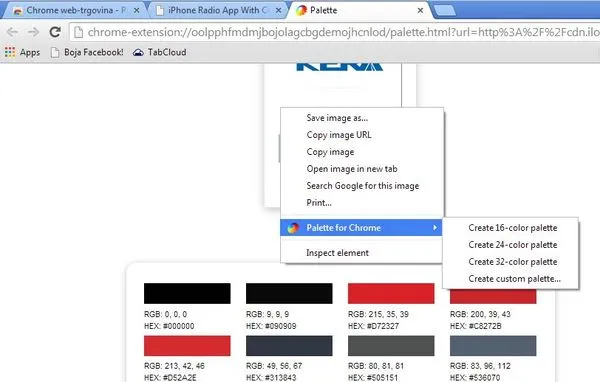
5 Color Palette Extensions For Chrome
Here's a list of 5 color palette extensions for Chrome which you can use to create color palettes from images and/or websites.
Read more: 5 Color Palette Extensions For Chrome »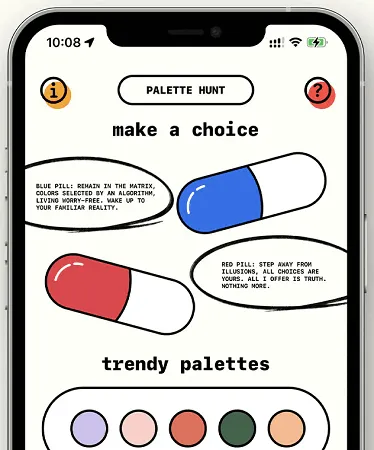
Palette Hunt, the ultimate tool for your creative pursuits! Melding retro gaming aesthetics with refined color theory
Palette Hunt is a free iPhone app that lets you create stunning color palette from photos with retro gaming aesthetics. It is a great tool for social media executives who want to build brand’s presences. With this app, you can capture a beautiful combination of colors and then use that to design graphics, posters, or other social media posts.
The color palette that this app generates can be saved in .ACO format that you can later import in Adobe. For extracting color palette from images, it offers you two ways. You can either manually pick colors or then save them. Or you can use the automatic mode to the same thing. But in auto mode, it will generate a color palette for you instantly.
The app offers a unique eye catchy interface where you can play with colors. Apart from extracting colors, it offers you a list of poplar and trendy color palettes that you can consider for your next graphic project.
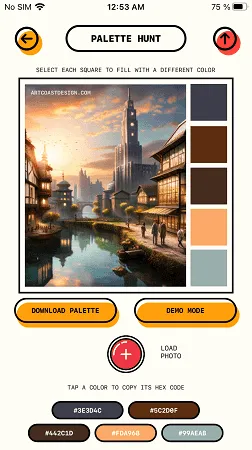
On your iPhone, simply open app store and then search for Palette Hunt app. Install the app and then open it up. There is no sign up or registration needed. The main interface looks like this and has a list of trendy color palettes there already.
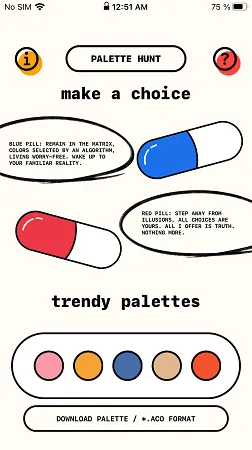
Now, you need to start creating palette from photos and images. Tap the blue pill and then tap on the + button to open an image. As you open an image, you will see that it will automatically create the color palette from the image and will show it you.
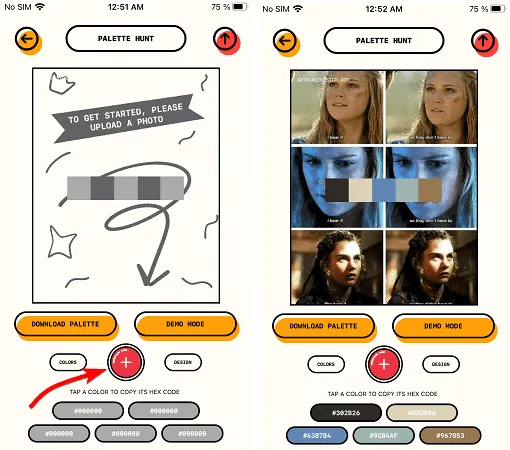
Similarly, you can just tap on the red pill and then it will open the image in the manual mode. From here, you can tap anywhere on the image and then color will be extracted from the current location. You can keep doing it and it will keep building the color palette for you.
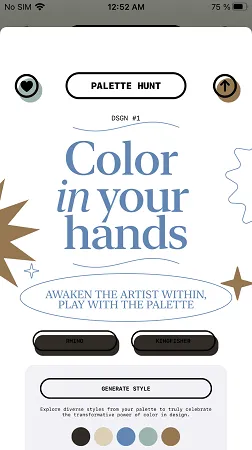
Once you are done with the color palette, you can simply test it on different text and graphic design. There is a demo mode for it. So, after the app has created the palette, you simply tap on DEMO MODE option and then explore diverse styles from your palette. Keel tapping the GENERATE STYLE button and it will show you a new graphic style.
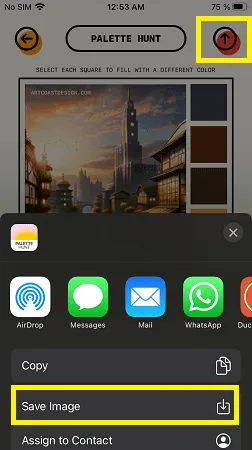
Finally, in the end, you can save the image. Just tap on the up-arrow icon and save the image to gallery. It will save your image with the color palette information. Also, you can save the ACO file for the same as well.
In this way, you can use this simple and powerful iPhone app to extract color palette from photos. It offers a unique way of playing with the color palettes and you will like it.
As a graphic designer, most of the times you have to work with color palette to decide the look and feel of the brand assets or brand kits. To solve this, you can now use the Palette Hunt iPhone app. With this, you will be able to extract awesome color information from beautiful images. But what I liked most about it is that it can generate various styles based on the selected color palette.
Here's a list of 5 color palette extensions for Chrome which you can use to create color palettes from images and/or websites.
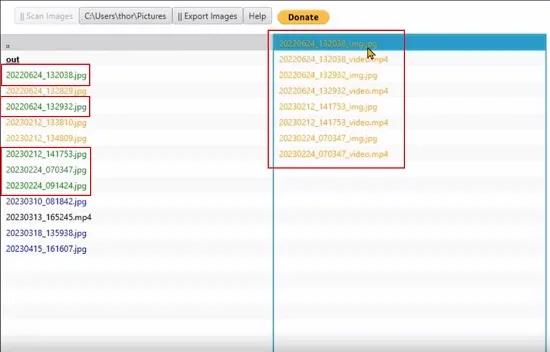
Read more: 5 Color Palette Extensions For Chrome »In this article we will be exploring 2 Free Motion Photos Viewer for Windows 11 that will allow the users to extract the short video snippet once the Motion photos…
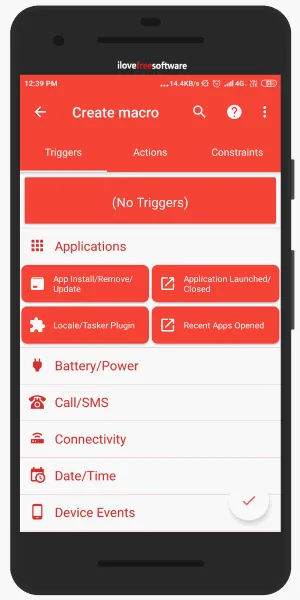
Read more: 2 Free Motion Photos Viewer for Windows 11 PC »Here I explain how to disable Android notifications when taking photos. You can set triggers and actions to automate your mobile phone and other daily task.
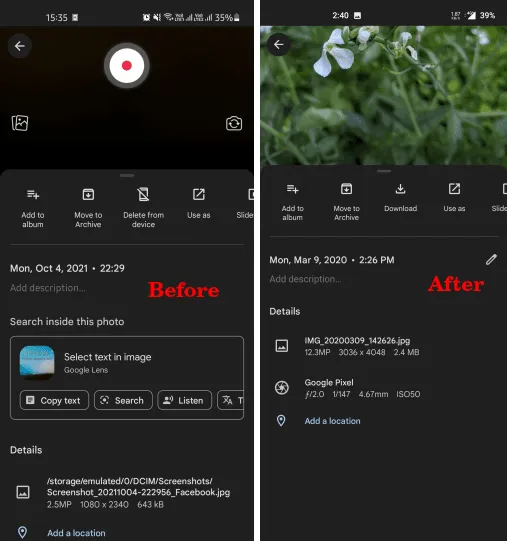
Read more: How To Disable Android Notifications When Taking Photos? »Google Photos, the photo and video gallery app, is finally getting the ability to edit the time and date of media saved in it.
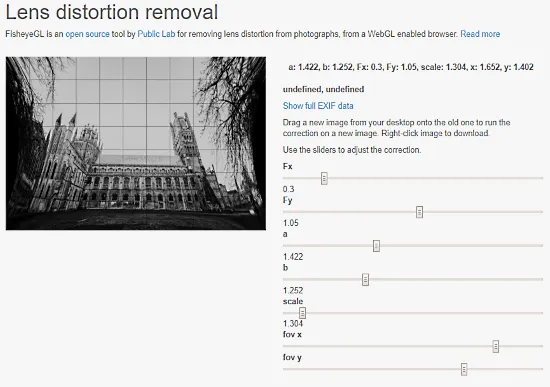
Read more: How to Edit Time and Date of Photos on Google Photos App »This article covers 2 online tools to remove fisheye effect from photos for free. Upload fisheye photo, make adjustments and download the results.
Read more: Remove Fisheye from Photos Online with These Free Websites »PhotoWeaver is a photo app for Windows 8 to bring together all the pictures you have across a variety of sources like Google+, Facebook, SkyDrive and local drive.
Read more: Windows 8 App to Access Photos from Facebook, Google+, SkyDrive Together »