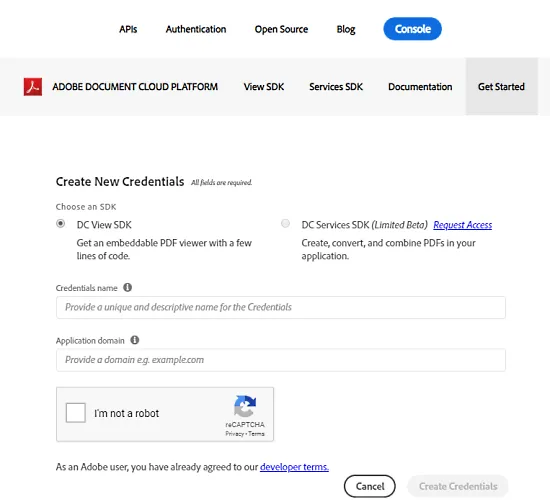
How to Embed PDFs in Webpages using Adobe View?
Learn how to embed PDFs in webpages using Adobe View that gives you more control over the appearance od the PDFs on webpages.
Read more: How to Embed PDFs in Webpages using Adobe View? »
BirthSay is a Google Chrome app that lets you send birthday greetings like eCards, Photo Cards, voice messages, etc. from Facebook to your friends.
BirthSay is a Google Chrome app that lets you send birthday greetings from Facebook. You can send eCards, Photo Cards, Fun Cards, and Gifts to wish your family and friends. Now wish your loved ones in a new and stylish way and make them feel special on their birthday.
Update: (July 15, 2013) The plugin is no longer available in Chrome Web Store. Check out Post Me Later to schedule birthday messages on Facebook.
Along with this, you also get the feature of sending a voice greeting to wish your loved ones. Wouldn’t it be great if your loved ones could hear your voice on their special day? With BirthSay that is easily achieved.
Have a look at this tutorial to know more about this Google Chrome App.

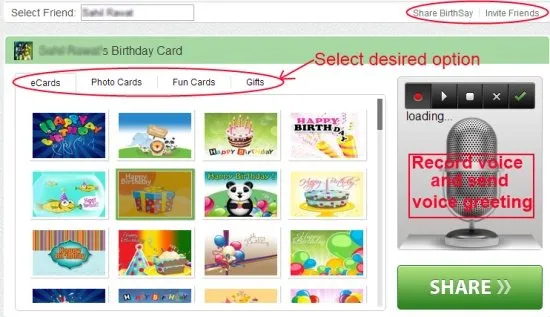
You can also customize any selected birthday card through the options available in Photo Cards and Fun Cards. For example, if you have selected a card from Photo Cards, then you will find options:

Note: Birthday card can be posted on your friend’s wall only if your friend has opened his/her wall to friends.
BirthSay app is really a good app that brings a new way to send birthday greetings from Facebook to your friends. I really like this app and can wholeheartedly recommend it to everyone. You can give a try to this app, it can added to your Chrome browser from here.
You may also give a try to Personal Cards reviewed by us.
Learn how to embed PDFs in webpages using Adobe View that gives you more control over the appearance od the PDFs on webpages.
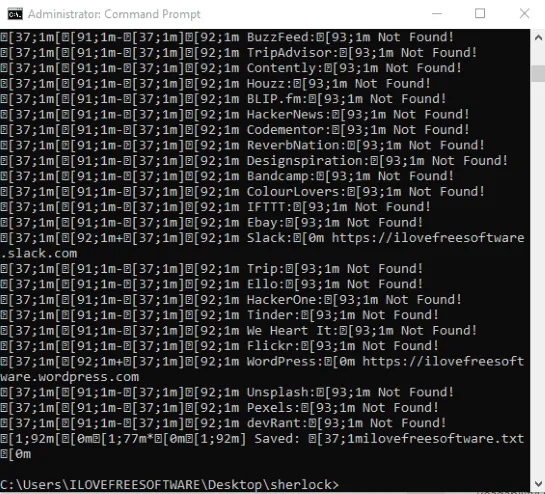
Read more: How to Embed PDFs in Webpages using Adobe View? »Here's a free username availability checker for Twitter, Instagram, Slack, Facebook, and 70+ other services. This command line tool is named "Sherlock".
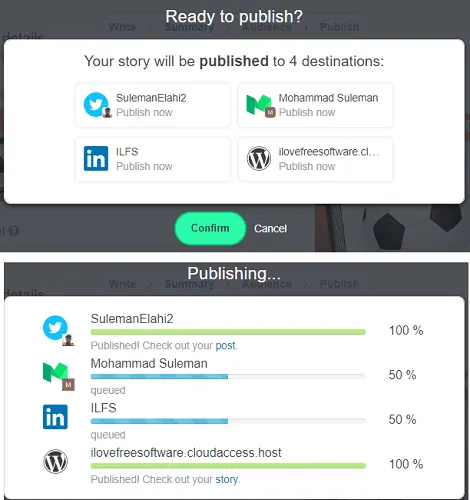
Read more: Username Availability Checker for Twitter, Slack, Facebook, 70+ services »Learn how to post to WordPress, Medium, Facebook, Twitter simultaneously. Use the online tool mentioned here to post to multiple platforms in one go
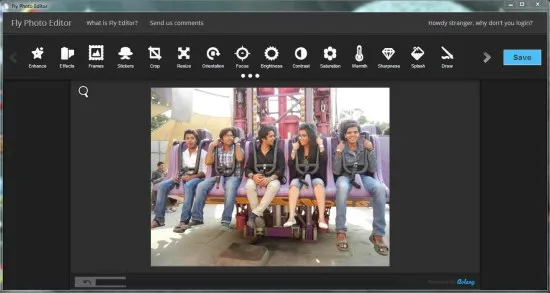
Read more: How to Post to WordPress, Medium, Facebook, Twitter Simultaneously »Fly Photo Editor for Facebook is a free Photo Editor Chrome extension that lets you edit Facebook photos easily. Check it out here and give it a try!
Read more: Edit Facebook Photos with Fly Photo Editor Chrome Extension »Pretty Facebook chat is a free Chrome extension which shows Facebook chat with Emoticons, Bigger chat window, and increased text size.
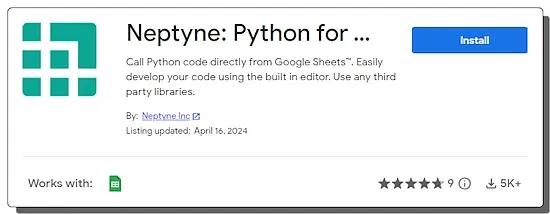
Read more: Pretty Facebook Chat with Emoticons, Bigger Chat Window and Text Size »Learn how to run Python in Google Sheets to import data, process data, and visualize data with the help of charts and graphs.
Read more: How to Run Python in Google Sheets »