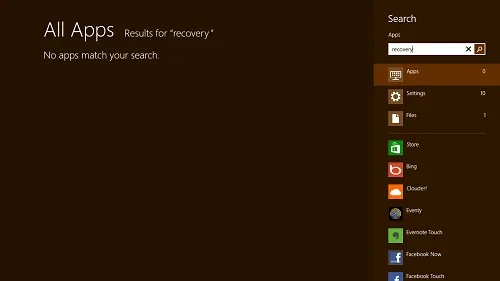
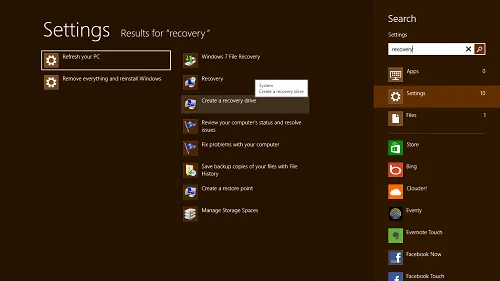
 As Windows 8 searches all apps matching the search criteria by default, therefore you will see “No apps match your search.” displayed on your screen. To display the results, select Settings from the pane at the right.
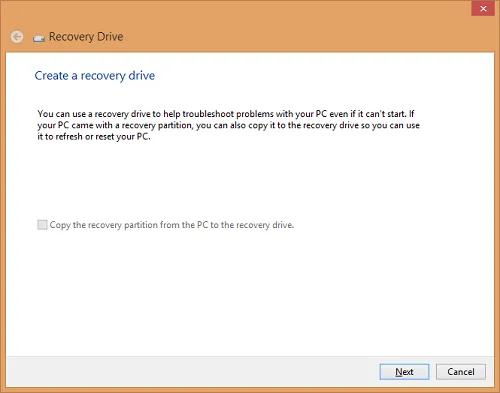 In the above box, make sure that the Copy the recovery partition from the PC to the recovery drive is UNCHECKED. Although this option is grayed out on most machines, if this option is available, you should make sure to uncheck this option. Once this requirement is met, click the Next button at the bottom-right side of the screen.
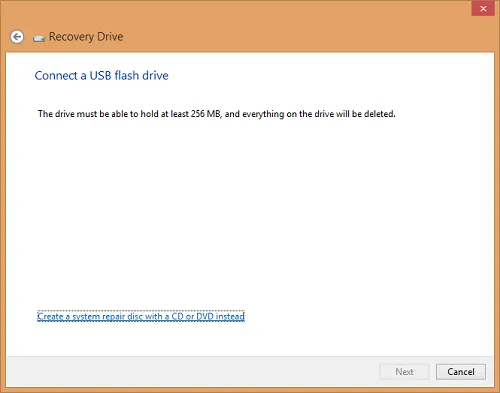 Once you are displayed the above box, you are ready to get started with the Recovery Drive creation process. If you wish to create your Recovery Drive on a USB drive, insert it and once it is recognised by the system, click on the Next button. Now, the process of Recovery Drive creation will start, and your Recovery Drive will be created within a few minutes.
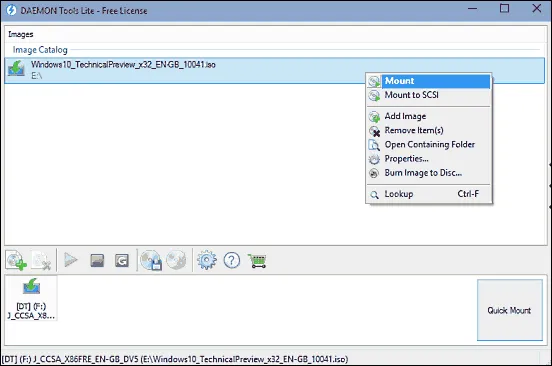
5 Best Virtual Drive Software For Windows 10
This article discusses 5 best virtual drive software for Windows 10. These let you create multiple virtual drives & support all major disc image formats.
Read more: 5 Best Virtual Drive Software For Windows 10 »