5 Free Chess App for Windows 10
This article covers 5 free Chess app for Windows 10 which can be played with a friend or you can play against the computer. Check them out.
Read more: 5 Free Chess App for Windows 10 »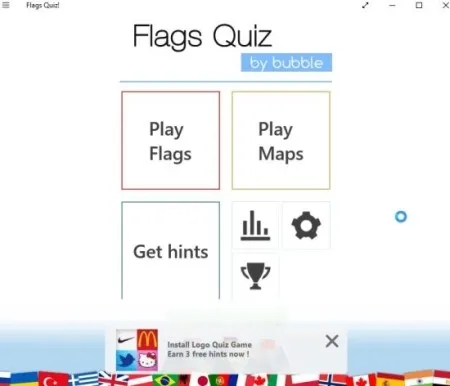
Flags Quiz is a free Windows 10 quiz app which can be used to teach kids flags and maps of countries through this fun quiz app. Check it out.
Flags Quiz is a free Windows 10 quiz app which can be used to teach kids flags and maps of countries. Flags quiz is a easy and fun game which offers you flags and maps from around the world. You have to look at the flags and maps and guess which country it belongs to. It can help kids learn and play at the same time.
The app can be downloaded from the Windows 10 store or from the link given at the end of this article. The first time you open this app the interface will look like the screenshot shown below.
On the home screen you get three options play flags quiz, play maps quiz, get hints and the last one lets you check your game statistics, change settings, see leader boards, etc.
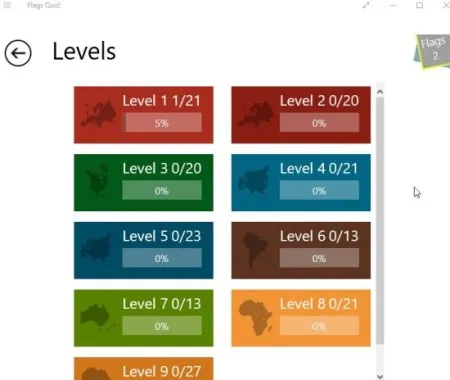
When you click on this play flags button you will be taken to a level selection screen like the one shown in the screenshot below. You have 9 levels to select from and each level has different number of flags in it.
We started with level one, as soon as you select level one all the flags in that level will be laid out in front of you as shown in the screenshot below.
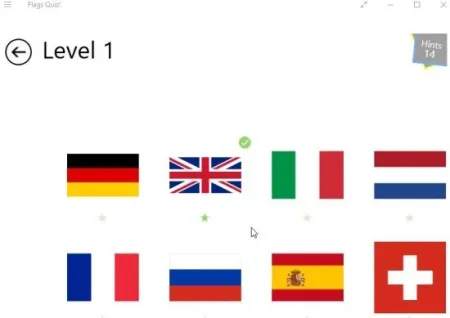
Select any flag which you want to guess or just start with the first one and go forward from there. When you click on a flag, it will open up in full screen as shown in the screenshot below.
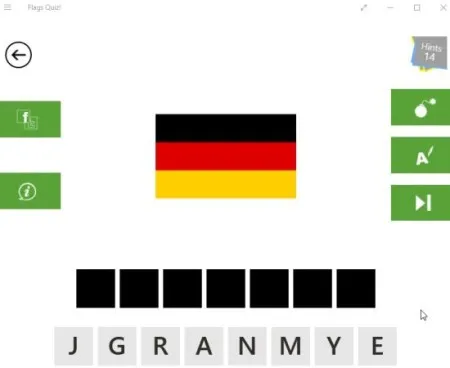
You have to guess which country this flag belongs to by arranging the jumbled up letters given below the flag. The five green buttons you see on either side of the flag are for helping you out by giving you hints.
The button on the left side with Facebook logo lets you ask your friends on Facebook and Twitter for the answer. The button below it shows you a sentence related to the name of the country.
On the right side the first button will remove one letter from the jumbled letters, the second button will fill up one correct letter in the boxes above, and the last button will give you the right answer. But all these hints use up the free hints allotted to you at the beginning of the game. Once you run out of these, you won’t be able to use any of these options. You do have the option of buying more hints from the home screen get hints button.
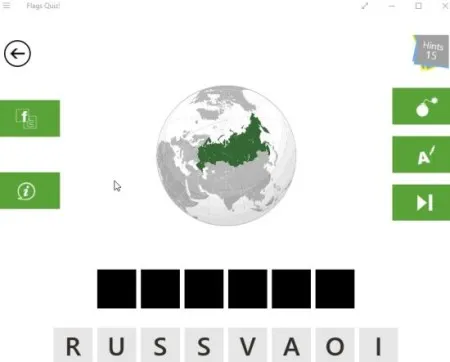
For the maps quiz you have to go to the home page and click the play maps button. This will take you to the level selection screen as was the case with the flags quiz. Out of the nine levels you can select any. Once a level is selected, all the maps on that level will be shown together on one screen. From here you can just pick a random map to answer or start with the first one. Below screenshot shows a map and you have to guess the name of the country by using the jumbled letters given below the map.
On completing a level you get a couple of free hints which can be used in the next levels when you are stuck.
Overall, I found this Windows 10 quiz app pretty fun and exciting. It does test your knowledge of countries and their flags. You think you know them all, but when you actually start answering you realize how many of them you didn’t know. It can be a great app to help kids learn flags and maps of countries and have fun at the same time.
Check out the Flags Quiz app for Windows 10 here.
This article covers 5 free Chess app for Windows 10 which can be played with a friend or you can play against the computer. Check them out.
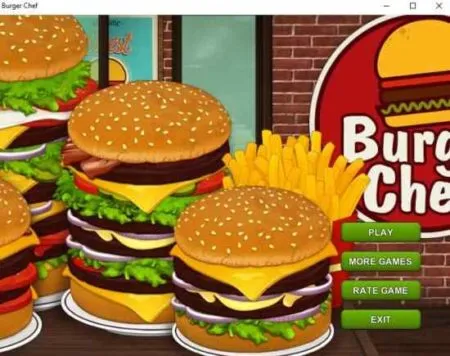
Read more: 5 Free Chess App for Windows 10 »Burger Chef is a free Windows 10 burger making game app where you have to run a fast food cafe and make delicious burgers.
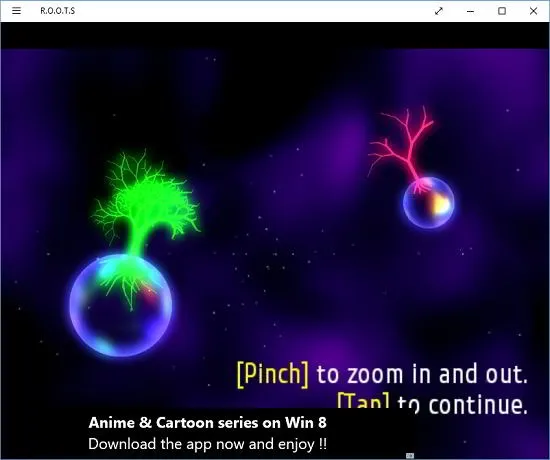
Read more: Windows 10 Burger Making Game App: Burger Chef »R.O.O.T.S is a free puzzle game app for Windows 10 devices which allows you to challenge your mind. Check it out!
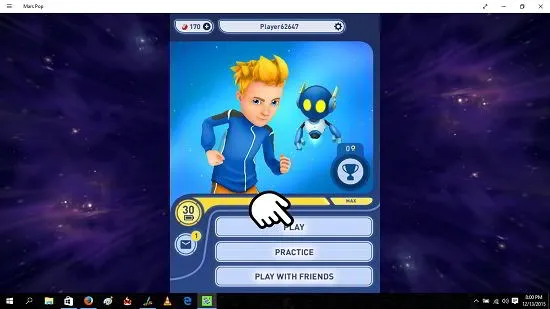
Read more: Free Puzzle Game For Windows 10: R.O.O.T.S »Mars Pop is a free multiplayer online puzzle game for Windows 10 devices. In the game, you have to pop the bubbles to create a high score. Check it out!
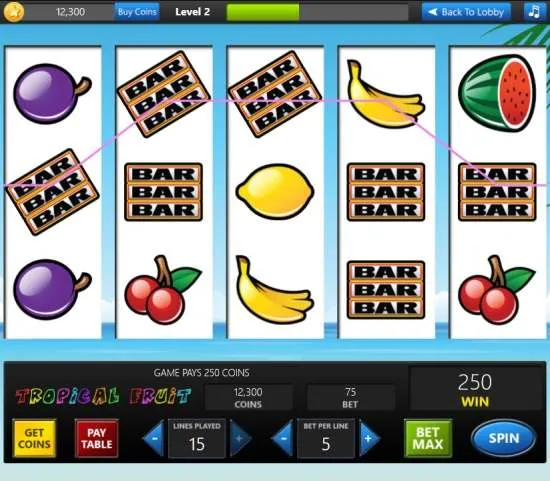
Read more: Multiplayer Puzzle Game For Windows 10: Mars Pop »Slot Machine is a free Windows 8 slot machine game app which lets you play the slots with fun. It has 16 different amazing machines.
Read more: Free Windows 8 Slot Machine Game With 16 Different Machines »Gift Hunter is a free Windows 8 Christmas Game where you have to grab gifts and stay away from the skulls. Try this fun Christmas game during holidays.
Read more: Free Windows 8 Christmas Game: Gift Hunter »