8 Best Free Online iFrame Code Generator Websites
Use these online iFrame code generator websites to quickly generate a custom iFrame code with source URL and frame settings.
Read more: 8 Best Free Online iFrame Code Generator Websites »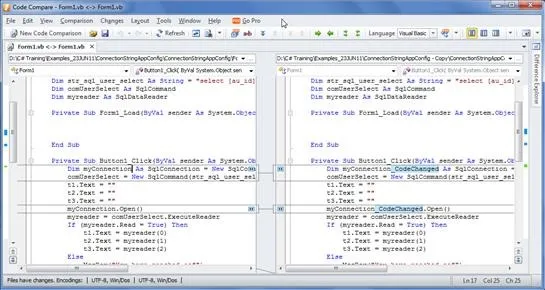
Devarts Code Compare is a free tool to merge and compare the source code from various files and folders. Get it free.
Devarts Code Compare is a free tool for comparing the source code. It can be used to merge and compare various files and folders. It seamlessly integrates with most of the source control system like TFS , Perforce, Mercurial, GIT, and SVN. Code compare can be used to compare various kinds of file, for example, C#, VB, C++, Web, XML, XAML, JavaScript, SQL, Resource, Project, Config, Solution, txt etc.
Below is the screenshot of how Code Compare looks when you open two new files. To explain with an example I have written a code which is on the file on left hand side, and the code on right hand side is the one that came out modifying the previous code. You can easily make out the changes as Code Comparer differentiates the code with different colour. It is visible from the below screenshot that the edited code is highlighted in Blue and the code added is highlighted in Green.
Code Compare recognizes the predefined types and keywords and syntax highlights mark them with different colour, just like Visual Studio to make it easier for you to visually compare the code and work upon it. Code Comparison allows you to replace the difference from File1 to File2 and vice versa, making it easier for you to change your code based on requirement. This decreases the effort and increases accuracy.

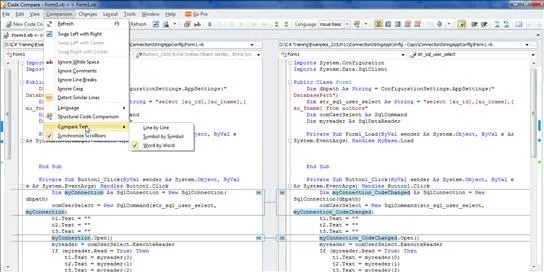
Source compare supports lexical comparison for C#, VB, C++ and JavaScript. You can enable it by going to Comparison, then compare Text and select Word by Word. See screenshot below.
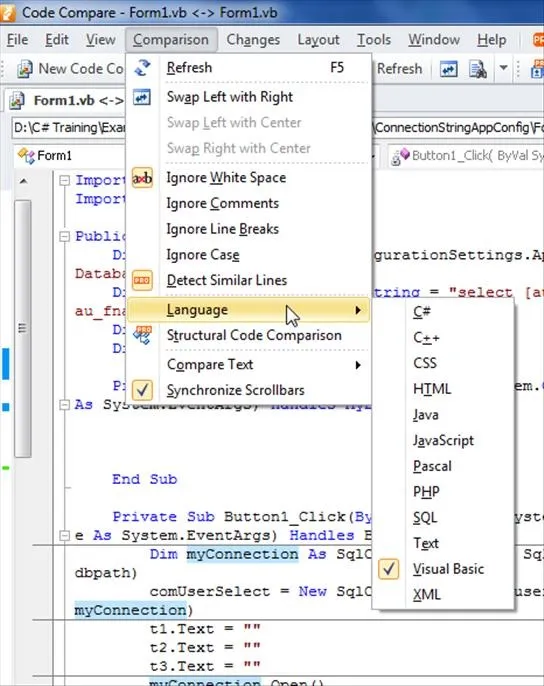
You have option to ignore line breaks, comments, Cases and White space. You can also select the language for the code. The option is provided under Comparison menu, look at the screenshot below.
Code compare provides an option to copy one change or all changes in code from one file to another. This option is very useful for developers, as it makes their task easier. Code Compare has several layout options. You can select any of these from Layout menu.
Code Compare also provides a way to compare and merge folders. You can do this by simply clicking on New Folder comparison or Ctrl+D. After this you can browse through the folders and select the folder you want to compare. It works like in same fashion. You can see the changes in different colour, see the screenshot below.
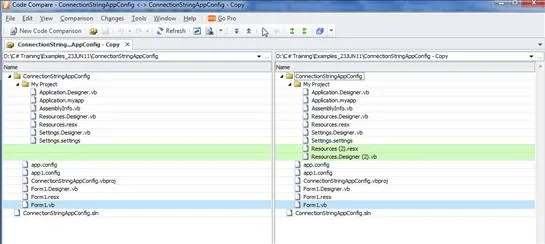
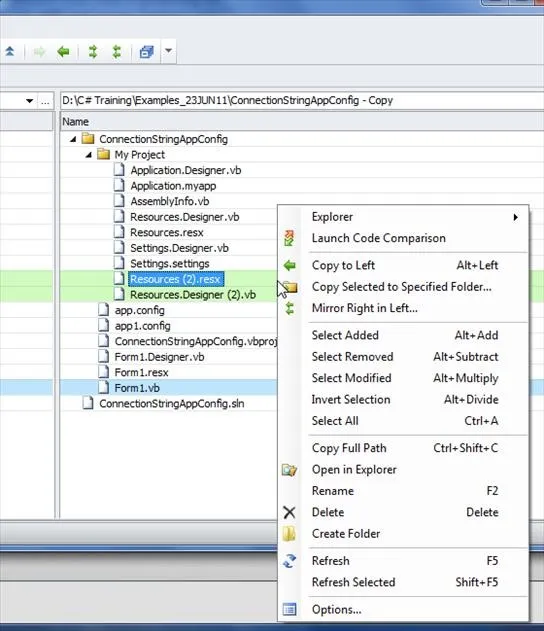
Here you have various options like copy a particular file, copy all files, mirror right in left and vice versa, you can rename them and copy their path etc.
Code compare is an incredible tool to compare the code. It supports several languages and options, which increases the flexibility and efficiency of developer. It is simple and easy to use. It supports intelli-sense which will make your work simpler. A free tool packed with so many features, is a must try for all the developers. You can download free version of Code Compare from here.
Use these online iFrame code generator websites to quickly generate a custom iFrame code with source URL and frame settings.
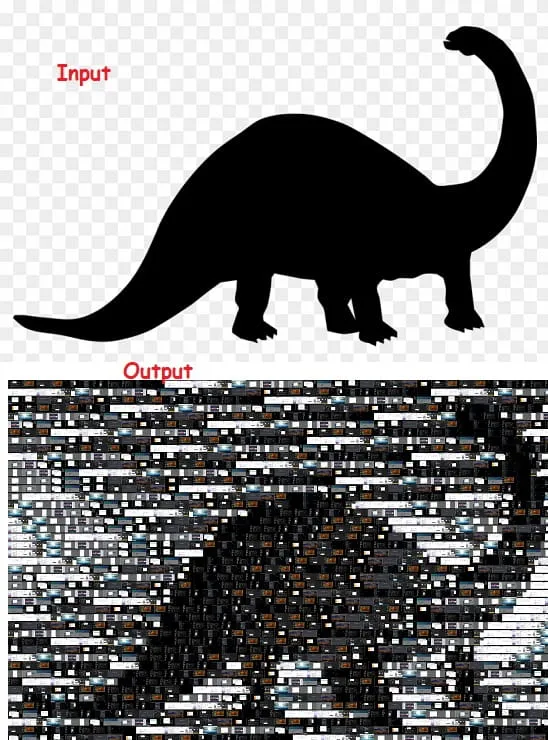
Read more: 8 Best Free Online iFrame Code Generator Websites »Here is a free command line tool to generate mosaic pictures from a group of photos inside a folder. Recreate an image from other images
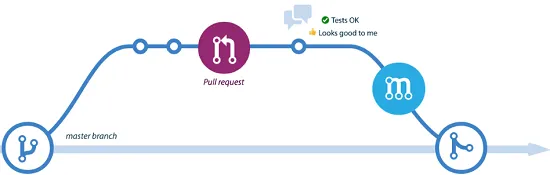
Read more: Free Command Line Tool to Create Image Mosaics: Polyfoto »Learn how to automatically merge pull requests on GitHub. Use the online tool mentioned here and put the process of PR merging on autopilot
Read more: How to Automatically Merge Pull Requests on GitHub »Here are some best free online code editor websites to write, edit, run code online. Use these websites to code in any programming language, share code, collaboration
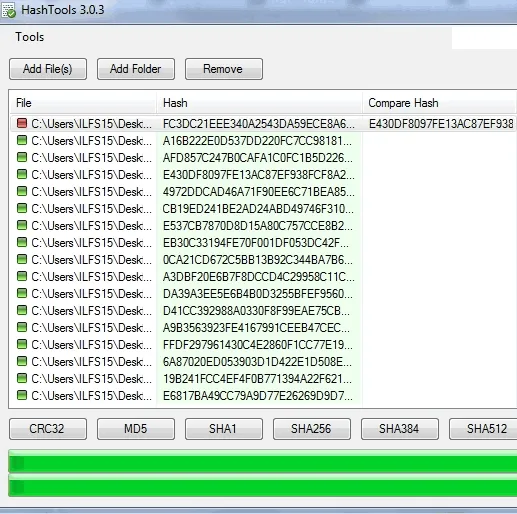
Read more: 5 Free Online Code Editor Websites to Write, Edit, Run Code Online »This tutorial explains how to bulk calculate hashes of multiple files together. This can be done using a handy and free software, named HashTools.
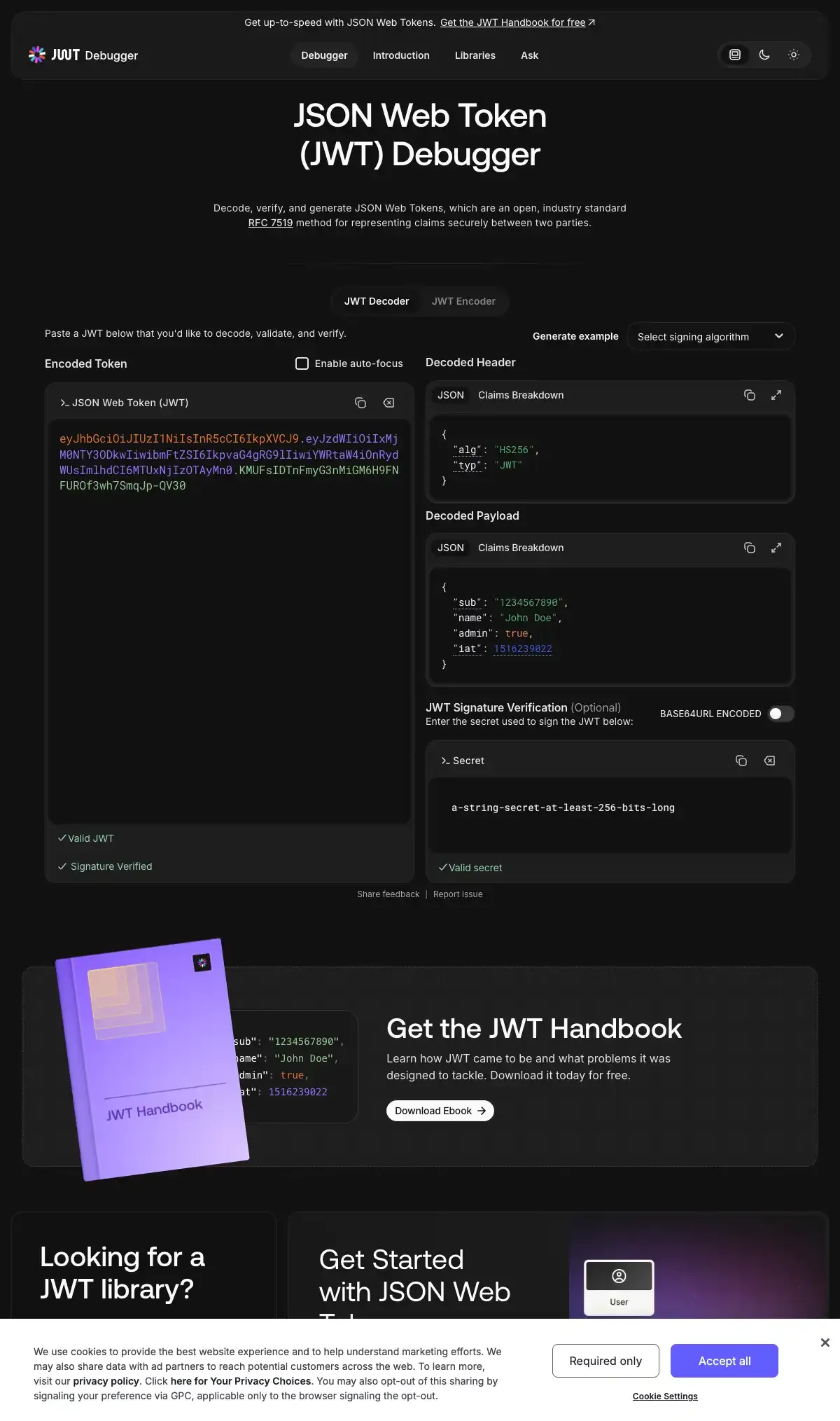
Read more: How To Bulk Calculate Hash of Multiple Files Together »Decode JSON Web Tokens online to read their header, payload and expiry time. These free JWT decoder websites also verify signatures and create test tokens.
Read more: 4 Best Free Online JWT Decoder Websites »