How To Reset Data Usage In Windows 10
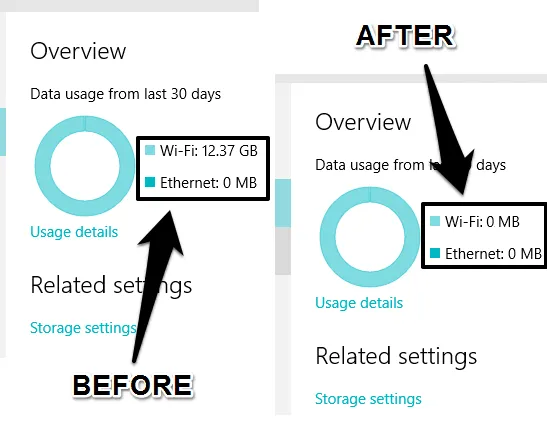
This tutorial explains how to reset data usage in Windows 10. System 32 folder can help you reset data usage details in your Windows 10 PC.
Read more: How To Reset Data Usage In Windows 10 »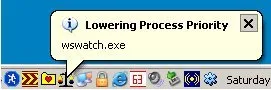
Process Tamer is a free application for controlling the CPU usage programs by reducing the priority for a particular process when CPU is overloaded.
Process Tamer is a small free application that sits in the system tray of the Windows operating systems, monitoring the efficiency of the CPU. When the program detects a CPU overload it temporarily reduces the priority for a particular process until the power returns to a higher level. There are some programs that tend to hog most of the CPU’s power and this causes the entire system to become sluggish when responding to commands.
These programs are often audio and video files or working with compressed archives. Process Tamer recognizes these drains on CPU power and reduces the priority of these “heavy” processes. This gives the CPU “breathing” space and allows the user to perform other computer tasks without having to worry about the system slowing.
When this free application kicks into action, users will see a balloon in the system tray explaining that Process Tamer has detected an overload on the CPU and is compensating by altering priority. Needless to say the user is aware of what Process tamer is doing at all times. You can also read about free hardware monitoring software to gather system information like Speccy and CPU-Z.
In the event users want to use as much power from the CPU as possible; simply clicking on the icon in the system tray allows users to toggle between ‘On’ and ‘Off’ or presetting the program to ignore certain specific applications. This option is a must for burning CDs or DVDs on slow computer systems. You can also check out DriveGleam a free application to see activity of RAM, CPU, hard drive etc. in system tray.
Having the ability to “tame” a computer’s CPU power levels is a handy ability to have and the power saving costs speak for themselves. Using this free CPU monitoring application will extend the life of the CPU and other hardware in the computer. Version 2 of free Processor Tamer has ben upgraded with extra options. These include the ability to easily setup exclusion rules, the ability to adjust manually the process priorities and a new improved system tray tool.
The designers and engineers of this simple free application are continually investigating improvements with the aim of making computer tasks easier to perform. The program operates well in most Windows versions, from Windows 2000 to Windows 7. If users are the kind of people that like to know exactly what is going on inside their system, this free small application will allow he or she to find out. Download and setup Process Tamer today.
This tutorial explains how to reset data usage in Windows 10. System 32 folder can help you reset data usage details in your Windows 10 PC.
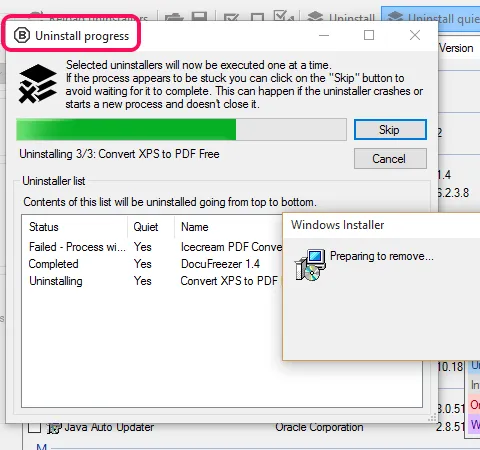
Read more: How To Reset Data Usage In Windows 10 »Bulk Crap Uninstaller is a freeware to batch uninstall programs automatically. It provides silent uninstall feature which doesn't require human interaction.
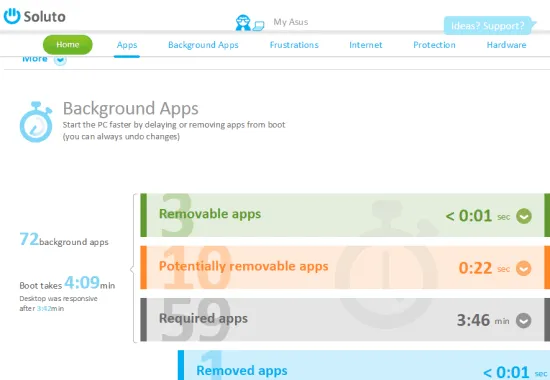
Read more: Free Software to Bulk Uninstall Programs Automatically from PC »Here is the list of 5 free software to delay startup programs' launch. You Set time to launch the startup programs to improve Windows login process.
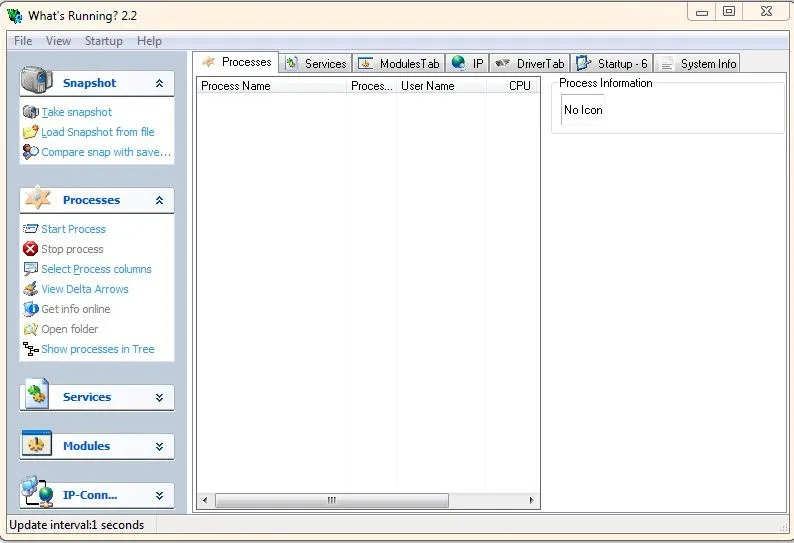
Read more: 5 Free Software To Delay Startup Programs’ Launch »Here, are 5 free task manager programs for Windows to control processes and tasks taking place in your system. Download Task Manager free.
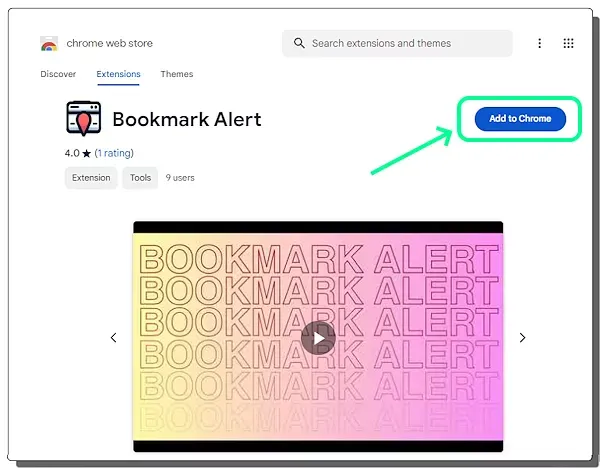
Read more: 5 Free Task Manager Programs for Windows »Learn how to set reminders to revisit bookmarked sites so no saved sites get forgotten only to be pilled up in the bookmarks.
Read more: How to Set Reminders to Revisit Bookmarked Sites? »Use these online vCard QR code generator websites to generate fully customized vCard QR codes based on your requirements.
Read more: 8 Best Free Online vCard QR Code Generator Websites »