5 Pomodoro Timer Extensions For Google Chrome
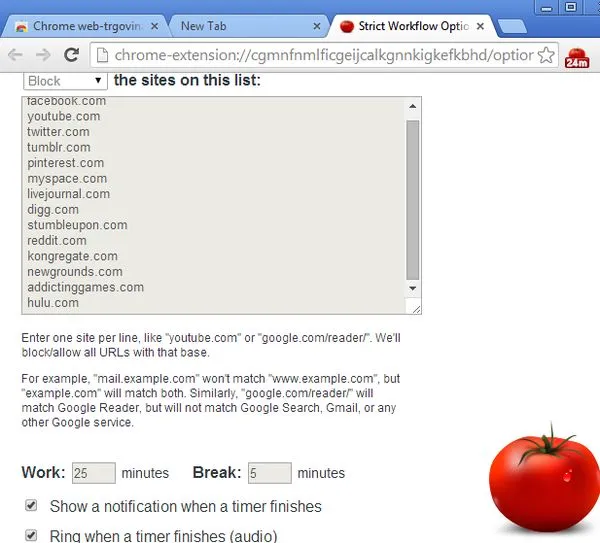
Here's a list of 5 pomodoro timer extensions for Google Chrome which you can use to boost your productivity using the pomodoro technique.
Read more: 5 Pomodoro Timer Extensions For Google Chrome »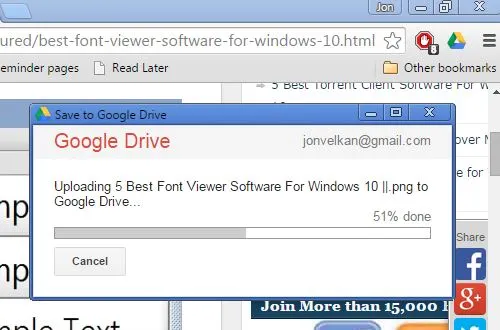
Here's a list of 5 save to Google Drive extensions for Chrome which can be used to easily save images, video, audio, text and other files to Google Drive.
Here’s a list of 5 save to Google Drive extensions for Chrome which you can use to more easily save interesting images, text snippets and other types of files from around the web to your Google Drive account. Saving everything we like manually would be time consuming. Following extensions make saving data to Google Drive considerably faster.
Let’s see how do they work exactly.
Save to Google Drive by Google Drive Team adds a right click context menu option with the help of which you can save images, audio, video and web links simply by right clicking and selecting the Save to Google Drive option.
Screenshots are supported (create them by clicking on top right corner icon). Extension requires you to grant it access to your Google Drive account before it can be used.
Get Save to Google Drive by Google Drive Team.
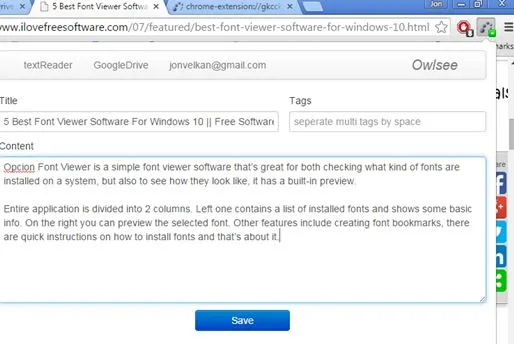
Where the previously mentioned save to Google Drive extension is lacking, saving text, Save Text to Google Drive jumps in and saves the day.
Save Text to Google Drive can be used to take strip down versions of currently open articles and save them as text documents to Google Drive. Very simplistic editor can be opened by clicking on the top right corner icon to tweak text before saving it to Drive. Extension needs permissions to access your Drive account, obviously.
Get Save Text to Google Drive™.
Also, have a look at How To Auto Backup Instagram Photos To Google Drive.
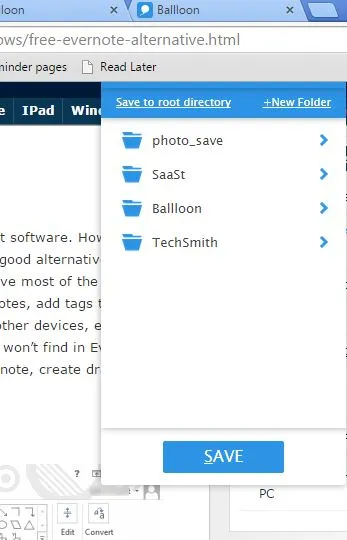
Ballloon for Chrome supports multiple cloud storage providers, not just Google Drive. Dropbox, OneDrive, SugarSync, Copy and Box are also supported.
You’ll need to connect to the desired storage hosting account (or accounts) in extension settings before you’ll be able to upload files to them. Upload is done by right clicking on files (images) or links (to PDFs, images, video, etc) and then selecting the desired cloud storage where you want files saved.
Get Ballloon for Chrome.
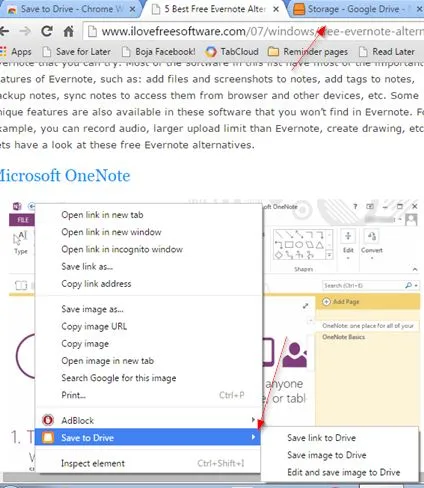
Save to Drive is an extension published by Jolicloud. For those who aren’t aware of Jolicloud, it’s a website that combines cloud storage so its easier to control everything from a single account, Jolicloud account.
Yes, to use this extension, you’ll need a Jolicloud account and then connect your Google Drive with Jolicloud. Every other more popular cloud hosting service is also supported. Files are saved using the right click context menu. Entire web pages can be sent to Google Drive as a PDF document. Images and media files (using links) can also be saved, just like with all the other save to Google Drive extensions that I covered.
Get Save to Drive.
Also, have a look at How To Automatically Backup Pinterest Pins to Google Drive.
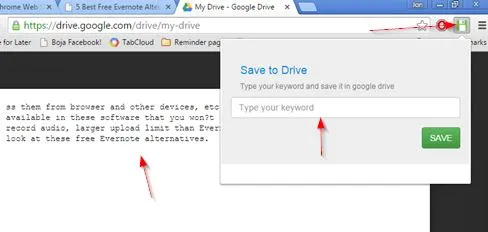
So that all those who like to save text don’t feel left out, I decided to include another save to Google Drive extension which saves text from web pages.
Just copy and paste the text you want to save to the top right corner Save Text drop down window, click “Save” and entered text is saved as a TXT document to your Google Drive.
Get Save Text.
I suggest that you try a combination of the first 2 save to Google Drive extensions from the list above, Save to Google Drive and Save Text to Google Drive. With these two you’re completely covered. Images, video, audio, text, everything can be saved to Google Drive. Let me know what you think in comments down below.
Here's a list of 5 pomodoro timer extensions for Google Chrome which you can use to boost your productivity using the pomodoro technique.
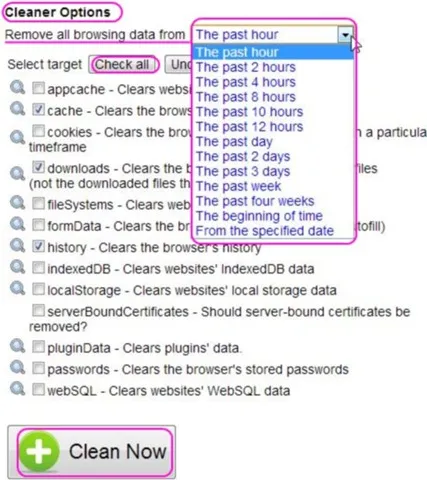
Read more: 5 Pomodoro Timer Extensions For Google Chrome »OneClick Cleaner for Chrome is a cool extension which efficiently cleans all the junk from your browser. Download it free.
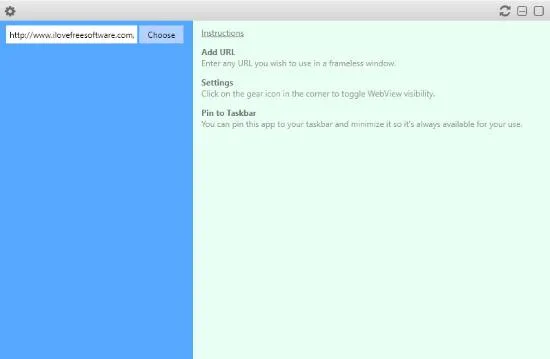
Read more: Clean Junk Data From Your Google Chrome: OneClick Cleaner For Chrome »Here, I cover four different ways to make Chrome browser frameless. You can easily access these methods and open window without frame.
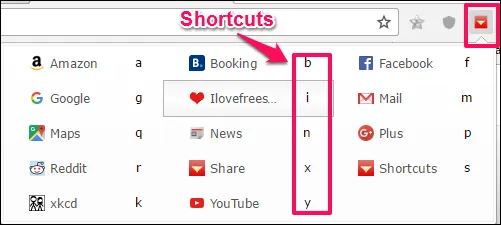
Read more: How To Make Chrome Browser Frameless? »This article explains how to add keyboard shortcuts in bookmarks in Chrome. You can specify different hotkeys for different bookmarks to open them quickly.
Read more: Add Keyboard Shortcuts to Bookmarks in Chrome »Yahoo Mail Widget is a free Google Chrome extension that lets you check Yahoo! Mail in Chrome browser. Check it out here!
Read more: Extension To Check Yahoo! Mail In Chrome: Yahoo Mail Widget »Find or check a bank's SWIFT/BIC code by country, city and bank name with these free SWIFT code finder and lookup websites.
Read more: 10 Free SWIFT Code Finder & Lookup Tools Online »