How To Make Chrome Browser Frameless?
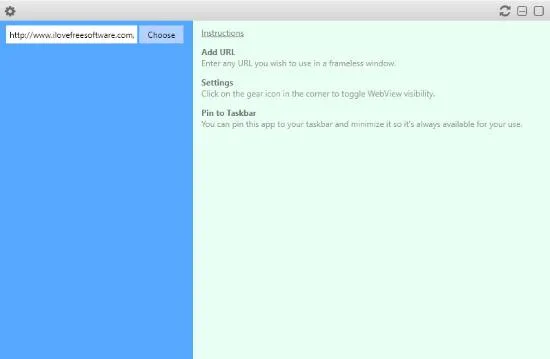
Here, I cover four different ways to make Chrome browser frameless. You can easily access these methods and open window without frame.
Read more: How To Make Chrome Browser Frameless? »
Yahoo Mail Widget is a free Google Chrome extension that lets you check Yahoo! Mail in Chrome browser. Check it out here!
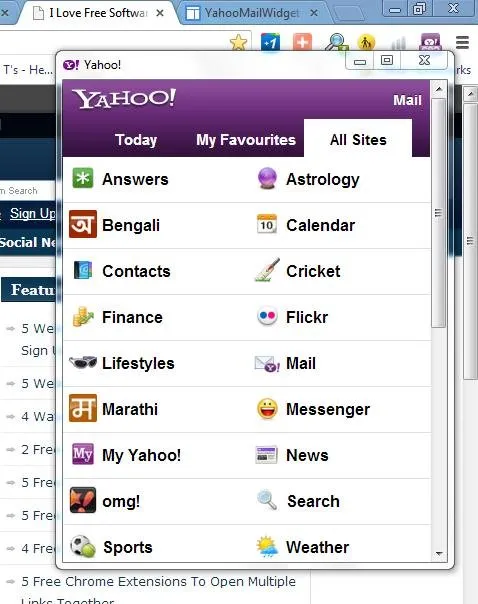
Yahoo Mail Widget is a Chrome extension to check Yahoo! Mail in Chrome. This lightweight extension, let’s you take a quick glance on your Yahoo! mailbox and other Yahoo services in your Chrome browser. These services include Yahoo news, weather reports, etc., which are easily accessible from a drop-down window within the browser tab you are working on.
Update: (July 16, 2013) The extension is no longer available in Chrome Web Store. Check out other two similar extensions we listed in our review of 3 Google Chrome extensions to check check Gmail, Yahoo mail, and Hotmail in Google Chrome.
Yahoo Mail Widget also lets you view your unread mail counts right on top of your browser window (on the extension’s icon), and provides one-click solution to open Yahoo! Mail account in new window if you want. Since the extension is very simple and has been built with a straight motive to let you access Yahoo! Mail in Chrome, there’s nothing much to say about it.
It simply displays your Yahoo! Mail and other Yahoo service feeds within a drop-down window that pops out on the same browser page you are on, and therefore allows you to access Yahoo! Mail easily and quickly, without having to move on to a new browser tab.
Now, let’s see the download and installation of Yahoo Mail Widget in your Chrome browser. After a while, we will discuss in detail how this free Chrome extension works.
Yahoo Mail Widget is a free Google Chrome extension that can easily be found in Chrome Web Store. You can use the link given at this article’s end to go to the extension’s page, and download it from there.
Just when you click on the “Add to Chrome” button, a download will begin and once the download finishes, Yahoo Mail Widget will automatically get installed in your Chrome browser. It’s better to restart your browser to ensure that the extension works properly.
Let’s see what all this free Chrome extension has to offer.
The basic aim of Yahoo Mail Widget is to provide you a way to view your Yahoo! Mail account without having to leave the webpage you are on. It therefore, let’s you open it up through the extension’s icon which gets added to the right side of the address bar of your browser.
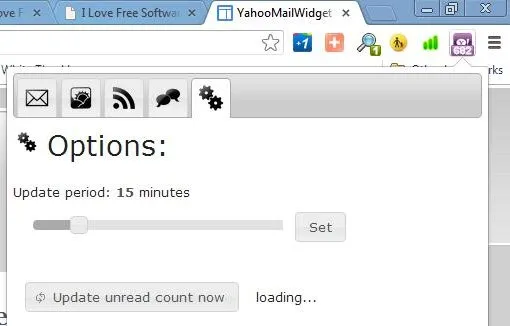
Now whenever you want to check Yahoo! Mail, just click on this icon. This will open a drop-down window with 5 different tabs. Each tab offers different functionality. First one let’s you access your Yahoo! Mail account and view your inbox. Second displays weather info, third shows news on Yahoo. Fourth displays Messenger window, and fifth one displays options to refresh unread count.
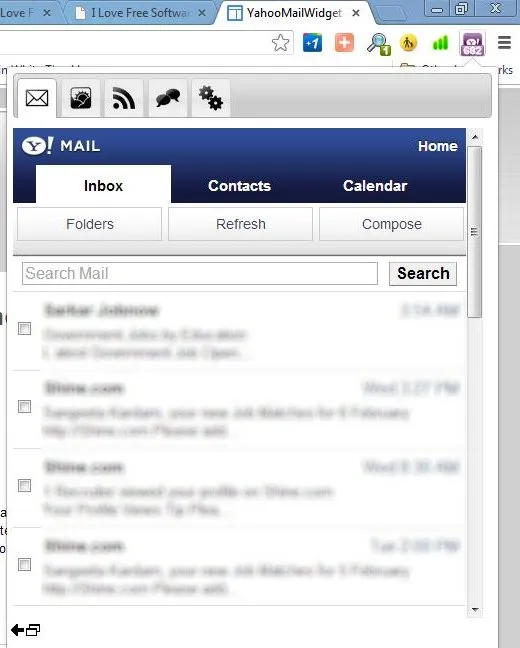
Apart from that, whenever you click on some mail in your mailbox, that will be opened in a separate browser window. From there, you can easily check Yahoo! Mail in Chrome and do other stuffs you want.
Also, check 4 free ways to find big mails in Gmail.
Yahoo Mail Widget is a nice Chrome extension to check Yahoo! Mail in Chrome. It allows you to quickly access Yahoo! Mail, without having to move from the page you are on. Moreover it displays the unread mail count on top of your browser window and refresh it automatically after a specific interval of time.
Although the extension serves nice in terms of displaying Yahoo! Mail and other Yahoo services in Chrome, however, sometimes it becomes very slow and takes lot of time to display the information. If you are a Chrome user and visit your Yahoo! Mail account frequently, you can download Yahoo Mail Widget free and give it a try.
Download Yahoo Mail Widget free.
Here, I cover four different ways to make Chrome browser frameless. You can easily access these methods and open window without frame.
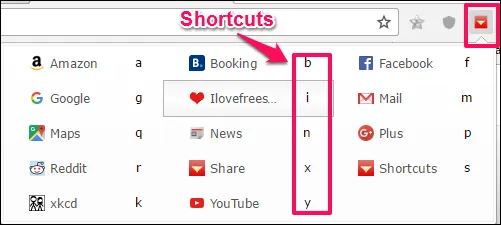
Read more: How To Make Chrome Browser Frameless? »This article explains how to add keyboard shortcuts in bookmarks in Chrome. You can specify different hotkeys for different bookmarks to open them quickly.
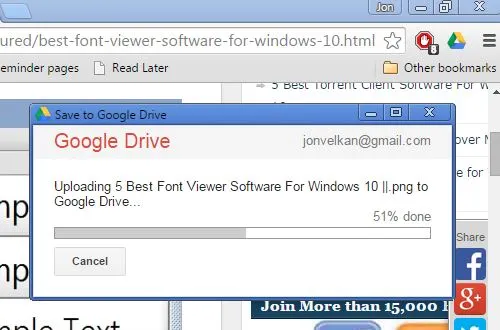
Read more: Add Keyboard Shortcuts to Bookmarks in Chrome »Here's a list of 5 save to Google Drive extensions for Chrome which can be used to easily save images, video, audio, text and other files to Google Drive.
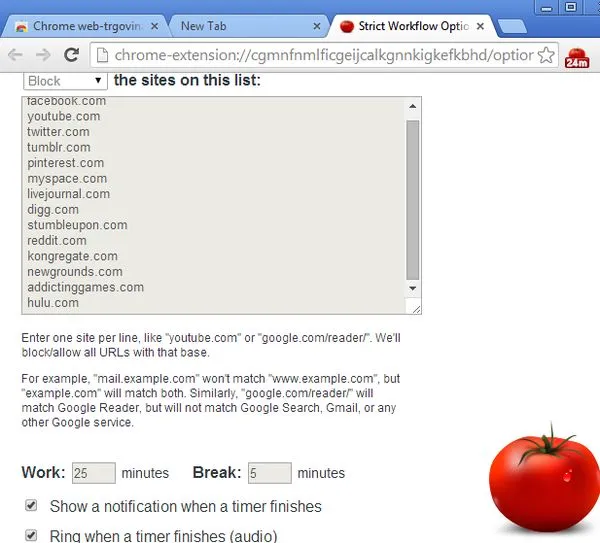
Read more: 5 Save To Google Drive Extensions For Chrome »Here's a list of 5 pomodoro timer extensions for Google Chrome which you can use to boost your productivity using the pomodoro technique.
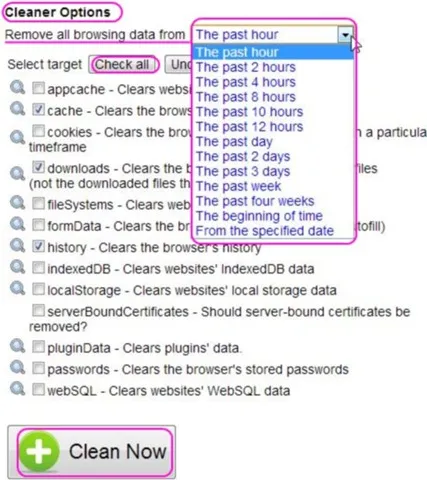
Read more: 5 Pomodoro Timer Extensions For Google Chrome »OneClick Cleaner for Chrome is a cool extension which efficiently cleans all the junk from your browser. Download it free.
Read more: Clean Junk Data From Your Google Chrome: OneClick Cleaner For Chrome »Pegasus mail is a powerful and free email client. It comes with native support for Novell NetWare LANs. Download Free Here.
Read more: Pegasus Mail: Powerful Free Email Client for LAN »