5 Best Free Online LRC to SRT Converter Websites
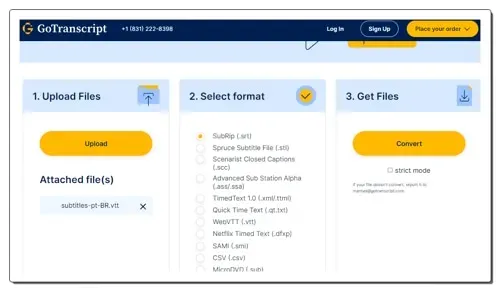
Use these online LRC to SRT converter websites to quickly convert LRC lyrics files to SRT subtitle file format.
Read more: 5 Best Free Online LRC to SRT Converter Websites »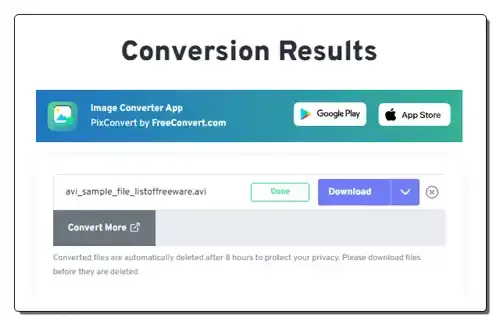
Use these online AVI to WEBM converter websites to quickly convert AVI videos to WEBM, MOV, FLV, etc., video formats.
Here is a list of best free online AVI to WEBM converter websites. AVI or Audio Video Interleave format is a popular video format that carries video, audio, and codec information. This format can carry high-quality video and audio data with less compression ratio than similar video formats like MOV and MPEG. Less compression of the AVI format leads to larger video sizes compared to similar formats. On the other hand, WEBM is a type of website media format mainly used in video streaming. It uses VP8 or VP9 video codec for compression which achieves high-quality media while maintaining reasonable compression. At times, one media format needs to be converted to another format due to compatibility issues. If you want to convert your AVI videos to WEBM videos, check out these online AVI to WEBM converter websites.
I have tested more than 20 media conversion websites and come up with these 10 best free AVI to WEBM converter websites. Through most of these converters, I can batch-convert AVI videos to WEBM, MP4, MOV, FLV, and other popular video formats. Some websites also allow me to adjust video parameters like Video Codec, Video Resolution, Bitrate, Aspect Ratio, etc. These websites also let users fetch video files from online sources and cloud storage services. To help new users, I have included the format conversion steps in the description of each website. Go through the list to learn more about these websites.
freeconvert.com is my favorite website as it supports batch AVI to WEBM conversion and supports video files of up to 1 GB in size. It also lets users adjust multiple video parameters.
You can also check out lists of best free Online AVI to MP4 Converter, Online M2TS to AVI Converter, and Online WEBM to MOV Converter websites.
| Features/Website Names | Supports batch video conversion | Lets users edit video parameters | Can fetch video from online sources |
|---|---|---|---|
| freeconvert.com | ✓ (up to 5 videos) | ✓ | ✓ |
| cloudconvert.com | ✓ (up to 10 in a day) | ✓ | ✓ |
| xconvert.com | ✓ | ✓ | ✓ |
| restream.io | x | x | x |
| zamzar.com | ✓ (up to 5 videos) | x | ✓ |
| webm.to | x | x | x |
| online-convert.com | ✓ (up to 3 videos) | ✓ | ✓ |
| convertio.co | ✓ (up to 2 videos) | ✓ | ✓ |
| movavi.com | x | x | ✓ (only from Dropbox) |
| converter.app | ✓ | x | x |
freeconvert.com is a free website to convert AVI to WEBM. It allows users to batch-convert up to 5 video files at a time. It supports multiple output video parameters like MP4, WMV, 3GP, AVI, FLV, and more. I also like its ability to support large video files of up to 1 GB in size. It also lets me adjust video parameters (video codec, resolution, aspect ratio, etc.) before starting the conversion process. Some handy tools to adjust video frame rate, rotate video, and flip video are also present. It also answers queries related to this convertor. Now, follow the below steps.
It is one of the best free online AVI to WEBM converter websites that can batch-convert AVI videos to WEBM and other supported video formats.
| Pros | Cons |
|---|---|
| Supports batch video conversion | Its free version can process up to 5 files concurrently |
| Can fetch videos from online sources | |
| Lets users adjust multiple video parameters |
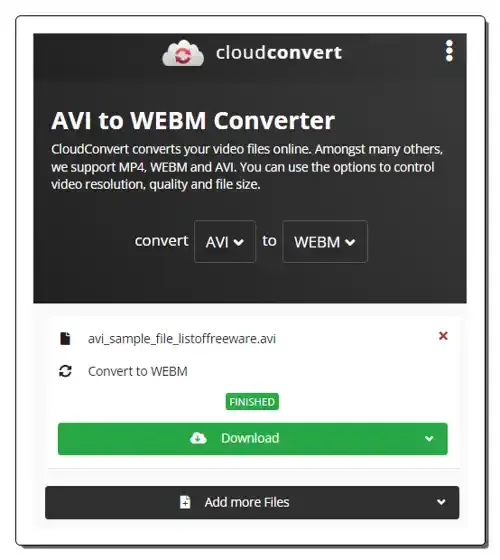
cloudconvert.com is a free online AVI to WEBM converter website. This website allows me to batch-convert AVI videos to WEBM video files. I can also choose to convert AVI videos to MP4, MKV, FLV, AVI, WMV, etc., formats. Before starting the conversion process, users can adjust the video resolution, aspect ratio, video codec, etc., parameters. It can also fetch AVI files from online sources and cloud storage services. However, it can only convert up to 10 AVI videos to WEBM in a day. To remove this limitation, users need to purchase its premium version.
It is one of the best free online AVI to WEBM converter websites that can batch-convert AVI videos to WEBM format.
| Pros | Cons |
|---|---|
| Supports batch video conversion | Its free version can process up to 10 files daily |
| Can fetch videos from online sources | |
| Lets users adjust multiple video parameters |
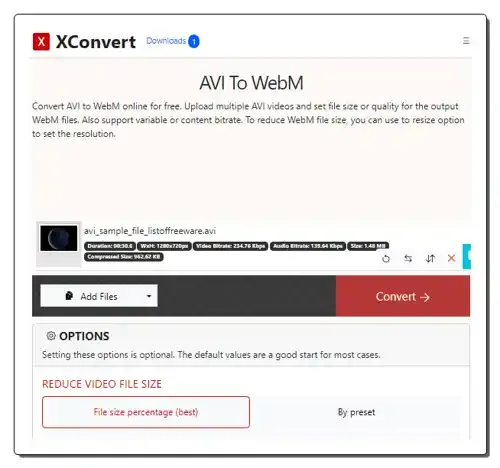
xconvert.com is yet another free AVI to WEBM converter website. This website can batch-convert AVI videos to WEBM without any restrictions. It also offers an options panel that allows me to adjust video parameters like bitrate, output file size, preset, resolution, etc. It can also fetch AVI videos from online sources. Complete descriptions of both AVI and WEBM formats are also present on this website. Now, follow the below steps.
It is another good online AVI to WEBM converter website that also lets users adjust multiple video parameters.
| Pros |
|---|
| Supports batch conversion |
| Can fetch videos from online sources |
| Lets users adjust video parameters |
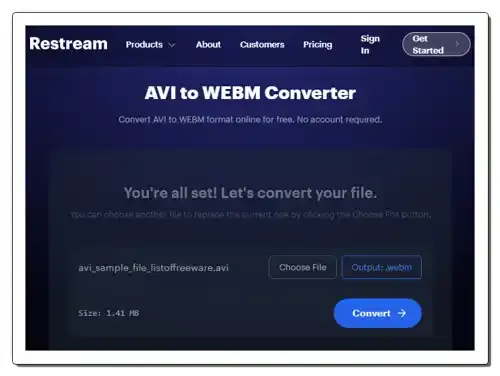
restream.io is another free online AVI to WEBM converter website. With the help of this website, I can easily convert one AVI video to a WEBM video format. Plus, I don’t need any type of account to use this website. However, the conversion speed is quite slow. It also lacks features like batch video conversion, online storage support, etc.
On its interface, users can view the description of both AVI and WEBM formats. It even answers common queries related to AVI to WEBM conversion. Now, follow the below steps.
It is another good online AVI to WEBM converter website that helps me convert AVI videos to WEBM format.
| Pros | Cons |
|---|---|
| It doesn’t impose free version limitations | Doesn’t support batch video conversion |
| Cannot fetch videos from online sources |
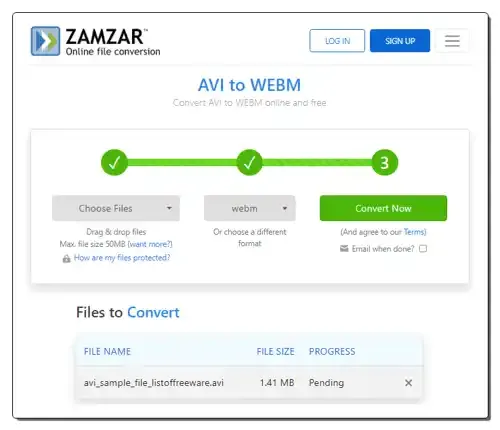
zamzar.com is another free AVI to WEBM converter website. This website can concurrently process up to 5 video files at a time. It can fetch AVI videos of up to 50 MB in size from both local and online storage services. It also lets users choose FLV, MOV, 3GP, 3G2, MPG, and WMV as output video formats. I also like its Email when Done feature that sends the links of converted files to registered email addresses of users. Now, follow the below steps.
It is another good AVI to WEBM converter website that anyone can use without much hassle.
| Pros | Cons |
|---|---|
| Supports batch conversion | Free version limits batch conversion to up to 5 files |
| Can fetch videos from online sources | |
| Offers Email when done feature |
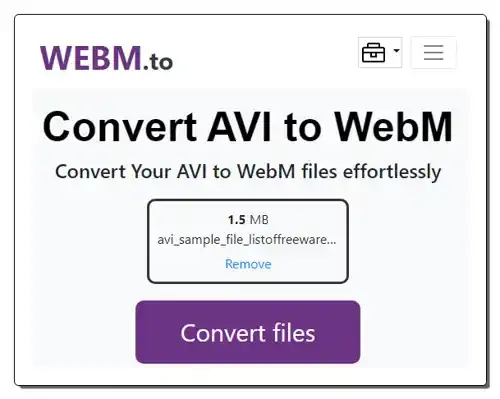
webm.to is another free online AVI to WEBM converter website. Through this website, I can convert one AVI video to WEBM format at a time. The premium version of this website supports batch video conversion. To help users, it shows the steps of conversion. It also answers queries related to AVI to WEBM conversion. Now, follow the below steps.
This website offers a basic AVI to WEBM converter that can convert one video file at a time.
| Cons |
|---|
| The free version doesn’t support batch conversion |
| Cannot fetch videos from online sources |
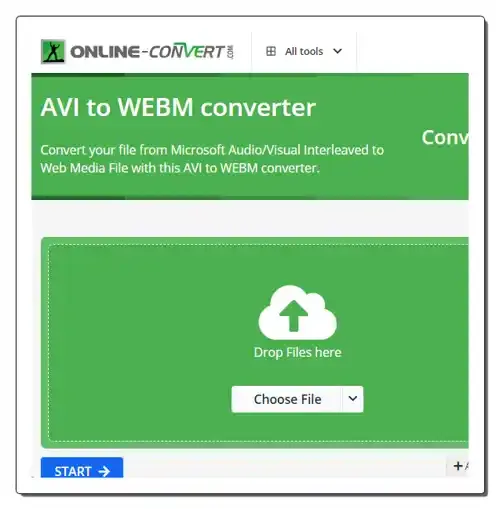
online-convert.com is yet another free online AVI to WEBM converter website. With the help of this website, I can batch convert up to 3 AVI videos to WEBM at a time. It can also be used to convert AVI videos to MPG, FLV, OGV, 3GP, etc., formats. I also like its ability to fetch AVI videos from online resources and cloud storage services. Before starting the conversion process, users can choose to adjust video properties like resolution, aspect ratio, video bitrate, audio settings, etc. Some advanced tools to crop video, rotate video, and flip video are also present. Now, follow the below steps.
I like this AVI to WEBM converter as it supports batch video conversion and allows me to adjust multiple video parameters.
| Pros | Cons |
|---|---|
| Supports batch conversion of up to 3 files | Its free version imposes some restrictions |
| Can fetch videos from online sources | |
| Lets users adjust multiple video parameters |
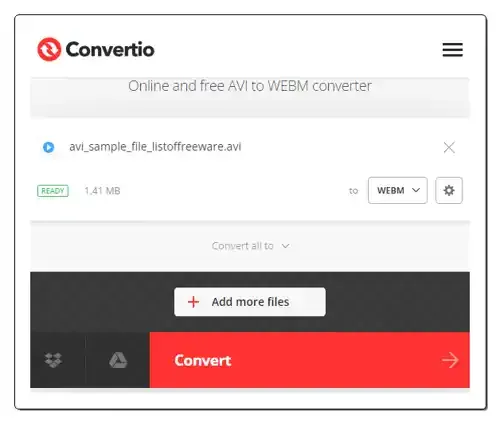
convertio.co is another free AVI to WEBM converter website. Through this website, I can concurrently convert up to 2 AVI videos to WEBM, MOV, MP4, M4V, FLV, etc., formats. It even lets me manually adjust multiple video and audio parameters like Codec, Quality, Resolution, Frame Rate, Rotate, Audio Frequency, Volume, etc. It also lets me fetch AVI videos from local storage and online sources. It describes both AVI and WEBM video formats. Now, follow the below steps.
It is another simple AVI to WEBM converter website that helps users quickly convert their AVI videos to WEBM format.
| Pros | Cons |
|---|---|
| Supports batch conversion of up to 2 files | Its free version imposes some restrictions |
| Can fetch videos from online sources | |
| Lets users adjust multiple video parameters |
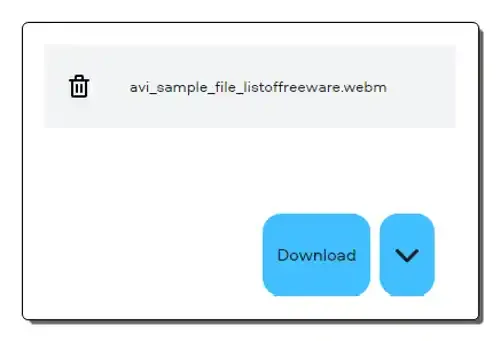
movavi.com is yet another free AVI to WEBM converter website. This website offers a simple AVI to WEBM converter that can convert one AVI video to WEBM on its free version. By purchasing its premium version, users can enjoy the benefit of batch conversion and video editing tools.
Apart from WEBM, it can also convert AVI videos to ASF, AVI, FLV, M2V, MOV, MPEG, etc., formats. However, it doesn’t offer any tool to adjust video parameters. This website shows the conversion steps and describes both AVI and WEMB formats. Now, follow the below steps.
It is another simple-to-use online AVI to WEBM converter that process one video at a time.
| Pros | Cons |
|---|---|
| Can fetch videos from Dropbox | Its free version doesn’t support batch conversion |
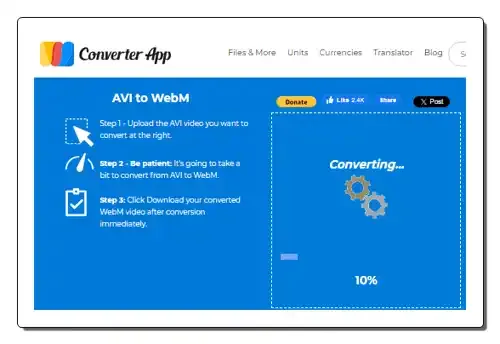
converter.app is the last free online AVI to WEBM converter website. With this online video converter service, I can easily convert multiple AVI videos to WEBM format. As soon as I upload my AVI videos, it starts the conversion process. However, it lacks tools to adjust video parameters, nor it can fetch videos from online sources. It does provide the AVI to WEBM conversion steps to help out users. Now, follow the below steps.
It is another good online AVI to WEBM converter website that helps users quickly convert multiple AVI videos to WEBM format.
| Pros |
|---|
| Supports batch conversion |
| Automatically start the conversion process |
You can use AVI converter websites or software to convert AVI videos to various formats like MP4, MOV, FLV, WMV, etc., formats.
You can use online MP4 to AVI converter websites to quickly convert MP4 videos to AVI format. These websites also let you adjust video parameters like video codec, video resolution, aspect ratio, quality, etc.
A WebM file is a multimedia container format primarily used for storing video content. It was developed by the WebM Project, sponsored by Google, and is designed to be an open, royalty-free alternative for web-based video streaming.
WebM is specifically designed for web use. It uses codecs (VP8, VP9, and AV1) that are optimized for efficient streaming and playback over the internet. This results in smaller file sizes compared to other formats like MP4, leading to faster loading times and smoother playback even on slower internet connections.
Use these online LRC to SRT converter websites to quickly convert LRC lyrics files to SRT subtitle file format.
Read more: 5 Best Free Online LRC to SRT Converter Websites »Use these online VTT to SRT converter websites to quickly convert one or more VTT files to SRT subtitle file formats.
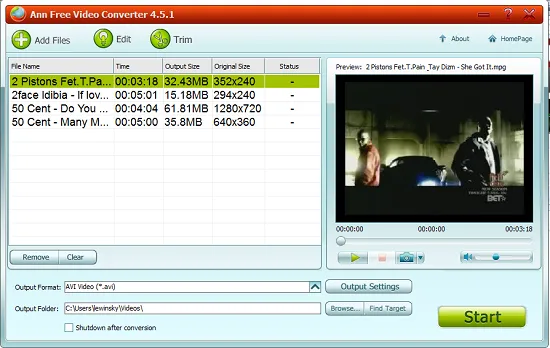
Read more: 6 Best Free VTT to SRT Converter Online Services »Ann Free Video Converter is a free software that converts video between most common video formats. Download Ann Video Converter free.
Read more: Free Video Converter Software: Ann Video Converter »Here are 10 best free video converter software to convert videos to multiple output formats. Download best free video converter.
Read more: 10 Best Free Video Converter Software »Here's a free software to sync play multiple videos together side-by-side in a single grid frame on PC. Read this step-by-step guide to know.
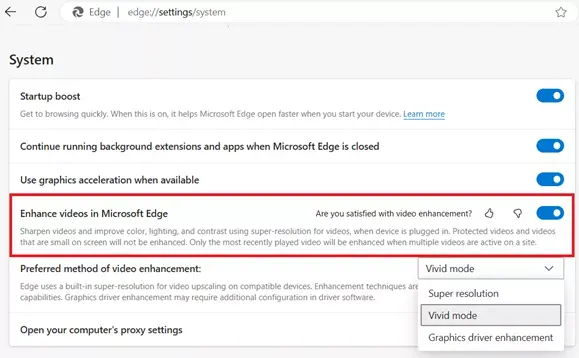
Read more: Grid Player: Play Multiple Videos Together Side by Side on PC »Improve the quality of videos you watch online with Enhance video in Microsoft Edge. Boost colors & sharpen videos.
Read more: How to Enable Video Quality Enhancer in Edge to Improve Sharpness & Colors »