10 Best Free Online AVI to WEBM Converter Websites
Use these online AVI to WEBM converter websites to quickly convert AVI videos to WEBM, MOV, FLV, etc., video formats.
Read more: 10 Best Free Online AVI to WEBM Converter Websites »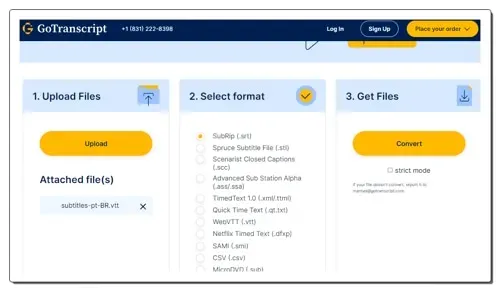
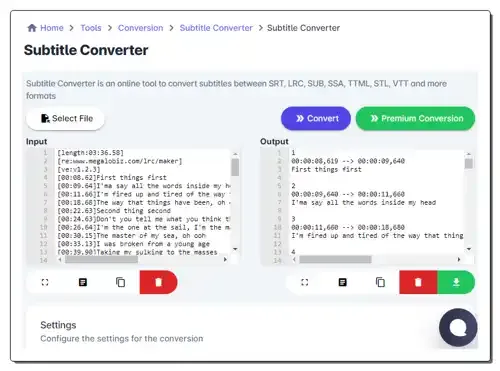
Use these online VTT to SRT converter websites to quickly convert one or more VTT files to SRT subtitle file formats.
Here is a list of best free VTT to SRT converter online services. VTT or Web Video Text Track File is used to store captions and caption data of a video. It is a plain text file with .vtt extension. This file can carry transcripts, metadata, timecode, and formatting data. This file is easy to edit and flexible enough to carry additional metadata. SRT or SubRip Subtitle file is a popular subtitle file that carries subtitles and captions of a video. Due to compatibility issues, VTT files are often converted to SRT format. If you also want to do that, check out these VTT to SRT converter online services.
Use these VTT to SRT converter online services to quickly convert VTT files to SRT format. Some of these converters can batch-process multiple VTT files to SRT with ease. A few websites can even fetch VTT files from online sources. These converters are also capable of converting VTT files to SRT, DOCX, TXT, etc., formats. To help new users, I have included the necessary conversion steps in the description of each service.
These services also describe both VTT and SRT formats. Plus, a good set of additional tools are also offered by them like Word Counter, Text Compare, SRT to Plain Text Converter, Subtitle Shifter, Subtitle Merger, and more. Go through the list to learn more about these services.
gotranscript.com is my favorite service as it can batch convert VTT files to SRT format. Plus, it also describes both VTT and SRT file formats.
You can also check out lists of best free Online SRT to TXT Converter, Online TXT to SRT Converter, and SRT Translator Online services.
| Features/Website Names | Supports batch file conversion | Can fetch files from online sources | Describes VTT and SRT formats |
|---|---|---|---|
| gotranscript.com | ✓ | x | ✓ |
| happyscribe.com | x | x | ✓ |
| subtitletools.com | ✓ | x | ✓ |
| ebby.co | x | x | ✓ (descrives VTT) |
| maestra.ai | x | x | ✓ |
| converter.co.in | x | ✓ | x |
gotranscript.com is a free VTT to SRT converter online service. Through this website, users can batch-convert VTT files to SRT in no time. It can also convert VTT files to STL, SCC, ASS, XML, and SBV formats. After performing the conversion, it generates a ZIP archive carrying all the converted SRT files. This website also describes all the subtitle file formats that it supports. Now, follow the below steps.
It is one of the best free online VTT to SRT converter websites that can convert multiple VTT files to SRT at a time.
| Pros |
|---|
| Supports batch file conversion |
| Supports multiple subtitle file formats |
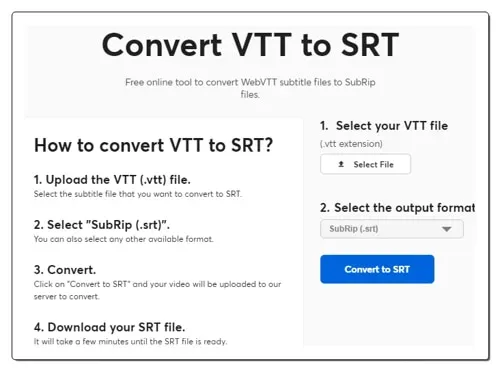
happyscribe.com is a free VTT to SRT converter online service. This website helps users convert VTT files to SRT, DOCX, TXT, and PDF formats. However, it can only process one file at a time. It also shows steps to use this VTT to SRT converter. Some queries related to VTT and SRT formats are also answered by it. Now, follow the below steps.
It is a good online VTT to SRT converter website that can quickly convert a VTT file to SRT format.
| Pros | Cons |
|---|---|
| Easy-to-use | Only convert one file at a time |
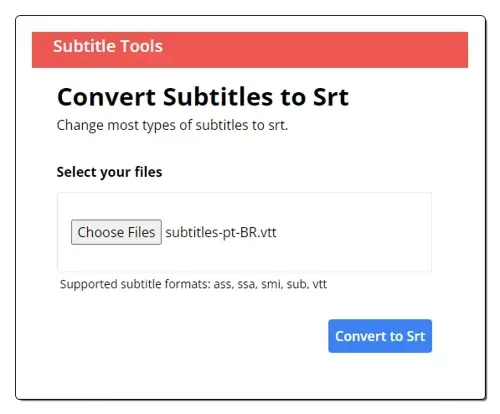
subtitletools.com is a free VTT to SRT converter online service. Using this website, users can batch-convert VTT files to SRT subtitle format. It can also convert ASS, SSA, SMI, and SUB formats. On this website, users can also upload a ZIP file containing multiple VTT files to perform the conversion. Plus, the speed of file conversion is also quite good. Now, follow the below steps.
It is another good online VTT to SRT converter website that anyone can use to convert multiple VTT files to SRT at a time.
| Pros |
|---|
| Supports batch file conversion |
| Can fetch VVT files from a ZIP file |
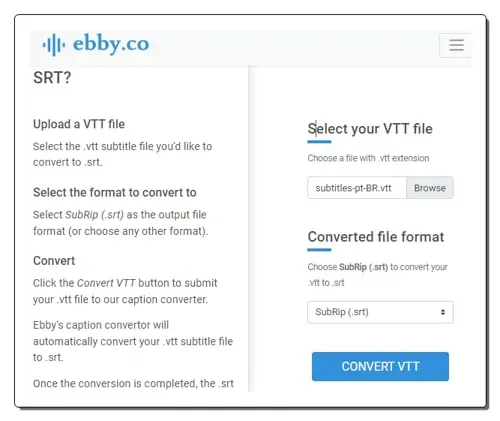
ebby.co is another free VTT to SRT converter online service. This service offers a dedicated VTT to SRT converter tool that can convert one VTT file to SRT at a time. It can also be used to convert VTT files to DOCX, PDF, HTML, TXT, and ASS formats. To help users, it lists the VTT to SRT conversion steps. It also describes the VTT file and how users can open it. Now, check out the below steps.
It is another good VTT to SRT converter online service that helps users quickly convert their VTT files to SRT and other supported subtitle file formats.
| Pros | Cons |
|---|---|
| Describes VTT format | Doesn’t support batch file conversion |
| Easy-to-Use |
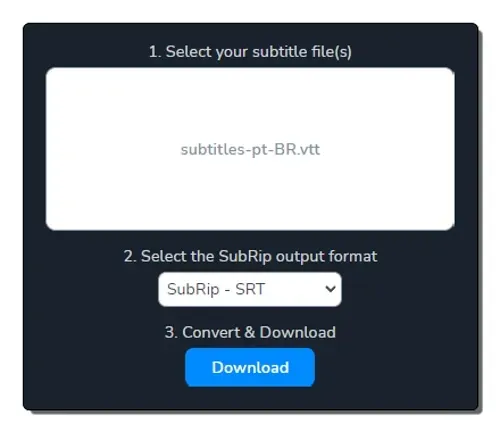
maestra.ai is another free VTT to SRT converter online service. Using this service, users can convert VTT files to SRT, SCC, STL, CAP, TXT, and SBV formats. However, it can only convert one VTT file to SRT format. It also provides steps to convert VTT files to SRT using this tool. It also answers queries related to VTT to SRT conversion. Now, follow the below steps.
It is another good VTT to SRT converter online service that anyone can use with ease.
| Pros | Cons |
|---|---|
| Shows conversion steps | Doesn’t support batch file conversion |
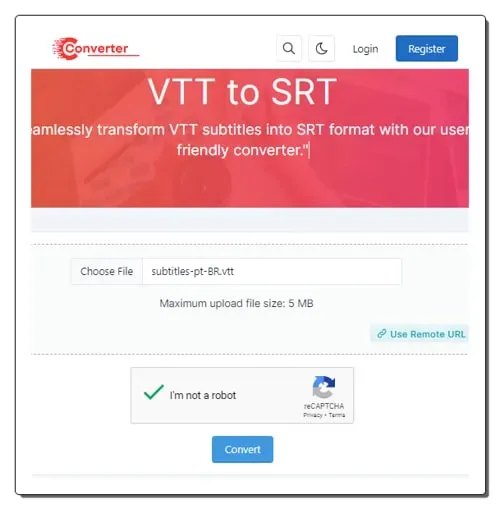
converter.co.in is another free VTT to SRT converter online service. This service can fetch VTT files from online sources and convert them to SRT format. Locally stored VTT files can also be uploaded to this service. However, it can only process one file at a time. It also answers multiple queries related to VTT to SRT conversion. Now, follow the below steps.
It is another good online VTT to SRT converter website that can also fetch VTT files from online sources.
| Pros | Cons |
|---|---|
| Can fetch VTT files from online sources | Doesn’t support batch file conversion |
Yes, you can convert VTT to SRT using VTT to SRT online converter services. These websites can also batch convert multiple VTT files SRT, TXT, DOCX, PDF, etc., formats. The overall conversion process is also quite straightforward.
It’s not necessarily true that VTT is “better” than SRT, as both formats have their own strengths and weaknesses, and the best choice depends on your specific needs. If you prioritize creative control, accessibility, and advanced features, VTT is the better choice. If simplicity, universal compatibility, and smaller file sizes are crucial, SRT is the way to go.
Yes, VLC media player absolutely can read VTT files! In fact, it’s one of the most popular video players known for its wide support of various subtitle formats, including VTT
VTT stands for Web Video Text Tracks format, also known as WebVTT. It’s primarily used for subtitles and captions in videos, but it has other applications as well like Subtitles &captions (This is the core function of VTT files. They display synchronized text alongside the video, making it accessible to a wider audience.) and Transcriptions.
Use these online AVI to WEBM converter websites to quickly convert AVI videos to WEBM, MOV, FLV, etc., video formats.
Read more: 10 Best Free Online AVI to WEBM Converter Websites »Use these online LRC to SRT converter websites to quickly convert LRC lyrics files to SRT subtitle file format.
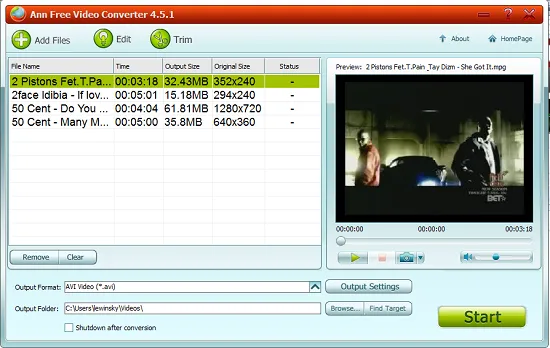
Read more: 5 Best Free Online LRC to SRT Converter Websites »Ann Free Video Converter is a free software that converts video between most common video formats. Download Ann Video Converter free.
Read more: Free Video Converter Software: Ann Video Converter »Here are 10 best free video converter software to convert videos to multiple output formats. Download best free video converter.
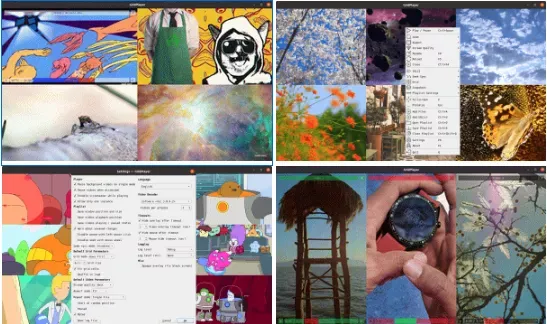
Read more: 10 Best Free Video Converter Software »Here's a free software to sync play multiple videos together side-by-side in a single grid frame on PC. Read this step-by-step guide to know.
Read more: Grid Player: Play Multiple Videos Together Side by Side on PC »Improve the quality of videos you watch online with Enhance video in Microsoft Edge. Boost colors & sharpen videos.
Read more: How to Enable Video Quality Enhancer in Edge to Improve Sharpness & Colors »