4 Best Free Cron Expression Generator Websites
Build and check cron schedules online. These free cron expression generators explain schedules in plain English and show the next run times.
Read more: 4 Best Free Cron Expression Generator Websites »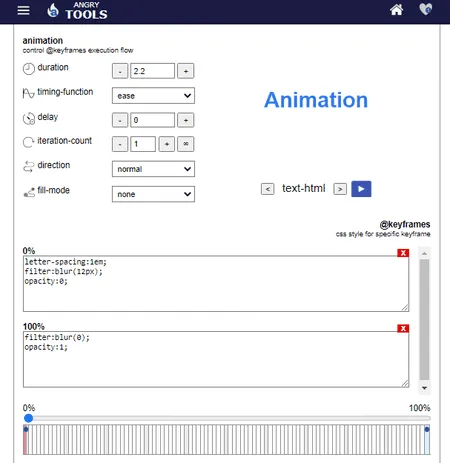
Use these online CSS keyframe Animation generator websites to create custom CSS keyframe animations and keyframe animation code.
Here is a list of best free online CSS Keyframe Animation Generator websites. CSS Keyframe Animation is used to add smooth animation effects to webpage elements. This animation contains animation sequences with different properties at different segments of the animation. To create Keyframe animations, users need these online CSS keyframe animation generator websites.
Using CSS keyframe animation generators, users can create custom keyframe animations. To simplify the animation generation process, these websites come with multiple predefined animations (Jello, Shake, Swing, Zoom In, Zoom In Down, etc.). Users can select one of many available animations and further customize it according to their requirements. To customize the animation, users need to change animation properties like Duration, Timing Function, Animation Color, Animation Direction, Animation Effects, etc. Before finalizing the keyframe animation, users can preview the customized keyframe animation. In the end, users can copy the final CSS keyframe animation code and add it to their websites.
These websites also come with additional tools like Border Generator, CSS Box resizer, Keyframe Shadow Generator, Keyframe Color Generator, etc. Go through the list to know more about these websites.
angrytools.com is my favorite website because it comes with multiple customizable keyframe animations. Plus, its timeline editor simplifies the entire keyframe animation generation process.
You can also check out lists of best free Online CSS Text Shadow Generator, Online CSS Shape Generator, and Online CSS Sprite Generator websites.
| Features/Website Names | Comes with Multiple Keyframe Animation | Lets Users Adjust Every Aspect of the Animation | Comes with Timeline Editor |
|---|---|---|---|
| angrytools.com | ✓ | ✓ | ✓ |
| webcode.tools | ✓ | ✓ | x |
| keyframes.app | x | ✓ | ✓ |
| theappguruz.com | ✓ | x | x |
| animista.net | ✓ | ✓ | x |
| tools.webdevpuneet.com | ✓ | x | x |
| doozytools.com | ✓ | ✓ | x |
| html-code-generator.com | ✓ | x (Lets users adjust only some animation properties) | x |
angrytools.com is a free online CSS keyframe animation generator. This website comes with a CSS animation kit containing all the tools to create and customize the CSS keyframe animation according to users’ requirements. Some primary animation fields that it offers are basic, text, shutter, flip, flip in, rotate, scale up, etc. By selecting any one of the animation fields users can further adjust the property of the animation effect and specify the duration, timing function, delay, and iteration count of the animation effect. A timeline editor to specify the position of different animation elements are also available. After completing the animation, users can preview the CSS keyframe animation and save the code in both CSS and JavaScript formats. Now, follow the below steps.
It is one of the best free online CSS keyframe animation generator websites that comes with all the necessary features to make custom CSS keyframe animations.
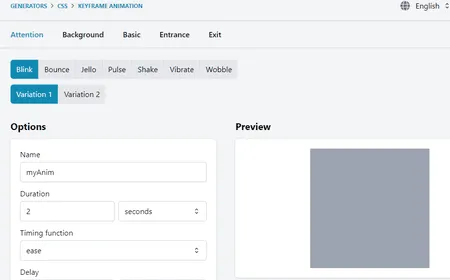
webcode.tools is a free online CSS keyframe animation generator website. Using this website, users can specify the properties of keyframe animation. The keyframe animation properties are mainly divided into five parts namely Attention, Background, Basic, Entrance, and Exit. Through Attention, users can add and adjust small animations like Blink, Bounce, Jello, Pulse, etc. The background section allows users to adjust the Ken Burns and Pan background animations. Through the Basic section, users can add and adjust basic animations like Scale Up, Scale Down, Rotate, Slide, Shadow, etc. Similarly, users can also adjust the Entrance and Edit animation properties.
A preview window to preview all the animation changes are also present. After making all the changes, users can copy the final code from the Code section.
It is another good online CSS keyframe animation generator website that offers all the necessary tools to generate every aspect of an CSS keyframe animation.
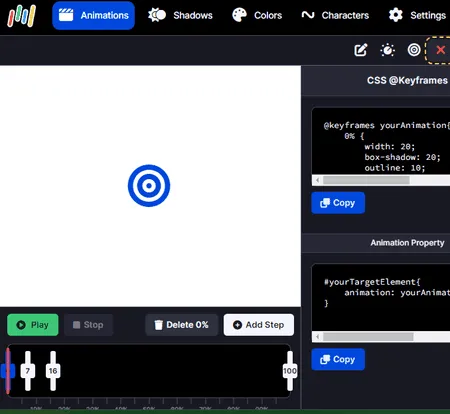
keyframes.app is another good online CSS keyframe animation generator website. This website offers a CSS keyframe animation editor with a timeline. Over the timeline, users can add transform, design, shape, size, and position steps and track the changes. Some of the properties that users can manually specify of keyframe animation are transform-origin, translate, skew, color, background, margin, height, position, etc.
After specifying the animation properties, users can adjust the animation time of each step by going to its Animation Control section. Besides this, users can also specify the target elements and their changes to finish the CSS keyframe animation generation process. Now, follow the below steps.
It is another good online CSS keyframe animation generator that offers an intuitive timeline editor to quickly make a beautiful CSS keyframe animation.
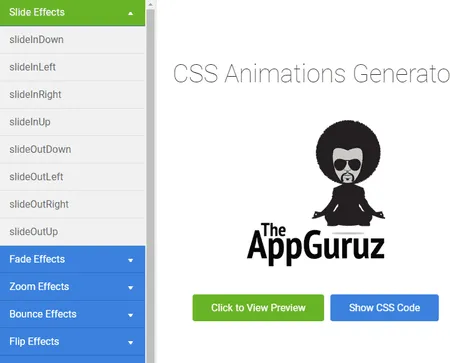
theappguruz.com is another free online CSS keyframe animation generator. This website offers a simple CSS animation generator that helps users quickly generate small animation CSS codes that users can use on their CSS keyframes. Although, it doesn’t let users build the entire CSS keyframe animation. To generate CSS animation, it offers multiple animation effects like Slide Effects, fade Effects, Zoom Effects, Bounce Effects, Flip Effects, and more. After selecting an animation type, users can click on a specific animation type to preview the animation effect. Now, follow the below steps.
It is another good online CSS keyframe animation generator that anyone can use to generate parts of a CSS keyframe animation.
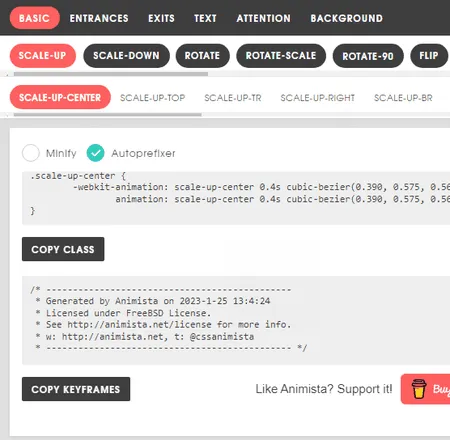
animista.net is another free online CSS keyframe animation generator. Using this website, users can easily generate a custom CSS keyframe animation. To do that, it comes with a large number of animation effects to choose from. All the animation effects are mainly divided into six categories namely Basic, Entrances, Exits, Text, Attention, and Background. By going to available categories, users can find the right animation effect for their requirements. Plus, users can further customize selected animation effects using options like object, duration, timing function, delay, direction, etc. After finalizing an effect, users can preview its look in the preview section. In the end, users can copy the class code and CSS keyframe code. Now, follow the below steps.
It is another capable online CSS keyframe animation generator through which users can generate impressive CSS keyframe animation codes.
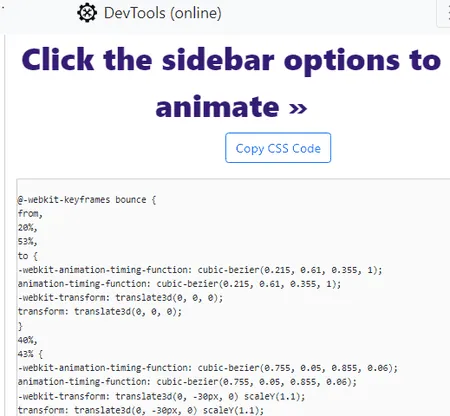
tools.webdevpuneet.com is another free online CSS keyframe animation generator website. This website offers a standard CSS Animation Generator section that allows users to select and preview small CSS animations that users can use on their keyframe animation. With each selected animation, users can get its preview along with CSS code that users can copy. Plus, a good set of animation categories are offered by it for users to explore such as Attention Seekers, Back Entrances, Bouncing Entrances, Bouncing Exits, Flippers, Sliding Exits, and more. Now, follow the below steps.
It is a simple and effective online CSS keyframe animation generator website that carries multiple CSS animation effects that users can browse and choose for their CSS keyframes.
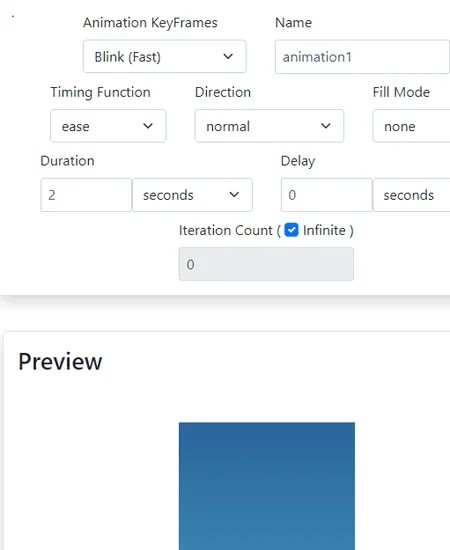
doozytools.com is the last free online CSS keyframe animation generator website. Through this website, users can create custom keyframe animation according to their needs. To create animation, it offers an animation keyframes menu that contains multiple standard keyframes such as Blink, Bounce, Jello, Pulse, Shake, etc. After selecting one of the keyframes, users can customize its properties such as timing function, direction, fill mode, duration, delay, iteration count, etc. All changes made by users can be tracked in the Preview section. The CSS keyframe code can is automatically generated by it so that users can copy from its interface and use it on your website. Now, follow the below steps.
It is another simple and effective online CSS keyframe animation generator website that anyone can use without much hassle.
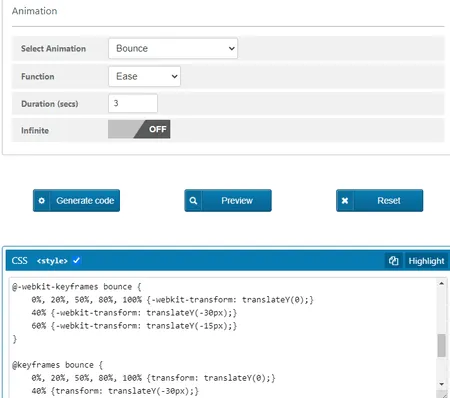
html-code-generator.com is the last free online CSS keyframe animation generator website. Like most other similar websites, it offers a standard CSS Animation Generator. On this generator, users get a good set of predefined keyframe animations that users can further customize. Some of the predefined animations that it offers are Fade in Right Big, Bounce, Bounce In Up, Fade In Up Big, Magic, Jello, or Wobble. Now to customize the selected animation, users can change its Function (Ease, Ease-in, Ease-out, Ease-in-out, and Linear), Duration, and Run Time. All the changes can be viewed with over a 2D or 3D preview element. Now, check out the below steps.
It is another good online CSS keyframe animation generator website through which users can easily create a custom CSS keyframe animation code.
Once your page is ready, publish it for free with 4 Best Free Static Website Hosting Services.
Build and check cron schedules online. These free cron expression generators explain schedules in plain English and show the next run times.
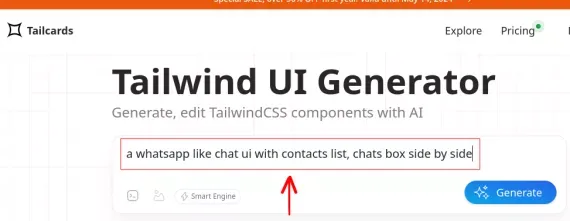
Read more: 4 Best Free Cron Expression Generator Websites »Here's a free Tailwind UI generator to generate, edit Tailwind CSS components with AI. Generate simple and complex Tailwind components.
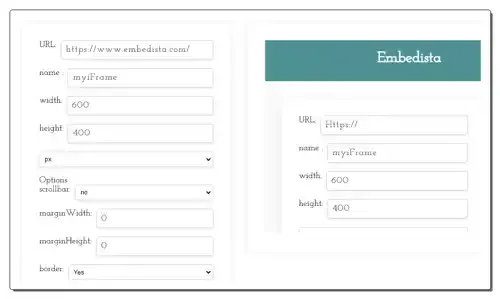
Read more: Generate TailwindCSS Components for Free with this AI based UI Generator »Use these online iFrame code generator websites to quickly generate a custom iFrame code with source URL and frame settings.
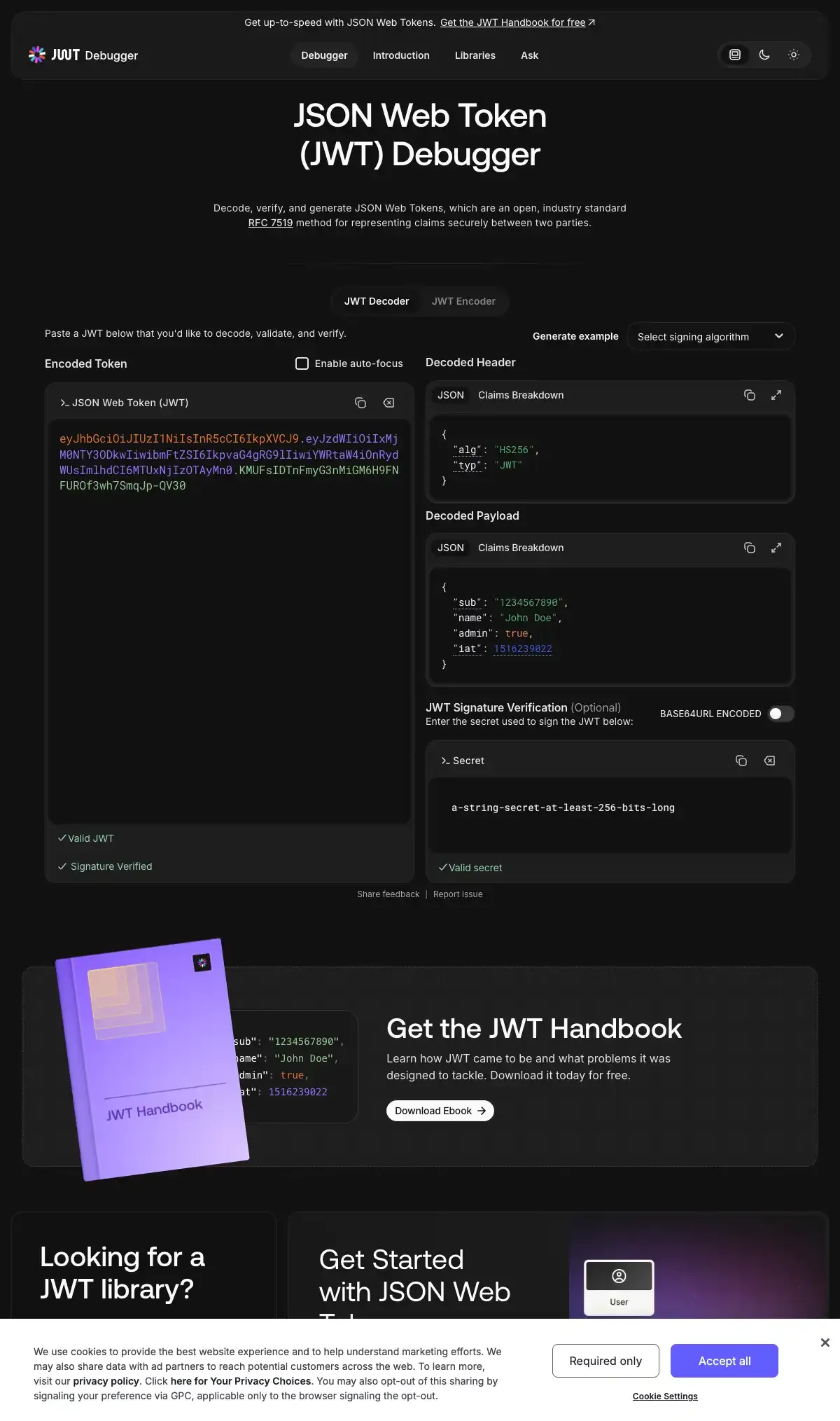
Read more: 8 Best Free Online iFrame Code Generator Websites »Decode JSON Web Tokens online to read their header, payload and expiry time. These free JWT decoder websites also verify signatures and create test tokens.
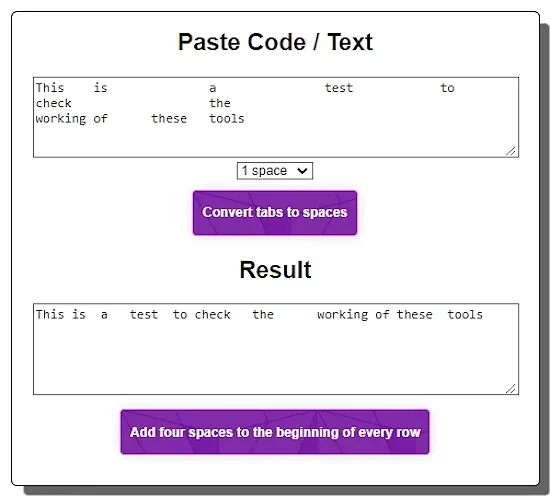
Read more: 4 Best Free Online JWT Decoder Websites »Check out 5 free convert tabs to spaces online websites where you can easily replace tabs with 1, 2, 3... spaces in a text.
Read more: 5 Best Free Convert Tabs to Spaces Online Websites »Compress or decompress text with Brotli online for free. These tools handle HTML, CSS, JavaScript and other text-based data in the browser.
Read more: 5 Free Brotli Compression Tools Online »