4 Best Free Online JWT Decoder Websites
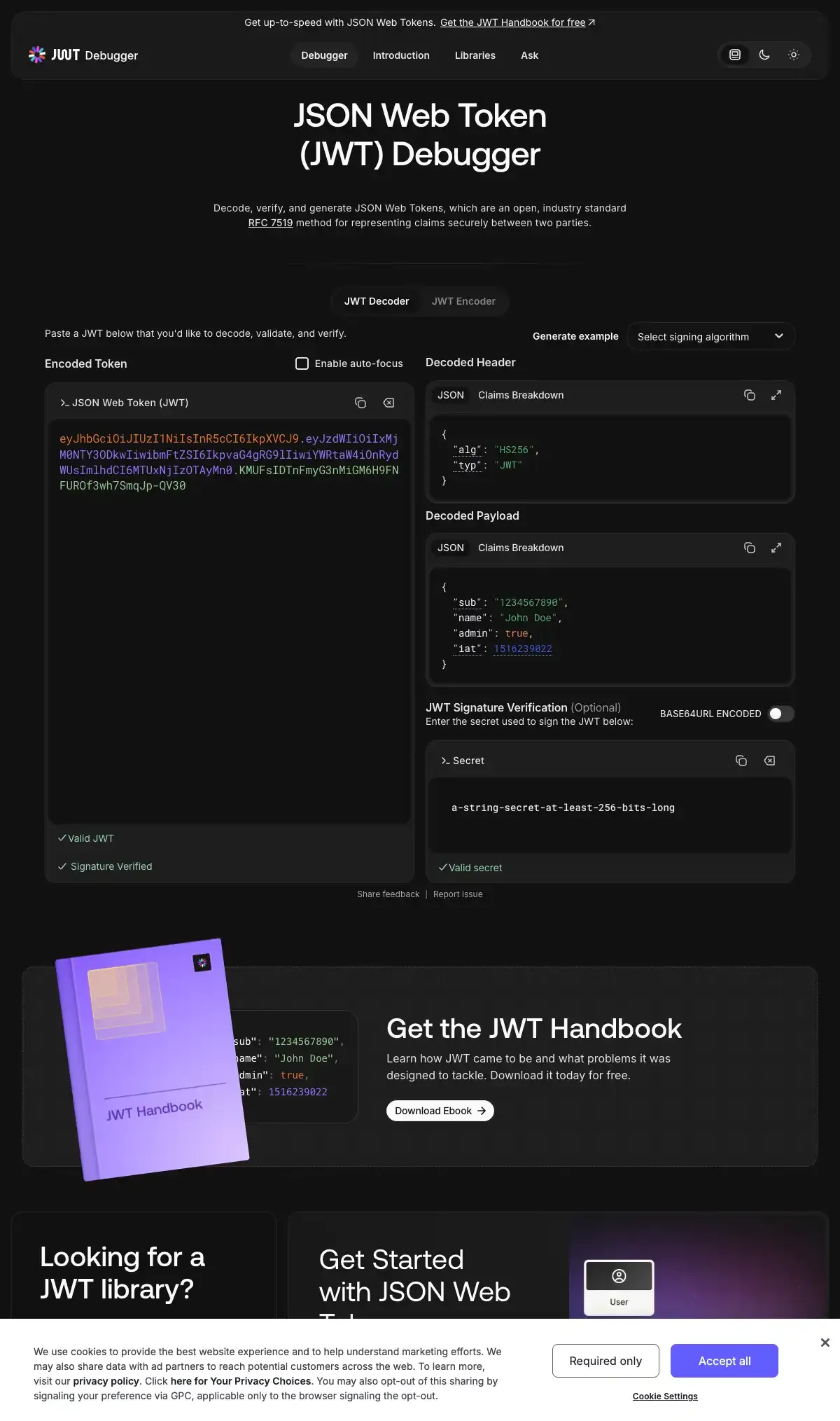
Decode JSON Web Tokens online to read their header, payload and expiry time. These free JWT decoder websites also verify signatures and create test tokens.
Read more: 4 Best Free Online JWT Decoder Websites »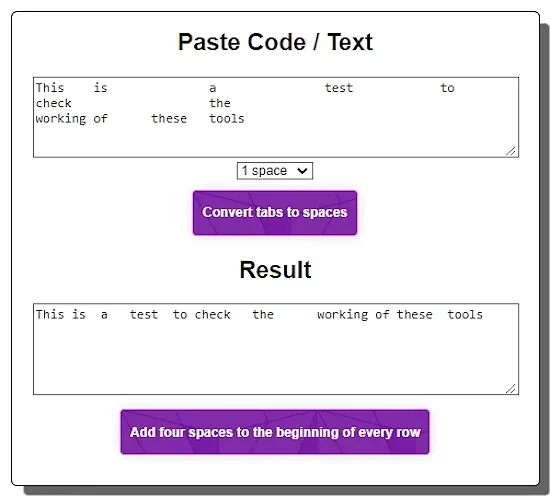
Check out 5 free convert tabs to spaces online websites where you can easily replace tabs with 1, 2, 3... spaces in a text.
Here is a list of the best free convert tabs to spaces online websites. Tabs to spaces conversion is a simple process of replacing each tab symbol in a text with spaces. However, doing it manually takes lots of time and effort. A tabs-to-spaces conversion tool can automate this process within seconds. We just have to provide the text input with tabs and the tool converts that to text output with spaces. For this conversion, we can set the number of spaces to replace each tab with.
I have researched this topic and found around 9-10 websites offering such a tool. Some of the tools were hosted on temporality domains with doubtable long-term availability. In the end, I came up with a list of 5 websites that are almost always up and running. These websites provide reliable tabs to text conversion tools that anyone can use for free without an account.
TabstoSpaces.com is my favorite convert tabs to spaces online website on this list. This is a dedicated website offering just this tabs to spaces conversion. With a simple and clutter-free interface, it is at the top of my list.
You can check out our other lists of the best free Remove Empty Lines Online Services, Online Text Separator Websites, and Change CSV Delimiter Online Services.
| Name | Input Method | Output Option | Spaces Setting |
|---|---|---|---|
| TabstoSpaces.com | Paste / Type | Copy | 1, 2, or 4 |
| PineTools.com | Paste / Type | Copy / TXT Download | User-defined |
| OnlineTextTools.com | Paste / Type / File Upload | Copy / TXT Download | User-defined |
| Browserling.com | Paste / Type | Copy | User-defined |
| OnlineStringTools.com | Paste / Type / File Upload | Copy / TXT Download | User-defined |
TabstoSpaces.com provides an online tool for converting tabs to spaces in text and lists. It is a simple website that serves one purpose only. The website has a simple interface with two text boxes arranged vertically. The box on the top is for the input where you have to add your text with tabs. Below that box, you get a dropdown option where you can set the number of spaces for each tab. You can set it to 1 space, 2 spaces, or 4 spaces. With that, you can run the tool. It shows the converted text in the box below the conversion button. The text will have all the tabs replaced with the configured number of spaces. From there, you can select and copy the output to the clipboard and use it wherever you have to.
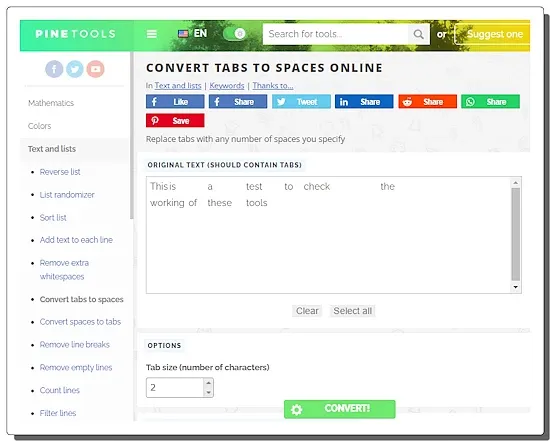
PineTools.com offers a variety of free online tools for different tasks. These tools cover a wide range of categories including mathematics, colors, text and list manipulation, numbers, date and time calculations, images, randomness, files, programming, and videos. The website has an online tool to convert tabs to spaces in text and lists. You can replace tabs with any number of spaces they specify by entering the original text containing tabs and selecting the tab size (number of characters). This tool is useful for formatting text or code where tabs need to be converted to spaces. The tool takes the direct text input and shows the output text in a box. It provides multiple options to copy and download the output text with ease.
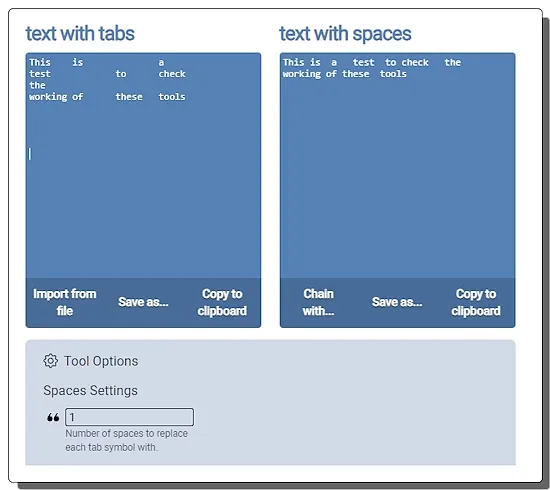
OnlineTextTools.com is a website that offers a collection of free and easy-to-use text processing tools. The website has tools for generating, converting, replacing, filtering, encoding, decoding, and manipulating text. This also includes a text tabs to spaces converter. This tool has a “text with tabs” and a “text with spaces” section. At the bottom of these sections, you get a “spaces setting” where you can set the number of spaces to replace each tab symbol with. Then you can add your text directly or upload a file to add the input to the tool. As soon as you add the text, it gets you an output almost instantly. In the “text with spaces” section, you get the same text with tabs replaced with the configured number of spaces. From there, you can copy the output or download it as a text file. The tool also provides a list of other conversions and operations that you can quickly perform on the output.
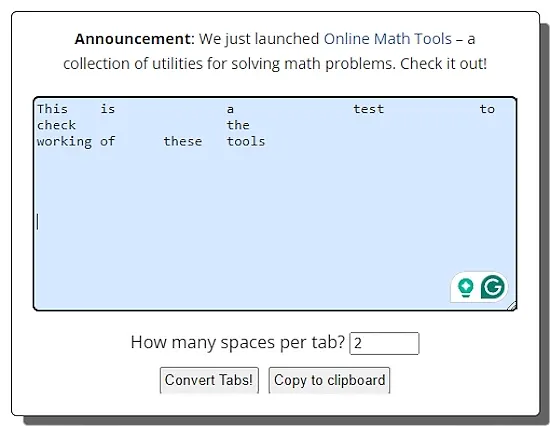
Browserling.com is a web-based platform that offers cross-browser testing solutions for web developers. It has a wide collection of tools including converters, encoders, decoders, and more. The website features a tool to Convert Tabs to Spaces. This simple tool has a single text box where you can add your text input directly. Below the box, there is a section to set the number of spaces. You can describe the number of spaces you want to replace each tab. After that, when you run the tool, it replaces the input with the output in the same box. From there, you can copy the output with a click of a button.
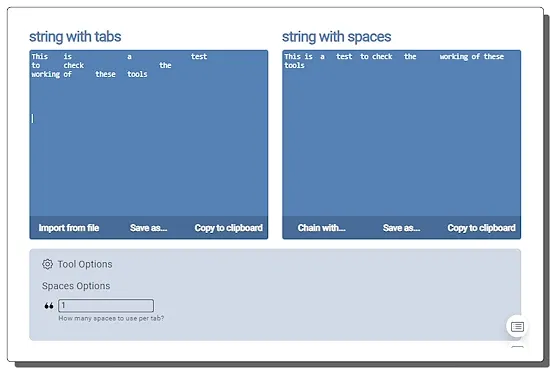
OnlineStringTools.com is another free website that provides a collection of string tools. These tools allow you to easily perform various types of operations on a text string. The website features a string tabs to spaces converter. This is a simple tool that takes text with tabs as input and replaces the tabs with spaces. The tool has two separate sections the input and the output. Each section offers multiple options to add input and get output including file upload and TXT download. By default, this tool is set to replace a tab with a single space. However, you can change it to any number. If you want a tab to be replaced with 3 spaces instead of 1, you can configure that and process your text accordingly.
Convert tabs to spaces online tools are web-based utilities that lets users to replace tabs in a text input with a specified number of spaces. This helps standardize formatting, particularly in coding and text files.
Converting tabs to spaces is crucial for ensuring code or text files maintain consistent formatting across different environments. It also helps in adhering to coding standards and improving readability.
Yes, these tools allow users to specify the number of spaces they want each tab to be replaced with. This customization caters to different coding styles and preferences.
Yes, some tools provide options to preserve leading whitespace when converting tabs to spaces. This feature helps maintain the structure of the text.
While the primary function is to convert tabs to spaces, some tools may offer options to convert spaces to tabs. This can be useful for reversing the process.
Yes, users can specify the number of spaces for each tab, effectively controlling the indentation level in the converted text.
Decode JSON Web Tokens online to read their header, payload and expiry time. These free JWT decoder websites also verify signatures and create test tokens.
Read more: 4 Best Free Online JWT Decoder Websites »Build and check cron schedules online. These free cron expression generators explain schedules in plain English and show the next run times.
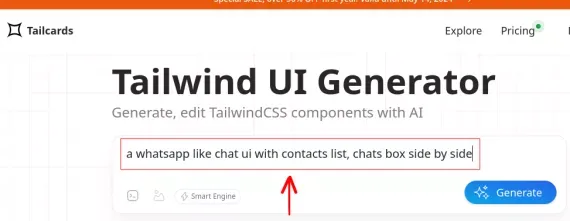
Read more: 4 Best Free Cron Expression Generator Websites »Here's a free Tailwind UI generator to generate, edit Tailwind CSS components with AI. Generate simple and complex Tailwind components.
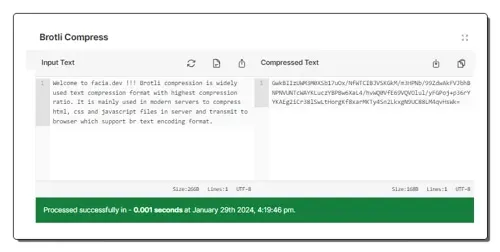
Read more: Generate TailwindCSS Components for Free with this AI based UI Generator »Compress or decompress text with Brotli online for free. These tools handle HTML, CSS, JavaScript and other text-based data in the browser.
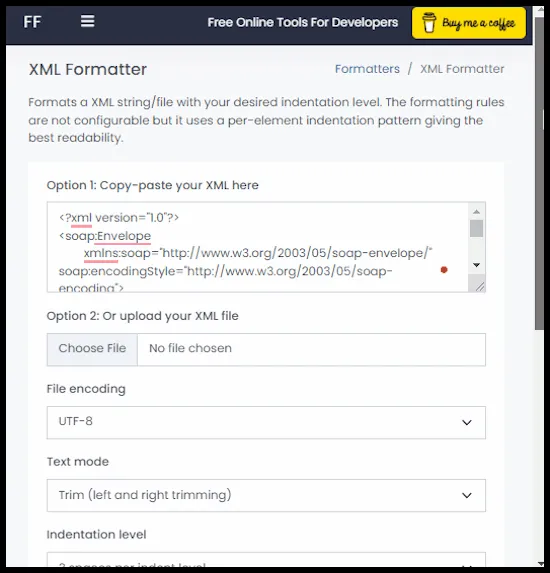
Read more: 5 Free Brotli Compression Tools Online »Use these SOAP formatter online services to quickly format all the unformatted SOAP data and envelop codes.
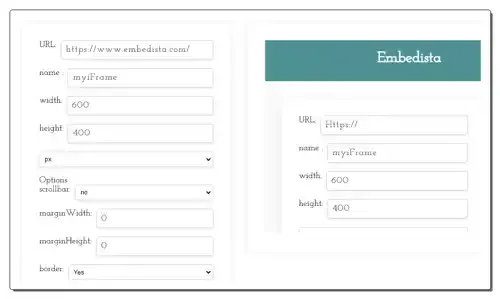
Read more: 6 Best Free SOAP Formatter Online Services »Use these online iFrame code generator websites to quickly generate a custom iFrame code with source URL and frame settings.
Read more: 8 Best Free Online iFrame Code Generator Websites »