How to Embed PDFs in Webpages using Adobe View?
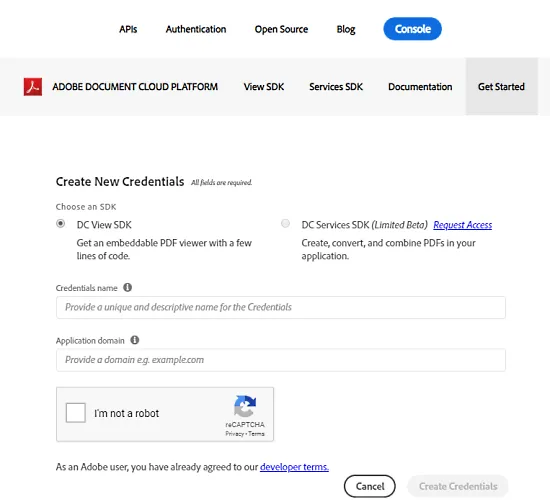
Learn how to embed PDFs in webpages using Adobe View that gives you more control over the appearance od the PDFs on webpages.
Read more: How to Embed PDFs in Webpages using Adobe View? »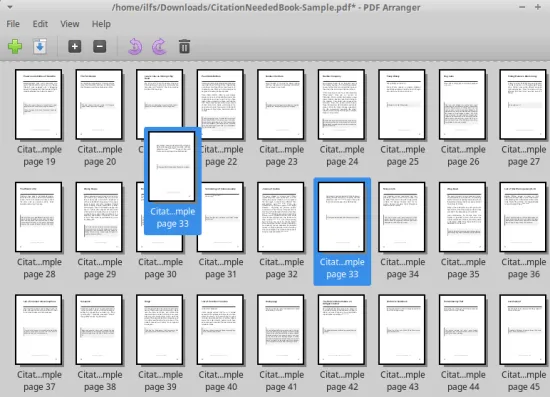
Here is a free PDF arranger software to arrange or reorder pages of PDF files visually with drag & drop operations. Also Split, rotate PDFs
Pdfarranger is a free software to visually arrange, rotate, delete, split pages in PDFs. It takes a PDF from you and show all the pages and then you can arrange them by simple drag and drop operations. Not only that but you can delete individual pages and rotate them in a click. You can export selected PDF pages as individual files or do whatever you want. The UI is simple and all it takes a click to apply an operation. And not only on Windows but you can use this open source PDF manipulation tool on Linux & MAC as well.
There are already some PDF arranger software already but using them to arrange a large PDF can be tedious. This is because you have to enter page numbers there manually. But here in Pdfarranger, you do everything visually. You can even zoom on the workspace to see all the pages correctly and then selectively reposition them in whatever order you like. After you are done, you can export the entire PDF or just the selected pages in case you wanted to split the source PDF file.
You can download Pdfarranger from GitHub releases and then install it on your PC. Windows binary are provided by default but if you want it for some other platform then instructions are there. Install it and open it up; it has a simple interface which looks like this.
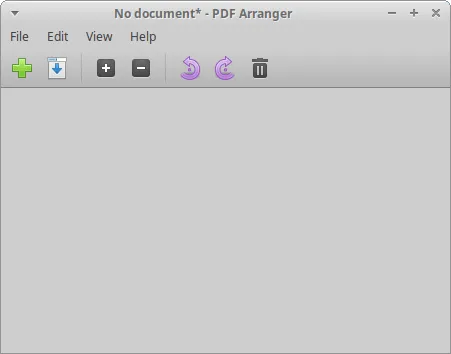
Import a PDF that you want to re-arrange pages in. It will read the PDF quickly and will; show you all the pages on its interface. You can see every page on its main UI and you can zoom in the working area to see content of pages more clearly. To zoom in you just use “Ctrl+ Mouse Scroll“. This is as simple as that.
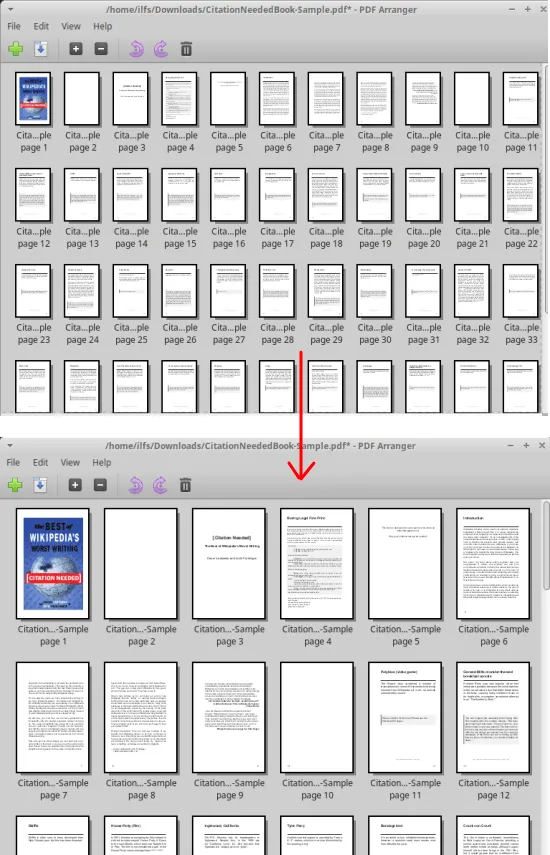
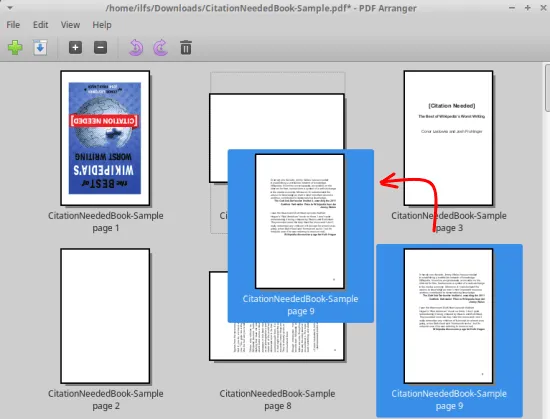
Now, you can start rearranging the pages. To do that, you just drag and page and drop it to the position where you want it. You can use the same approach to arrange pages in this fashion. You can pick a page from any position and drop it in any position and the software will adjust it automatically.
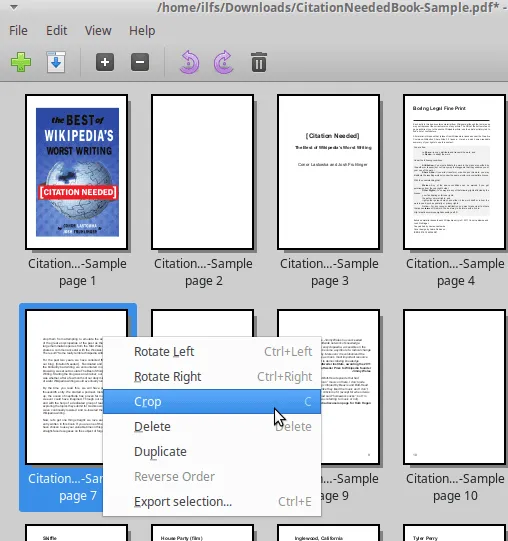
If you want to delete or rotate a page in the current PDF before exporting it then you can do it. Just select a page and then right click on it to see the option to delete or rotate it. You can delete or rotate as many pages you want. And when you are done, then you can simply export the current pages in a separate PDF file. Use File > Save as option or the export button in toolbar to do it.
In this way, you can use this simple, powerful and open source PDF arranger software. Arrange pages visually without any problems and then simply export the final PDF file. Or if you want to split a PDF then you just select ages that you want while holding down the Ctrl key and then export the selection instead of the whole PDF.
If you work with PDF files a lot then you will like the Pdfarranger software that I have mentioned above, It can make arranging PDF pages a very easy task and you can use it with any PDF. Also, I liked the additional features that are included in it. Since this is an open source and is in active development so I hope there will be some more features in the coming updates.
Learn how to embed PDFs in webpages using Adobe View that gives you more control over the appearance od the PDFs on webpages.
Read more: How to Embed PDFs in Webpages using Adobe View? »Learn how to run Python in Google Sheets to import data, process data, and visualize data with the help of charts and graphs.
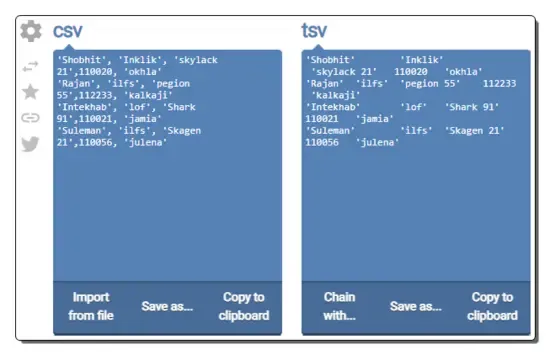
Read more: How to Run Python in Google Sheets »Check out these best free online CSV to TSV converter websites where you can convert data from CSV format to TSV format in seconds.
Read more: 8 Best Free Online CSV to TSV Converter Websites »Check out these best free online ODS to CSV converter websites where you can convert OpenDocument Spreadsheet data to CSV format.
Read more: 10 Best Free Online ODS to CSV Converter Websites »Use these PPTX to JPG converter online services to quickly convert one or more PPTX files to JPG, BMP, PNG, etc., formats.
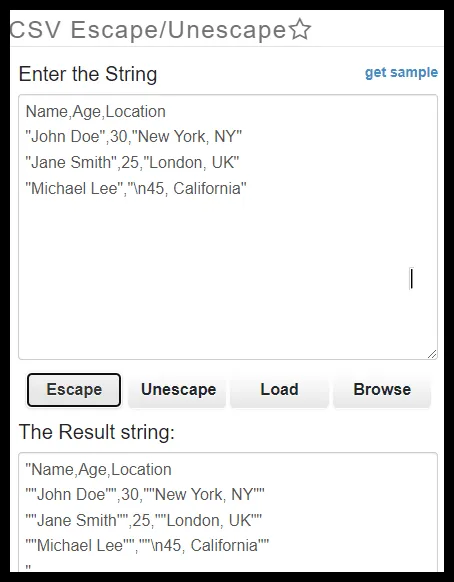
Read more: 7 Best Free PPTX to JPG Converter Online Services »Use these online CSV escape websites to quickly escape all your unescaped CSV data or unescape CSV data with ease.
Read more: 9 Best Free Online CSV Escape Websites »