8 Best Free Online CSV to TSV Converter Websites
Check out these best free online CSV to TSV converter websites where you can convert data from CSV format to TSV format in seconds.
Read more: 8 Best Free Online CSV to TSV Converter Websites »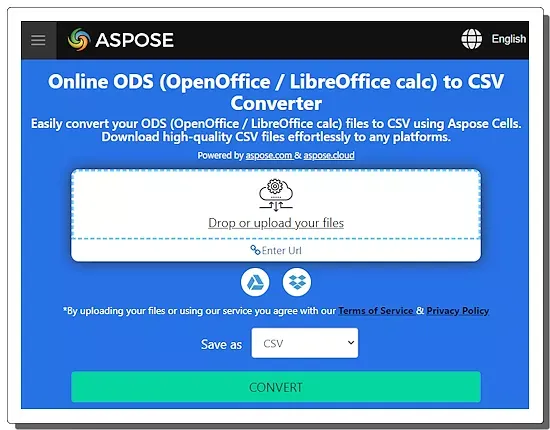
Check out these best free online ODS to CSV converter websites where you can convert OpenDocument Spreadsheet data to CSV format.
Here is a list of the best free online ODS to CSV converter websites. ODS is an OpenDocument Spreadsheet file. This file format stores spreadsheet data. On the other hand, CSV (Comma-Separated Values) is a plain text file format that stores tabular data. It has a row and column layout where each row represents a record and each column represents a field of that record.
I have tested over 20 websites supporting online ODS to CSV conversions. After carefully skipping the ones with low consistency and conversion limits, I have come up with a list of the 10 best websites. The conversion process is simple for anyone to follow and involves only a few steps. Post conversion, you get a CSV file that contains the ODS spreadsheet data. I covered the steps of conversion for all these websites and highlighted their features and limitations. You can go through the posts and explore them in detail.
Aspose.app is my favorite website on this list to convert ODS files into CSV format online. This website offers a handy tool to convert up to 10 files per conversion with no daily conversion limit. It comes with cloud integration that lets you not only import ODS files for conversion but also export CSV back to the cloud after the conversion.
You can check out our other lists of the best free Online CSV Escape Websites, Change CSV Delimiter Online Services, and Online CSV Column Extractor Websites.
| Name | Files per conversion | Conversion size | Cloud Integration |
|---|---|---|---|
| Aspose.app | Up to 10 files | ~10 MB | Import & Export |
| AConvert.com | Up to 40 files | 200 MB | URL import |
| CloudConvert.com | Up to 5 files | 1 GB | Import only |
| ConvertSimple.com | Up to 5 files | - | x |
| OnlineConvertFree.com | Up to 7 files | 100 MB | x |
| AnyConv.com | Up to 60 files | 100 MB | x |
| MConverter.eu | Up to 2 files | 100 MB | Import only |
| Zamzar.com | Up to 2 files | 50 MB | Import only |
| Vertopal.com | 1 | 50 MB | x |
| GroupDocs.app | 1 | - | x |
Aspose.app has a free online ODS to CSV converter. It is a simple converter that can process up to 10 files per conversion. To perform the conversion, you have to add your ODS files. You can do that by uploading the files directly or importing from remote URLs, Google Drive, or Dropbox. You can use any of these methods to add your files and perform the conversion. After the conversion, you can download the CSV files directly. Along with that, you also get options to export the files to Google Drive and Dropbox. You can also provide an email address to share the converted CSV files via email.
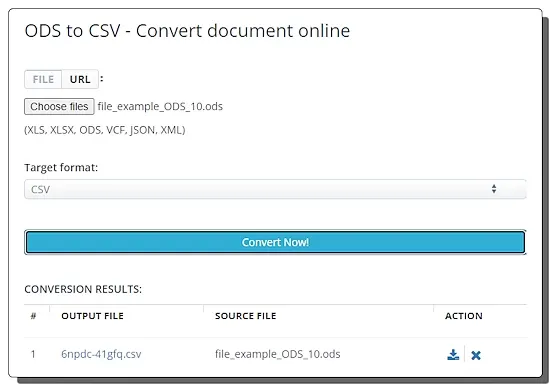
AConvert.com is a free online file conversion platform where you can convert documents, eBooks, images, videos, audio, archives, and web pages. Under the document converters, it offers an online ODS to CSV converter. This is a simple converter that supports local uploads and URL imports with a maximum size limit of 200 MB per file. You can add up to 40 files at once and convert them in one go. It converts the added files in consecutive order. After the conversion, it lists all the converted files on the screen. Each converted file has a download button and a delete button alongside. You can use the download button to save all the converted files one by one.
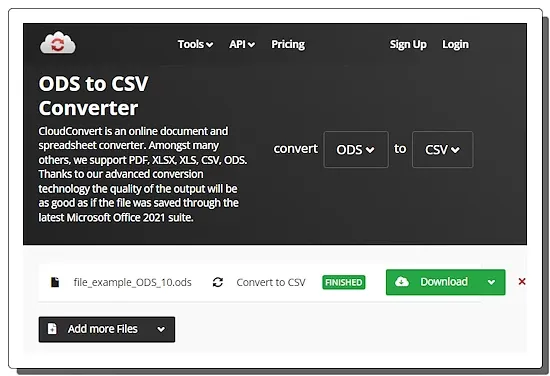
CloudConvert.com is a web-based file conversion platform that supports hundreds of file formats. You can configure an ODS to CSV online converter on this website and perform your conversion. The converter allows you to add up to 20 files per conversion. However, it only converts 5 files per instance. If there are more than 5 files then you have again click the Convert button to convert the next 5 files. To perform the conversion, you get multiple ways to add your files. You can upload, import using URLs, or fetch files from Google Drive, Dropbox, and OneDrive. With that, you can easily convert and download your files. This a good converter for single and batch conversions. However, you only get 750 free conversion minutes per month. This roughly translates to 25 conversions per day.
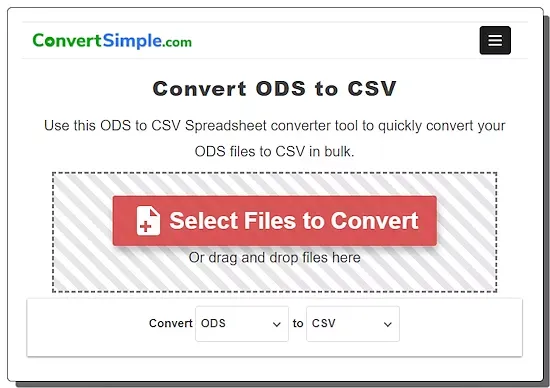
ConvertSimple.com has a simple ODS to CSV converter. This converter can easily convert up to 5 ODS files to CSV per conversion. It supports local file uploads only. You can just drag and drop ODS files to convert and convert those files to CSV. Upon conversion, you can download each converted file separately. You also get an option to download all files at once as a ZIP. This converter has limitations in terms of size and files per conversion. There are no words for these limits. However, whenever a user hits the limit, it asks to purchase a 48-hour pass to get unlimited file conversions.
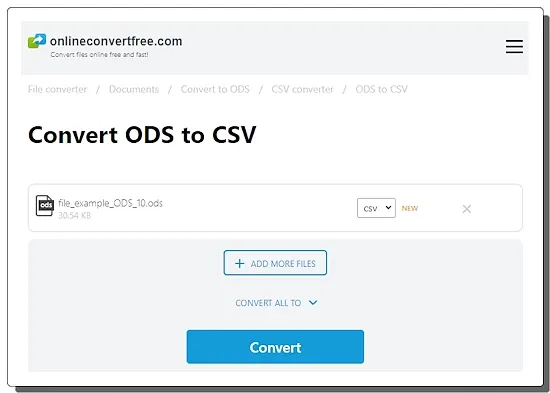
OnlineConvertFree.com is another capable online file conversion platform. This website has a generous free plan that you can use without an account. It has an Online CSV Converter that you can use to convert ODS files to CSV file format. This converter can process up to 7 files per conversion with a size limit of up to 100 MB per file. It does not have cloud integration so you have to work with locally saved files only. You can simply upload your files and convert them. After the conversion, you get a download and a remove button alongside each file. Along with that, you also get a button to download all converted files as a ZIP. From there, you can save your converted files directly.
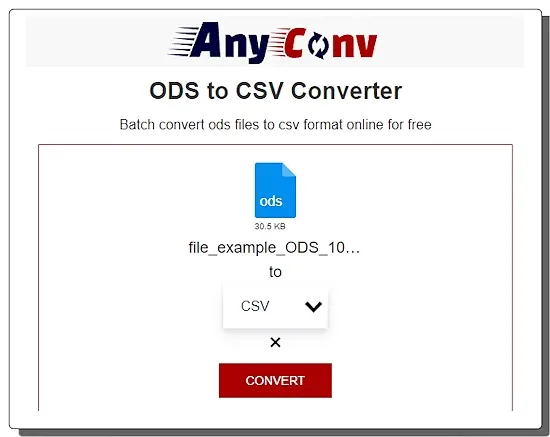
AnyConv.com is a cloud-based file conversion website. It has an online ODS to CSV converter that you can use for single as well as batch conversion. This converter works with local files only with no cloud import options. You can upload up to 60 files at a time and convert them all in a single instance. Just make sure that each file is 100 MB or less. After starting the conversion, you have to wait as the converter automatically converts one file after another. When a file is converted, it gives a download button alongside it. This way you can download the converted files one by one. This website limits 60 file conversions per hour. This limit is to ensure the stability of the website.
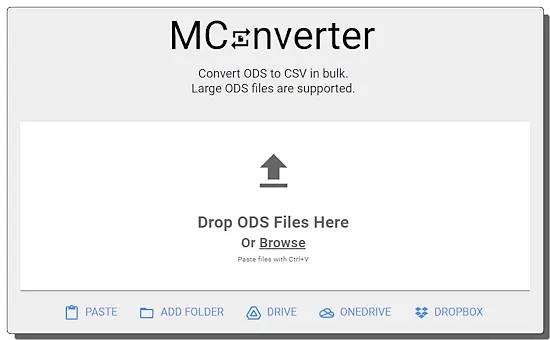
MConverter.eu is a cloud-based file conversion service covering video, audio, image, archive, document, ebook, Minecraft, and subtitles. You can use this website to convert ODS to CSV. The process is quite simple. You can upload your ODS files to the converter and then pick CSV as the output format to perform the conversion. Within a minute or so, it gives you the converted CSV files that you can download to your computer. Coming to the functionality of the converter, it does not have any cloud import functionality so you have to work with local files only. You can add up to 2 files per conversion. There is a 200 MB conversion size limit and a 100 MB file size limit. Apart from that, this converter puts additional limitations when used with an ad blocker. If you are not using an ad-blocker then it lets you convert up to 10 files per day for free. And if you are using an ad-blocker then it limits you to 2 free file conversions per day only. In that case, you can simply disable the ad-blocker to get the additional free conversions.
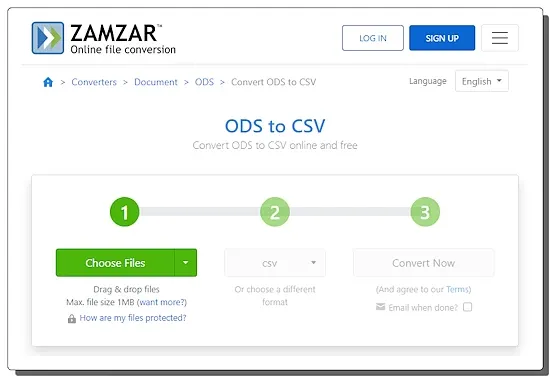
Zamzar.com is an online file conversion website. This website has a versatile converter and supports hundreds of file formats. The converter offers multiple input methods covering local upload, URL import, Dropbox import, Box import, Google Drive import, and OneDrive import. It has a three-step conversion process. To convert ODS to CSV, you can add ODS files using any of the available methods. Then you can pick CSV as the output format and perform the conversion. You also get an option for an email alert of the conversion. You can opt-in for an email alert and provide an email address. This sends the download links via email. Also, you can just download the files directly from the website after the conversion.
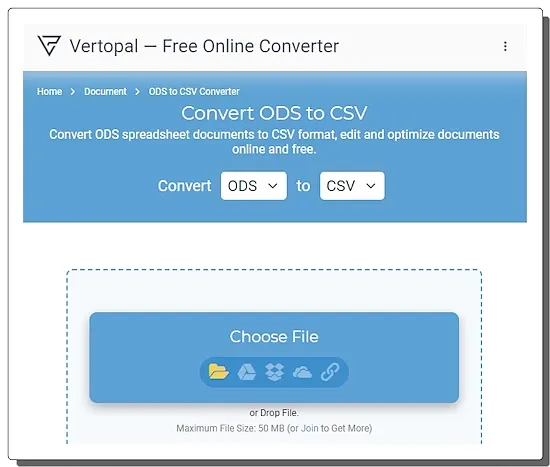
Vertopal.com is another website that you can use to convert ODS to CSV online. This website supports a wide range of file conversions. In the case of ODS to CSV, it converts one file per conversion with a maximum size limit of 50 MB. To perform the conversion, either you can upload a locally saved ODS file or you can import an ODS via URL or from Google Drive, Dropbox, or OneDrive. This converter takes you through simple steps where you just have to follow the on-screen instructions. From there, you can go ahead with the conversion and convert the ODS file to CSV file format.
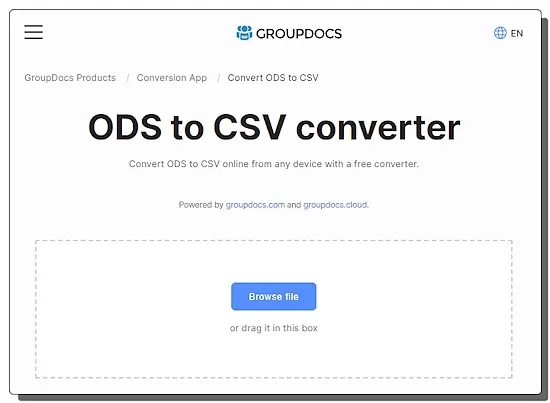
GroupDocs.app is another online converter that you can use to convert ODS to CSV. This website offers a simple converter that processes one file at a time. You can simply drag and drop your ODS file to the convert and perform the conversion. It is easy and fast. Upon conversion, you get a button to download the converted CSV file. Along with that, you get an option to send files via email. You just have to mention the email address with which you want to share the converted file.
ODS stands for OpenDocument Spreadsheet, a file format used by spreadsheet programs like LibreOffice Calc and Google Sheets. While not native to Excel, Excel can actually open and save files in ODS format.
ODS is an open standard format, meaning it’s not tied to any specific software like Microsoft Excel. This makes it freely usable with various spreadsheet programs, especially free and open-source options like LibreOffice Calc and Google Sheets. Since ODS is an open standard, it can be accessed and edited on different operating systems like Windows, Mac, and Linux without worrying about compatibility issues.
A CSV file format, standing for Comma-Separated Values, is a simple and widely used way to store tabular data in plain text. Think of it like a spreadsheet program, but saved as a basic text file.
CSVs are incredibly easy to create and edit. You can use a simple text editor or even a spreadsheet program to create a CSV file. Since they’re plain text, they’re also human-readable, making it easy to understand the data structure.
Yes, there are online converters available for this purpose.
Reputable online converters should handle your files securely, but it’s always best to use trusted sites.
Some online converters support batch processing for multiple files. You can try Aspose.app, CloudConvert.com, etc. for batch conversion.
Most online converters typically cannot process password-protected files for security reasons.
Check out these best free online CSV to TSV converter websites where you can convert data from CSV format to TSV format in seconds.
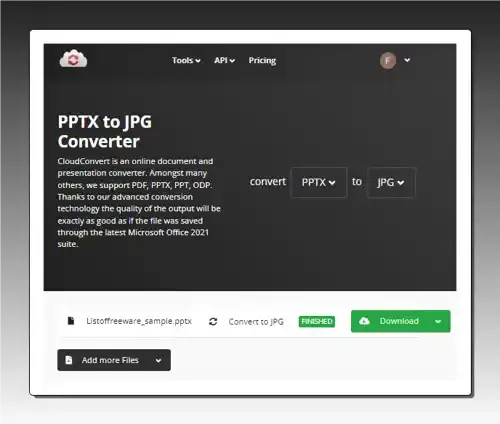
Read more: 8 Best Free Online CSV to TSV Converter Websites »Use these PPTX to JPG converter online services to quickly convert one or more PPTX files to JPG, BMP, PNG, etc., formats.
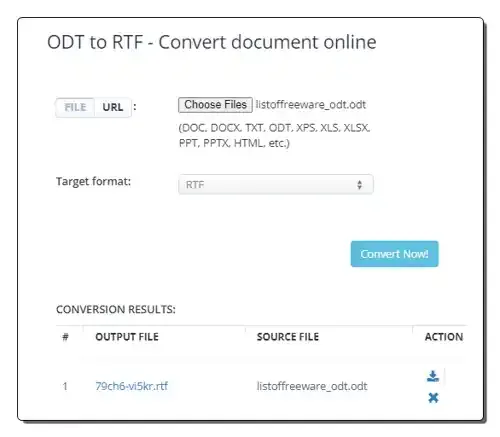
Read more: 7 Best Free PPTX to JPG Converter Online Services »Use these online ODT to RTF converter websites to quickly convert ODT files to RTF and other supported document formats.
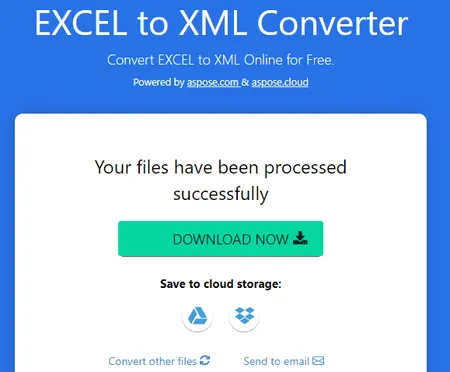
Read more: 10 Best Free Online ODT to RTF Converter Websites »Check out these best free online Excel to XML converter services where you can easily convert spreadsheet data into XML format.
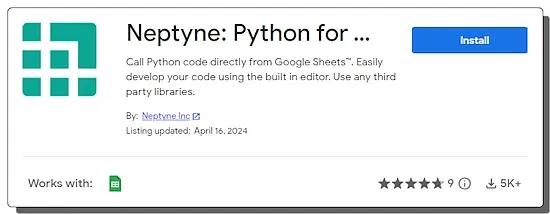
Read more: 12 Best Free Online Excel to XML Converter Services »Learn how to run Python in Google Sheets to import data, process data, and visualize data with the help of charts and graphs.
Read more: How to Run Python in Google Sheets »Use these online CSV escape websites to quickly escape all your unescaped CSV data or unescape CSV data with ease.
Read more: 9 Best Free Online CSV Escape Websites »