10 Best Free Online ODS to CSV Converter Websites
Check out these best free online ODS to CSV converter websites where you can convert OpenDocument Spreadsheet data to CSV format.
Read more: 10 Best Free Online ODS to CSV Converter Websites »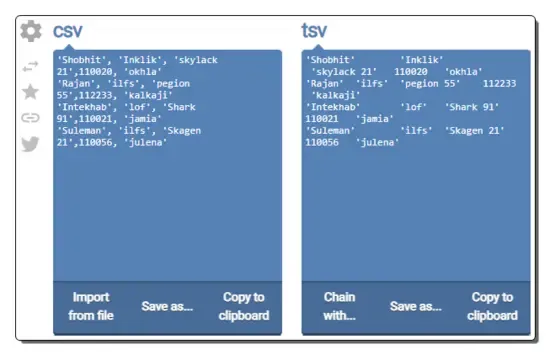
Check out these best free online CSV to TSV converter websites where you can convert data from CSV format to TSV format in seconds.
Here is a list of the best free online CSV to TSV converter websites. CSV and TSV are very similar formats used to save tabular data. CSV uses commas to separate the values whereas TSV uses tabs. A CSV to TSV converter takes the CSV data and restructures that to the TSV format. The converter not only replaces the commas with tabs but also takes care of headers, quote characters, comments, and more.
I have tested 10+ websites that offer online CSV to TSV conversion. Out of that, I’m covering the top 8 websites that offer quick and reliable conversions. You can simply add your CSV data to any of these converters and get it converted to TSV format in seconds.
OnlineTools.com is my favorite website on this list to convert CSV to TSV online. This provides a simple interface where you can add CSV input and get the corresponding TSV output. It also provides conversion settings allowing you to configure the delimiter, inclusion of quote characters, comments, and more.
You can check out our other lists of the best free Online CSV Escape Websites, Online CSV to HTML Converter websites, and Online CSV to Excel Converter Websites.
| Name | CSV Input Options | TSV Output | Conversion Settings |
|---|---|---|---|
| OnlineTools.com | Paste, File Upload | Copy, TXT Download | Available |
| Konbert.com | Paste, File Upload, URL Import | Copy, CSV Download | Available |
| Aspose.app | Paste, File Upload, URL Import, Google Drive, Dropbox | Copy, TSV Download, Email, Google Drive, Dropbox | Not Available |
| OnlineTSVTools.com | Paste, File Upload | Copy, TXT Download | Available |
| ConvertSimple.com | Paste, File Upload | Copy, TSV Download | Not Available |
| GroupDocs.app | File Upload | TSV Download, Email | Not Available |
| LambdaTest.com | Paste | Copy | Not Available |
| wTools.io | Paste, File Upload | Copy, TXT Download | Available |
OnlineTools.com is a free website that provides a collection of free online tools for text and data processing. The website features tools for generating, converting, replacing, filtering, encoding, decoding, and manipulating text. It has a free online CSV to TSV converter. This is a simple tool that takes data in CSV format and converts that to TSV format. It provides a few conversion options for the process including delimiter configuration, inclusion of quote characters, and comments. Along with that, it allows you to preserve headers and ignore lines with no data. The tool has two text boxes side by side for CSV and TSV data. It offers multiple options to add CSV data including copy-pasting and file upload. As soon as the data is added, it instantly converts that to TSV as per the configured conversion options. After the conversion, you can directly copy the TSV data or download it as a text file.
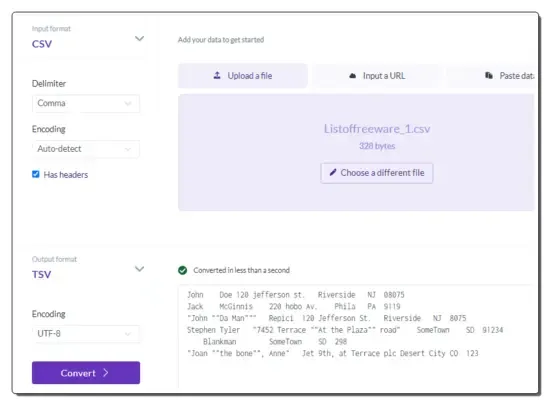
Konbert.com is another free website where you can convert CSV to TSV online. This website has a simple converter that asks you to pick the input options for CSV input. You can go with “Upload a file“, “Input a URL“, and “Paste data“. Based on your selection, you get the respective input option to add your CSV data to the converter. It also provides options to configure the delimiter and encoding. You can use those options as per your requirements. After adding the data, you can run the tool to perform the conversion. This tool shows the converted TSV data on the screen. Below that, you get two buttons to copy and download the data. The download button also shows the file size and saves the data as a CSV file.
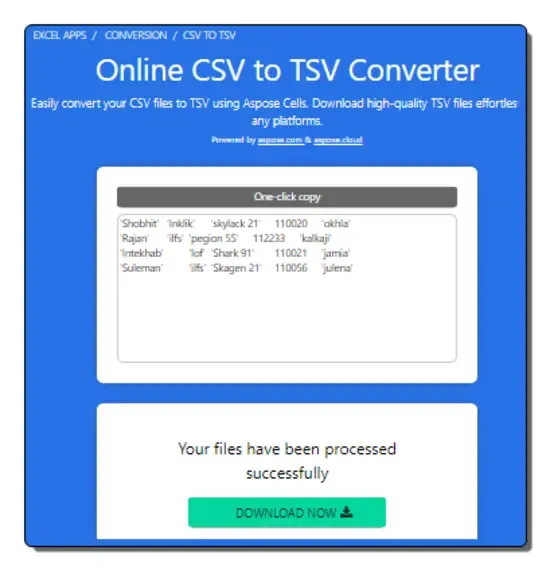
Aspose.app is another free website that offers a free online CSV to TSV converter. It is a simple converter that takes CSV input and converts that to TSV format. This tool provides multiple options to add the CSV data. It includes file upload, URL import, and import from Google Drive or Dropbox. Apart from that, you can also directly copy and paste the CSV data. It lacks in terms of conversion settings. It automatically detects the delimiter used in the input CSV data and performs the conversion. After the conversion, you can copy the TSV output and download the converted TSV files directly. Along with that, you also get options to export the files to Google Drive/Dropbox and share the converted CSV files via email.
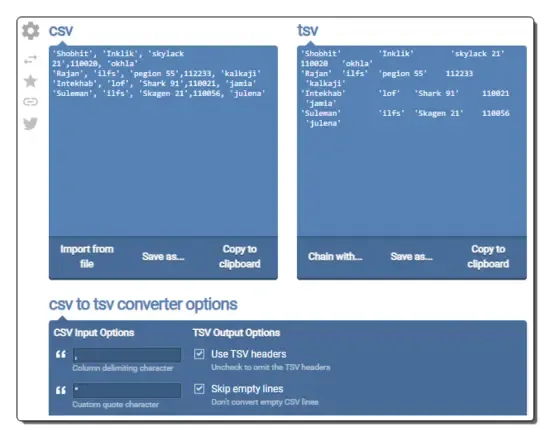
OnlineTSVTools.com is a part of the dedicated TSV tools offered by OnlineTools.com. It provides a free tool to convert CSV data to TSV format. This tool comes with two text boxes on the screen; one for CSV input and another for TSV output. Below these sections, it features conversion settings where you can define the CSV delimiter, quote characters, and comments. Along with that, it also provides options to preserve headers and skip empty lines. To perform a conversion, you can directly add the CSV data or upload a file. The tool automatically fetches the data from the file and shows that inside the CSV section. Then it performs the conversion to TSV. Upon conversion, it shows the TSV data in the TSV section from where you can copy it to the clipboard or download it as a text file. The tool also provides links to other text/data tools where you can chain the TSV output and perform further actions on the converted data.
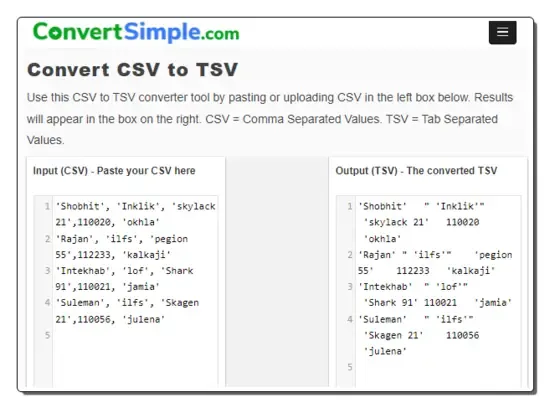
ConvertSimple.com is a website that offers simple conversion tools for various formats, including CSV, TSV, JSON, YAML, XML, and more. It has an online tool to convert CSV to TSV. This is a simple tool with two text boxes side by side for input and output. You have two options to add the CSV data to this tool. Either you can copy-paste the code directly or you can upload a file. The tool gives you the TSV data in the output box. The conversion here is automatic. The tool automatically detects the delimiter used in the CSV data and it does not offer any additional conversion options. Upon conversion, you get a download and a copy button below the TSV output. From there, you can use the desired option to save the TSV data.
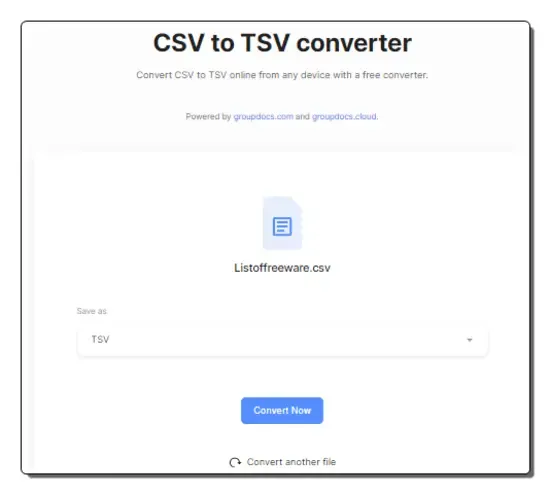
GroupDocs.app is a file conversion website that offers free online file and data converter tools. This website has a CSV to TSV converter. This converter works with files only with no raw data input or output. It converts one file at a time. You can directly upload the CSV file and then select the TSV as the output format. The conversion takes a few seconds and after that, you can download the converted TSV file. Along with the download button, you also get an option to enter an email address. You can use that option to share the converted file via email.
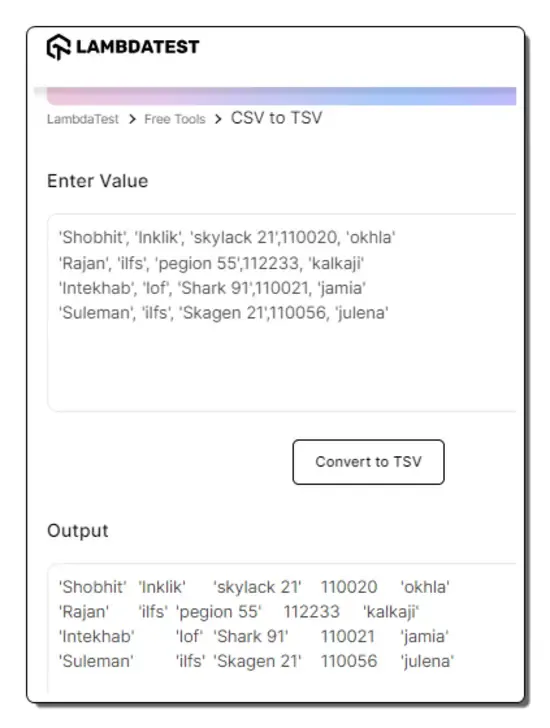
LambdaTest.com offers a variety of web developer tools and services, including cross-browser testing, automation testing, visual regression testing, and more. It has a CSV to TSV Converter. The converter tool is simple and comes with two boxes. The box at the top is for input where you can paste the CSV data directly. Then you can simply run the conversion and get the TSV output. It shows the output in the box below the input. The tool does not have any direct option to copy or download the TSV output. However, you can select and copy the TSV data using the keyboard shortcut. This way, you can easily convert your CSV data to TSV format.
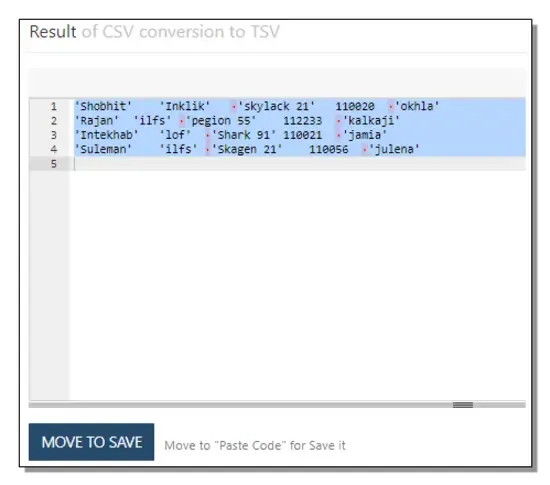
wTools.io is a free website where you can get a tool to convert CSV to TSV online. This is another simple converter where you can paste the CSV data and convert that to TSV format. Alternatively, you can also upload a file to the tool. When you do that, it loads the data from the file and then converts that to TSV. While doing so, you get additional options to remove comments from the code and use variables. You can toggle those options as per your needs. In the end, you can quickly copy the code to the clipboard with a click or download it as a text file for later needs.
A CSV (Comma-Separated Values) file is a plain text file that stores tabular data separated by commas.
A TSV (Tab-Separated Values) file is a plain text file that stores tabular data separated by tabs.
A CSV to TSV converter is a tool that converts Comma-Separated Values (CSV) files to Tab-Separated Values (TSV) files or vice versa.
You might need to convert CSV to TSV for compatibility with different programs or systems that prefer tab-separated formatting.
The converter typically reads the CSV file, parses the data separated by commas, and then writes the data with tab separators into a new TSV file.
Yes, there are several free online tools and software programs that offer CSV to TSV conversion.
Check out these best free online ODS to CSV converter websites where you can convert OpenDocument Spreadsheet data to CSV format.
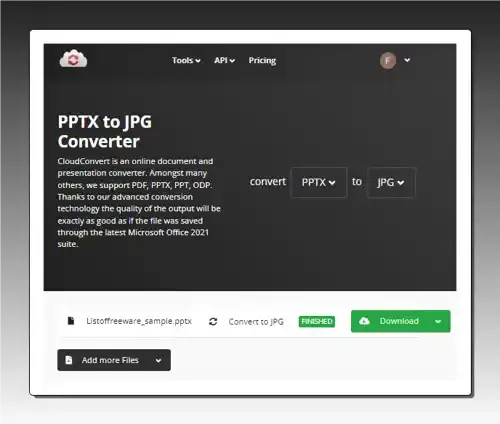
Read more: 10 Best Free Online ODS to CSV Converter Websites »Use these PPTX to JPG converter online services to quickly convert one or more PPTX files to JPG, BMP, PNG, etc., formats.
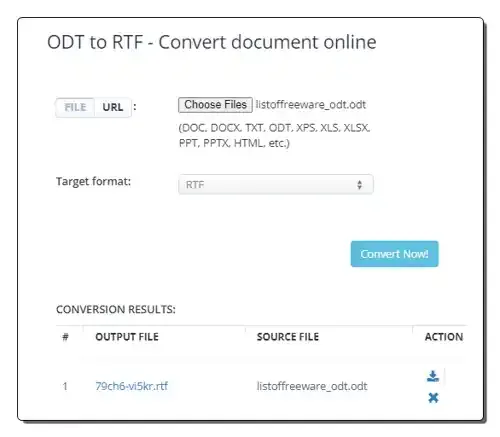
Read more: 7 Best Free PPTX to JPG Converter Online Services »Use these online ODT to RTF converter websites to quickly convert ODT files to RTF and other supported document formats.
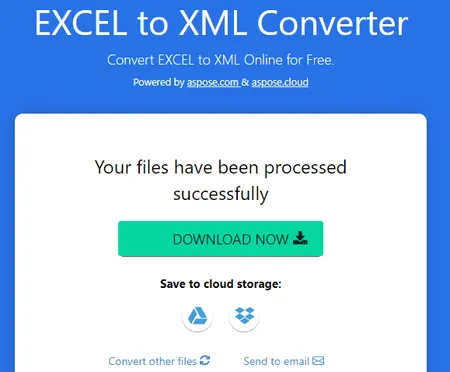
Read more: 10 Best Free Online ODT to RTF Converter Websites »Check out these best free online Excel to XML converter services where you can easily convert spreadsheet data into XML format.
Read more: 12 Best Free Online Excel to XML Converter Services »Learn how to run Python in Google Sheets to import data, process data, and visualize data with the help of charts and graphs.
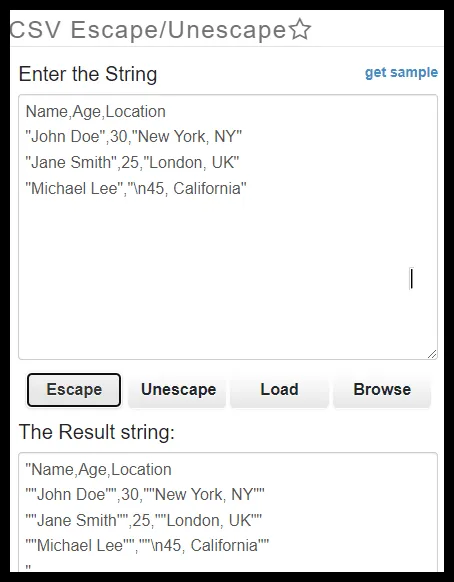
Read more: How to Run Python in Google Sheets »Use these online CSV escape websites to quickly escape all your unescaped CSV data or unescape CSV data with ease.
Read more: 9 Best Free Online CSV Escape Websites »