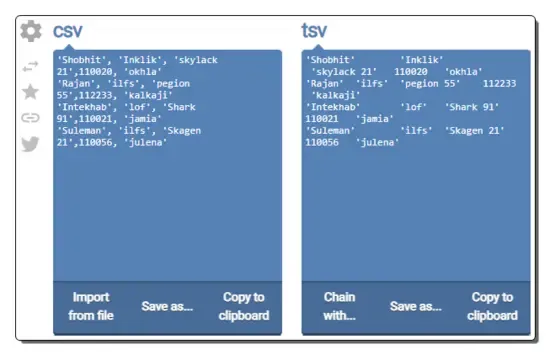
8 Best Free Online CSV to TSV Converter Websites
Check out these best free online CSV to TSV converter websites where you can convert data from CSV format to TSV format in seconds.
Read more: 8 Best Free Online CSV to TSV Converter Websites »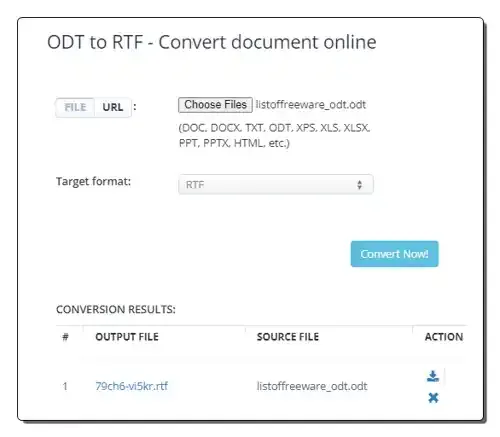
Use these online ODT to RTF converter websites to quickly convert ODT files to RTF and other supported document formats.
Here is a list of best free online ODT to RTF converter websites. ODT or OpenDocument File Format is a popular file format that carries formatted text documents. It is mainly used in LibreOffice and ApacheOffice word processors. This format is used to store and transfer formatted text and metadata information. It is quite similar to the DOCX format used by Microsoft Word. RTF or Rich Text Format files also carry formatted text documents similar to ODT. RTF format allows users to transfer data across different operating systems and software. However, it only supports basic formatting, unlike ODT. Due to compatibility issues with certain programs, ODT files are converted to RTF format. If you also want to do that, check out these online ODT to RTF converter websites.
I have tested more than 20 online tools and websites and come up with 10 best free ODT to RTF converter websites. These websites allow me and other users to batch-convert ODT files to RTF format. It lets users fetch ODT files from online sources and cloud storage services. Some websites even let users add password protection to output RTF formats. Tools to convert ODT files to formats like PDF, DOCX, DOC, SVG, XLSX, CSV, and HTML are also present. To help new users, I have included the necessary file conversion steps in the description of each website. Go through the list to learn more about these converters.
aconvert.com is my favorite website as it can batch convert ODT files to RTF without any restrictions. Plus, it can fetch ODT files from online sources.
You can also check out lists of best free Online ODT to PDF Converter, Online ODT to CSV Converter, and Online CSV to XML Converter websites.
| Features/Website Names | Supports batch file conversion | Can fetch ODT files from online sources | Imposes restrictions on the Free version |
|---|---|---|---|
| aconvert.com | ✓ | x | no restrictions |
| convertio.co | ✓ (up to 2 files) | ✓ | ✓ |
| mconvert.eu | ✓ (up to 2 files) | x | ✓ |
| cloudconvert.com | ✓ | ✓ | ✓ |
| freeconvert.com | ✓ (up to 5 files) | ✓ | ✓ |
| online-convert.com | ✓ (up to 3 files) | ✓ | ✓ |
| products.aspose.app | ✓ | ✓ (local and cloud storage only) | no restrictions |
| groupdocs.app | x | x | no restrictions |
| anyconv.com | ✓ | x | no restrictions |
| converter.11zon | ✓ | x | no restrictions |
aconvert.com is a free online ODT to RTF converter website. This website offers multiple file conversion tools along with an ODT to RTF converter. It can fetch ODT files from local storage and online sources. At a time, it can fetch and process multiple ODT files in RTF format. It supports various output file formats like PDF, DOC, XLS, JSON, YAML, etc. It describes both ODT and RTF formats and offers steps of conversion. I especially like its no restriction policy as it doesn’t impose any restriction on its free version, unlike similar websites. Now, follow the below steps.
It is one of the best free online ODT to RTF converter websites that can batch-convert ODT files to RTF without any restrictions.
| Pros |
|---|
| Supports batch file conversion |
| Can fetch files from online sources |
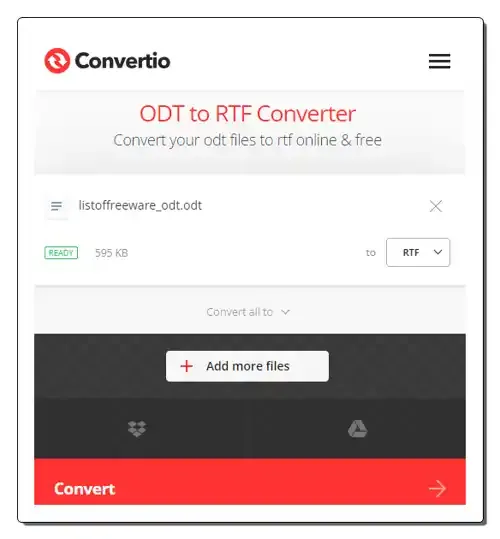
convertio.co is a free online ODT to RTF converter website. With the help of this website, I can batch-convert ODT files to RTF format. It lets me and other users fetch ODT files from online sources and cloud storage services. It can also convert ODT files to various document formats like DOC, PDF, XLS, HTML, DOTX, CSV, etc. However, this website’s free version concurrently processes up to 2 files at a time. To remove this limit, you have to go for its premium plans. Now, follow the below steps.
It is another good online ODT to RTF converter website that can quickly convert multiple ODT files to RTF and other supported document formats.
| Pros | Cons |
|---|---|
| Supports batch conversion | Free version only performs 2 concurrent file conversions |
| Can fetch files from online sources |
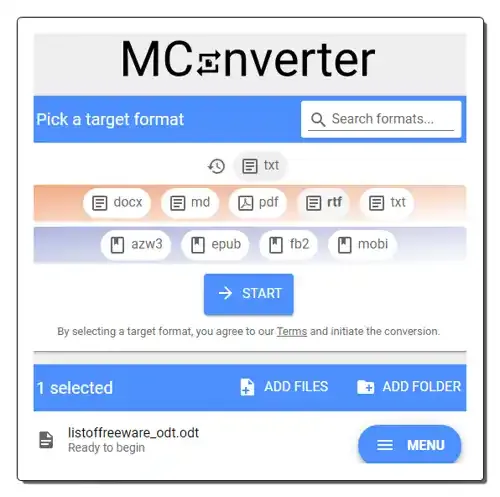
mconvert.eu is another free online ODT to RTF converter website. This website offers multiple file conversion tools including an ODT to RTF converter. This converter allows me to convert up to 2 ODT files to RTF at a time. You can convert more files at a time by purchasing its premium plan. I can also convert ODT files to DOCX, PDF, AZW3, and FB2 format with this tool. However, it cannot fetch ODT files from online sources. Now, check out the below steps.
It is another free online ODT to RTF converter website that I can use to convert ODT files to Rich Text Format.
| Pros | Cons |
|---|---|
| Supports batch conversion | Free version only performs 2 concurrent file conversions |
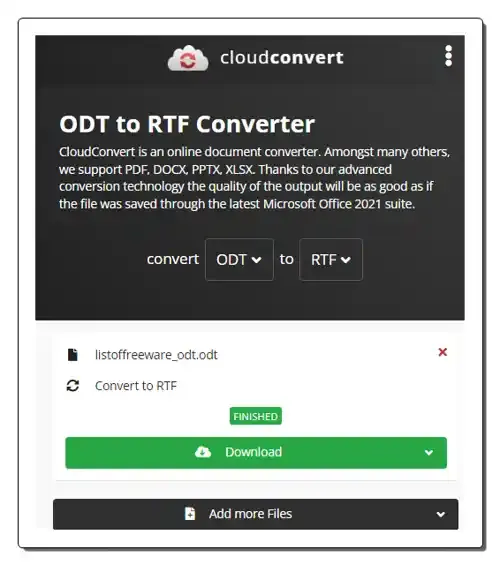
cloudconvert.com is another free online ODT to RTF converter website. This website allows me to batch convert multiple ODT files to RTF, PDF, TXT, HTML, DOC, and DOCX formats. I also like its conversion speed as it quickly processes multiple files. This website also lets you fetch ODT files from online sources and cloud storage services (Google Drive, Dropbox, etc.). Now, follow the below steps.
It is another simple-to-use online ODT to RTF converter that can batch-convert ODT files to RTF and other supported document formats.
| Pros | Cons |
|---|---|
| Supports batch conversion | Its free version imposes some restrictions |
| Can fetch files from online sources |
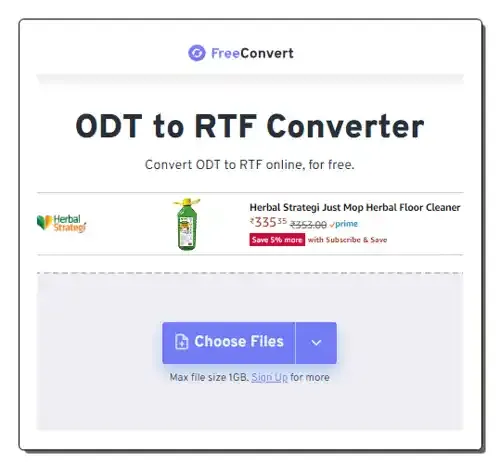
freeconvert.com is another free online ODT to RTF converter website. Through this website, users can convert one or more ODT files to RTF, TXT, PDF, Word, DOC, etc., formats. It also allows me to fetch ODT files from online sources and cloud storage services. I also like its ability to support ODT files of up to 1 GB in size. Before starting the conversion process, users can also choose to add a password protection layer to output files. However, its free version imposes restrictions like limited file conversions (up to 5 at a time), limited daily file conversions, etc. Now, check out the below steps.
It is another good online ODT to RTF converter website that allows users to batch-convert large ODT files to RTF format.
| Pros | Cons |
|---|---|
| Supports batch conversion | Free version supports limited batch conversions |
| Supports files of up to 1 GB in size |
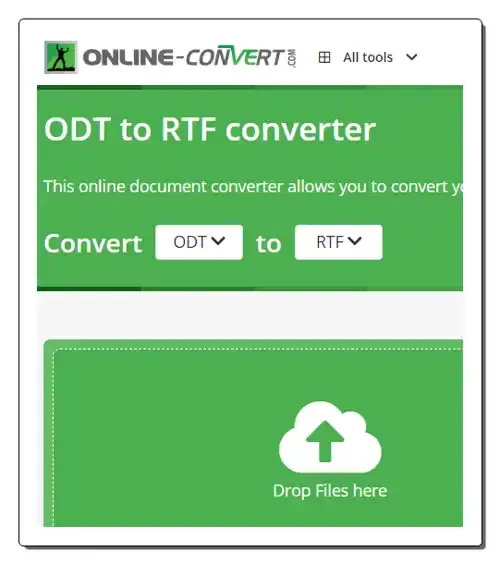
online-convert.com is another free online ODT to RTF converter website. This website allows me to batch convert up to 3 ODT files to RTF at a time. To convert unlimited files at once, users need to purchase its premium version. Users can also choose to fetch ODT files from online sources and cloud storage services. Before starting the conversion process, users can fetch text data from the input document using OCR. Now, follow the below steps.
I like the simplicity and efficiency of this online ODT to RTF converter website. Plus, it supports batch conversion.
| Pros | Cons |
|---|---|
| Supports batch conversion | Free version supported limited batch conversions (up to 3) |
| Can fetch files from online sources |
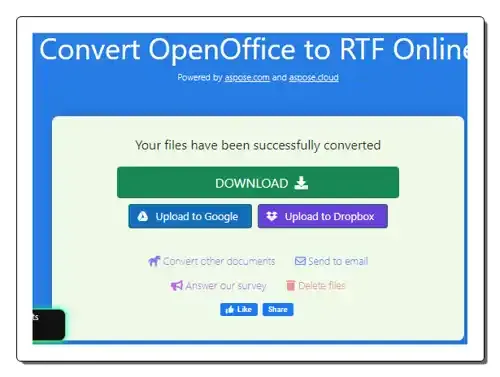
products.aspose.app is another free online ODT to RTF converter website. It is another good website that allows users to convert multiple ODT files to RTF format at a time. By default, it batch processes up to 5 files at a time. By logging in to this website, users can batch-process more files. It can also fetch ODT files from Google Drive and Cloud Storage services. I also like its ability to convert ODT files to DOC, TXT, DOT, OTT, etc., formats. It also provides conversion steps and answers common queries related to ODT to RTF conversion. Now, follow the below steps.
It is another good online ODT to RTF converter that allows me and other users to batch-convert ODT files to RTF format.
| Pros |
|---|
| Supports batch conversion |
| Can fetch files from cloud storage services |
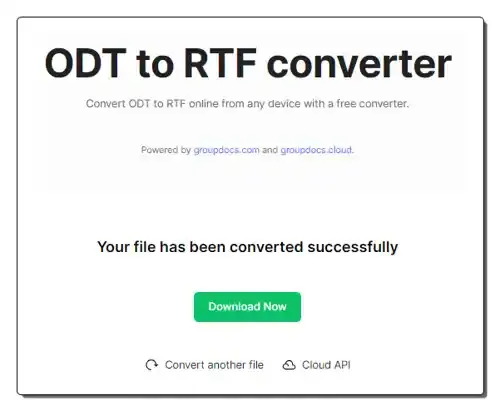
groupdocs.app is another free online ODT to RTF converter website. This website offers a simple ODT to RTF converter website that can convert one ODT file to RTF at a time. It can also convert ODT files to XLS, WEBP, TXT, SVG, TIFF, etc., formats. It also explains this conversion and shows conversion steps. A good set of ODT to RTF conversion queries are also answered. However, it cannot fetch ODT files from online sources or cloud storage services. It also lacks batch file conversion capability. Now, follow the below steps.
This website comes with a simple ODT to RTF converter that helps me convert one ODT file to RTF at a time.
| Cons |
|---|
| It doesn’t support batch file conversion |
| Cannot fetch files from online sources |
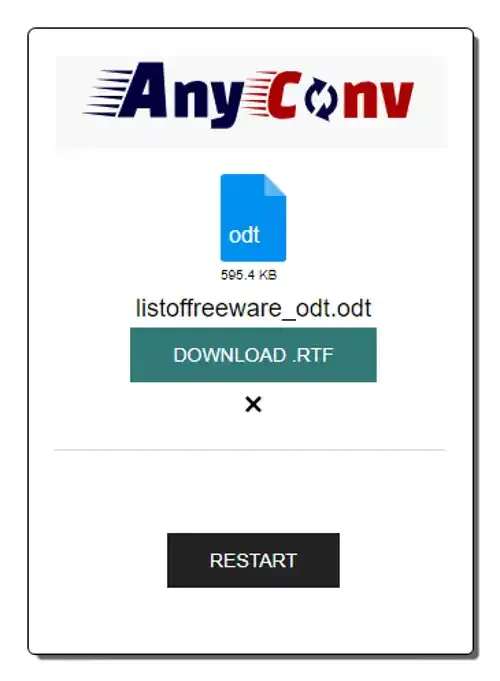
anyconv.com is the next free online ODT to RTF converter website. Using this website, I can batch-convert ODT files to RTF without hassle. It also allows me to convert ODT files to formats like JPG, PNG, PPT, TXT, XML, etc., formats. To help me out, It also provides file conversion steps. A single ODT file of up to 100 MB in size is supported. Unlike similar websites, it cannot fetch ODT files from online sources. Now, follow the below steps.
In my opinion, it is a hassle-free ODT to RTF converter that allows me to quickly convert multiple ODT files to RTF format.
| Pros | Cons |
|---|---|
| Supports batch file conversion | Cannot fetch files from online sources |
| Provides conversion steps | |
| Offers related FAQs |
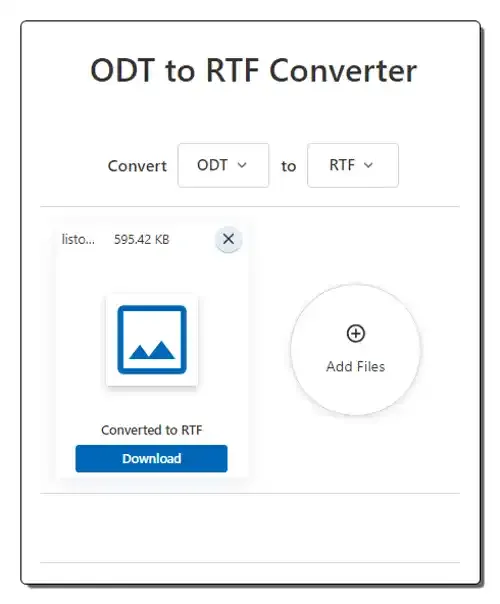
converter.11zon is the last free online ODT to RTF converter website. Using this website, I can quickly convert one or more ODT files to RTF format. It also supports additional RTF file formats like DOC, DOCX, AZW3, EPUB, TXT, PDF, and more. Unlike similar websites, it cannot fetch ODT files from online sources. Now, follow the below steps.
It is another good online ODT to RTF converter website that I can use without hassle.
| Pros | Cons |
|---|---|
| Supports batch file conversion | Cannot fetch files from online sources |
You can use online ODT to RTF converter websites to quickly convert multiple ODT files to RTF without much hassle. These websites can fetch ODT files from both local and online sources.
While both ODT and RTF are file formats used for storing formatted text documents, they have some differences like ODT is open and free, based on XML, and independent of any specific software. On the other hand, RTF is Proprietary format developed by Microsoft.
RTF boasts exceptional compatibility across various platforms, operating systems, and software, including older systems that might lack support for newer formats like ODT. This makes it a reliable choice for sharing documents with a diverse audience without worrying about accessibility issues.
ODT is an open standard format, meaning it’s freely available and not tied to any specific software vendor. This gives you freedom of choice and avoids vendor lock-in. You can use any software that supports ODT, and your documents won’t be tied to one particular program. There are no licensing fees associated with using ODT, which is especially beneficial for individuals and organizations with limited budgets.
Check out these best free online CSV to TSV converter websites where you can convert data from CSV format to TSV format in seconds.
Read more: 8 Best Free Online CSV to TSV Converter Websites »Check out these best free online ODS to CSV converter websites where you can convert OpenDocument Spreadsheet data to CSV format.
Read more: 10 Best Free Online ODS to CSV Converter Websites »Use these PPTX to JPG converter online services to quickly convert one or more PPTX files to JPG, BMP, PNG, etc., formats.
Read more: 7 Best Free PPTX to JPG Converter Online Services »Check out these best free online Excel to XML converter services where you can easily convert spreadsheet data into XML format.
Read more: 12 Best Free Online Excel to XML Converter Services »Learn how to run Python in Google Sheets to import data, process data, and visualize data with the help of charts and graphs.
Read more: How to Run Python in Google Sheets »Use these online CSV escape websites to quickly escape all your unescaped CSV data or unescape CSV data with ease.
Read more: 9 Best Free Online CSV Escape Websites »